31
Pic57
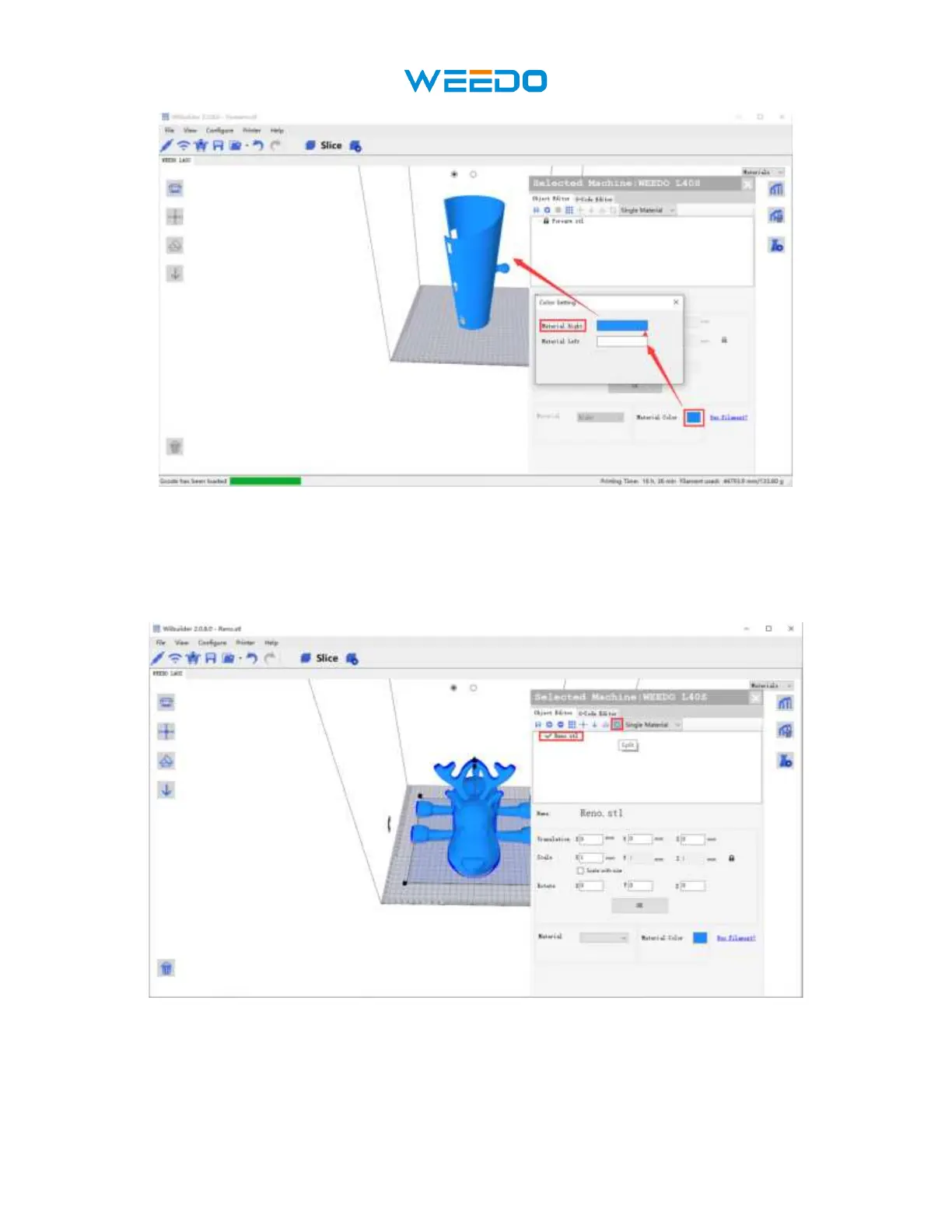
8. How to color different parts of the movable model. Load a stl file-reno, which is
movable show in Pic58, Click ‘Split’, the model will split into different parts, we can
choose different nozzle for different parts to print, show in Pic59. When printing two
colors, the upper left corner will print the erase tower for switching colors, show in Pic60
Pic58



 To Next Page