English
HMI
Main
Level0Level1
Status
Diagnostics
Configurations
Assistants
0.0.
1.
2.
3.
Figure4.2:HMIScreensandMenus
Level0:
Themainscreenislocated,whereyoucanselectwhichreadingvariables(Status)youwanttoview.
Level1:
Themainmenustoaccessthevariablesarelocated.These,inturn,aredividedintoreadingvariables(Statusand
Diagnostics),andwritingorprogrammingvariables(ConfigurationsandWizards).
✓
NOTE!
The
Status
parameterscannotbechangedthroughtheHMI.Someoftheseparametersmaybea
readingvariablefromaConfigurationforagivencommunicationnetworkandthuscanbechanged
usingit.
4.1MAINSCREEN
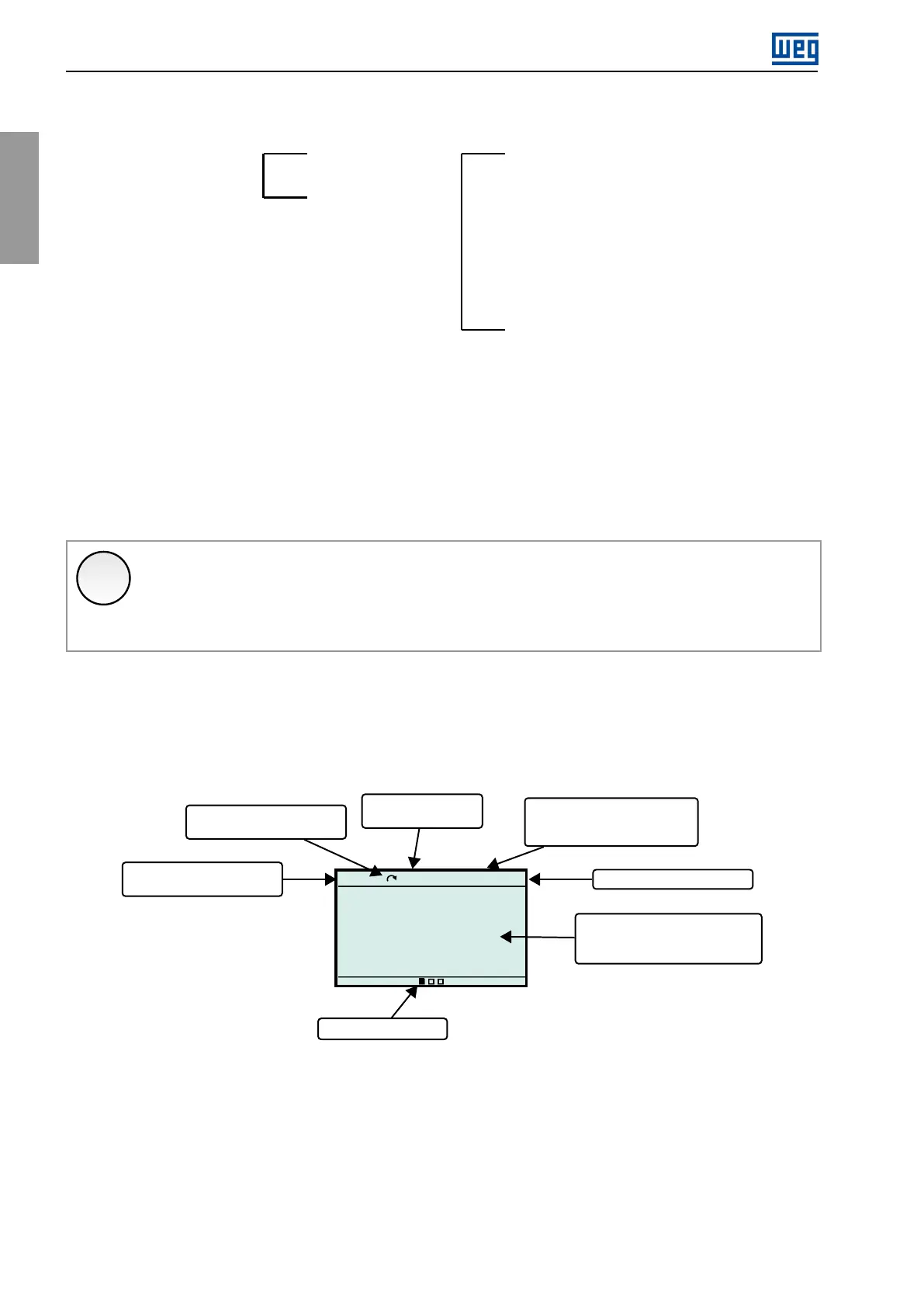
AfterpoweringuptheCFW900,theHMIstartsupontheMainscreen,whereyoucanseesomereadingvariables
(Status).
Run
LOC
1800rpm
00:00
1800
3.5
60.0
rpm
A
Hz
Timeindication
Speedindication
ofthemotorinrpm
S2.1.3
Motordirectionof
rotationindication
CFW900status
S1.1.1
Screen1,2,3
LOCorREM
indication
Motorspeed,current
andfrequency
statusparameters
Figure4.3:Mainscreendata
Therearethreemainscreens,whichcanbeconfiguredtodisplayuptoninevariableseach.Tocustomizethese
mainscreens,seethesection4.5ofthischapter.
48|CFW900



 To Next Page