English
HMI
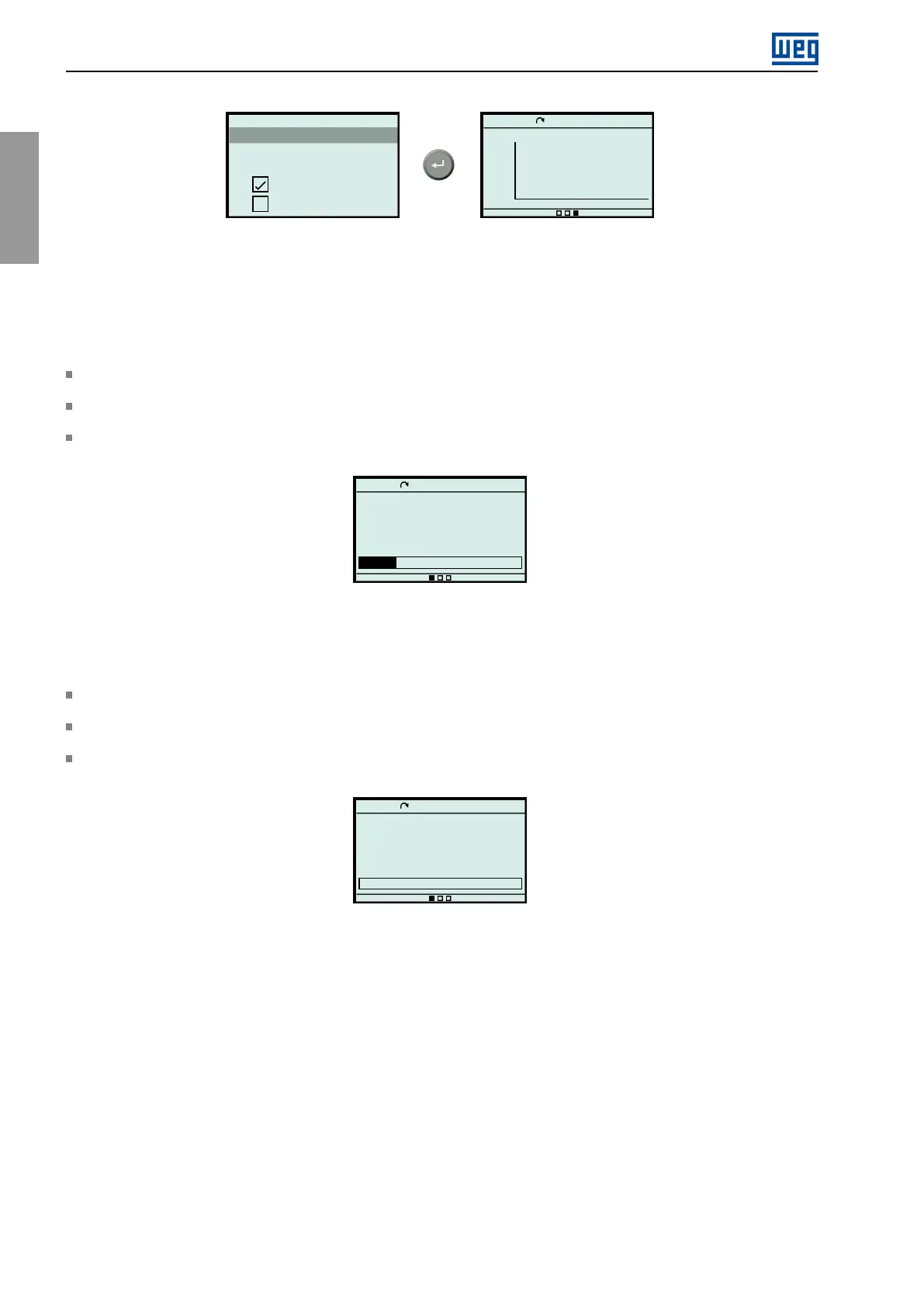
Confirmation
Are you sure you want to save
this new visualization?
Yes
No
Ready
LOC
0rpm
00:00
2000
0
64.0s
Voltage Inverter Output
4.5.3ScreenExamples
Otherscreenexamplesareshownbelow:
Example1
Figure4.14isanexampleofamainscreenwithparameterreadingsdisplayedintheSlotandLinemode,showing:
inthefirstline,thetemperaturesofthemotorstatorwindingsintheSlotmode,valueformat;
inthesecondline,thethermalimageofthemotorintheLinemode,textformat;
inthethirdline,thepowerinternalairtemperatureintheLinemode,barformat.
Ready
LOC
0rpm
00:00
Motor Temperature Thermal Image
S2.4.1
0.00%
Power Internal Air Temperature
12%
0.0
◦
C
0.0
◦
C
0.0
◦
C
Figure4.14:Mainscreenexamples
Example2
Figure4.15isanexampleofamainscreenwithparameterreadingsdisplayedintheLinemode,showing:
inthefirstline,theinverteroutputcurrentintheLine,modetextformat;
inthesecondline,theinverteroutputcurrentintheLinemode,textformat;
inthethirdline,theinverteroutputpowerintheLinemode,barformat.
Ready
LOC
0rpm
00:00
Voltage Inverter Output
S2.3.2
0 V
Current Inverter Output
S2.3.1
0.0 A
Power Inverter Output
0%
Figure4.15:Mainscreenexamples
4.6USBMODE
TheCFW900HMIhasaUSBporttoconnecttheinvertertoacomputerwithWEGWPSsoftwareinstalled.This
softwareapplicationallows,amongotherthings,readingvariables,configuringparametersandupdatingtheinverter
firmware.Formoredetails,seetheWPS(WEGProgrammingSuite)manual,availableatwww.weg.net.
54|CFW900



 To Next Page