DTV 720 USER’S MANUAL
www.wegener.com 11 800043-01 Rev. C
Ethernet An Ethernet 10BaseT/100BaseT port is included and is the primary user interface using
an HTML browser-based interface. The unit has an URL which is assigned via the front
panel. The “home” page is then accessed by users via the Ethernet port. From this page,
the desired channel selections may be performed and status monitored.
Terminal I/O The Terminal serial port is configured to 115.2k, N, 8, 1. The Terminal device is used for
command and control of the DTV 720. This I/O is a basic, VT100-like emulation. User input
text strings terminated in carriage-returns prompt all I/O. The terminal should be set to
local echo ON because the DTV 720 only echoes a carriage-return/linefeed and then a ‘>’
prompt after entry of a command-line terminated in carriage-return.
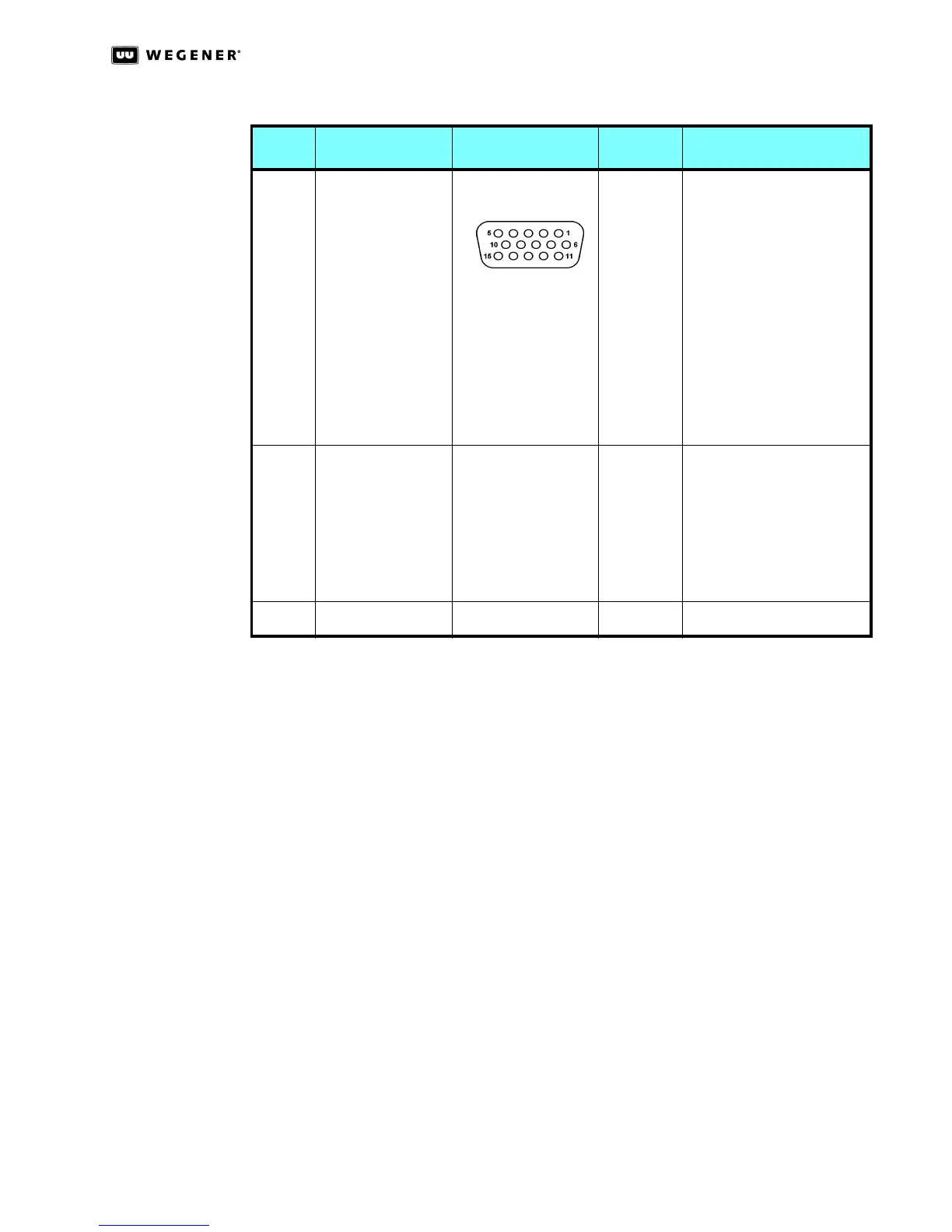
12 DHEI Out D subminiature 15-pin 1
2
3
4
5
6
7
8
9
10
11
12
13
14
15
RESERVED
RESERVED
RESERVED
RESERVED
SIGND
SENSEOL
PSYNCO+
PDATAO+
PCLKO+
REFCLKO+
SENSEOR
PSYNCO-
PDATAO-
PCLKO-
REFCLKO-
13 GBE Out Female RJ-45 1
2
3
4
5
6
7
8
MDI0+
MDI0 -
MDI1+
MDI1-
MDI2+
MDI2 -
MDI3+
MDI3 -
14 115/230 Vac Power Male IEC receptacle AC LINE IN
Table 2.1: DTV 720 Connector Details
Item Designation Connector Type Pin No. Signal Name



 To Next Page