DTV 720 USER’S MANUAL
800043-01 Rev. C 20 www.wegener.com
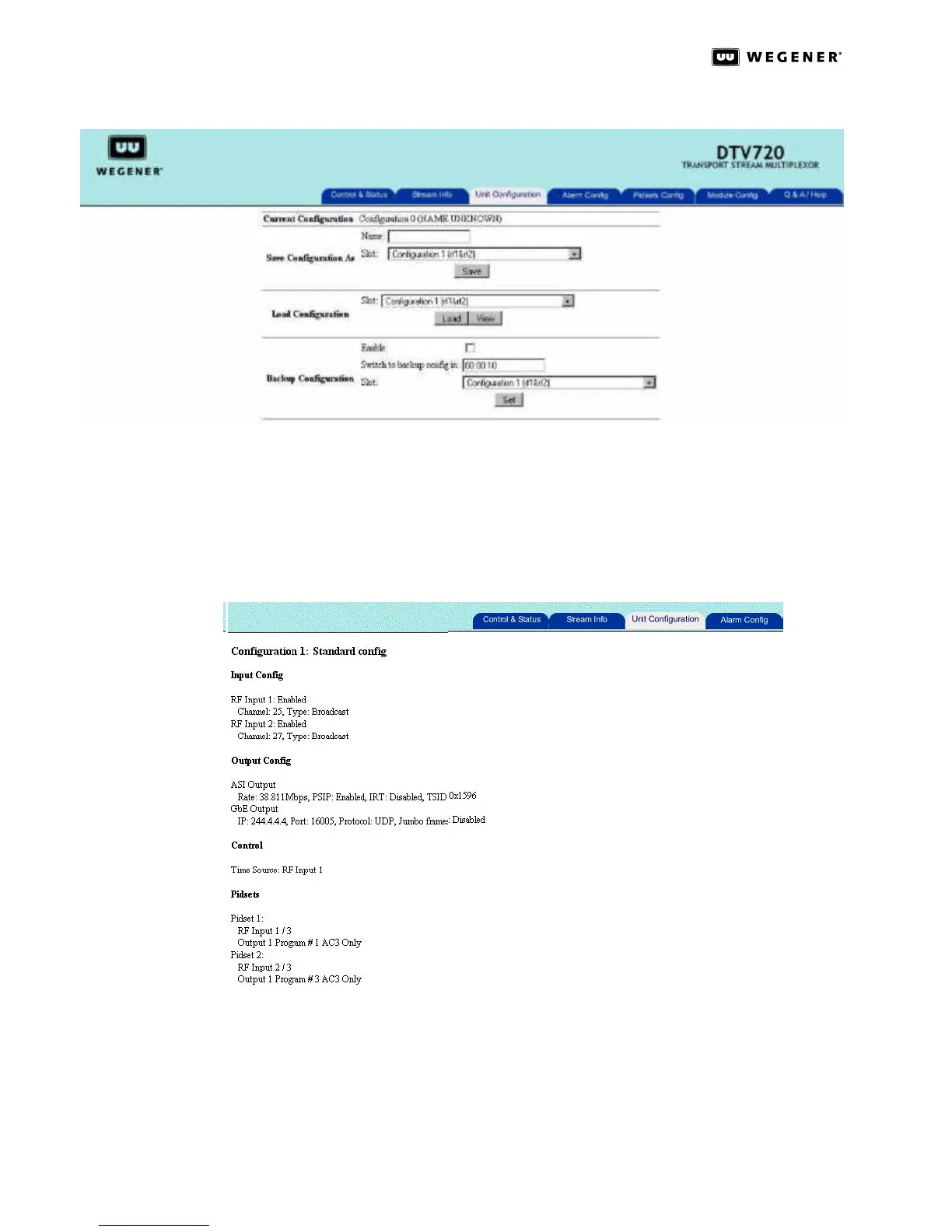
Figure 3.10: DTV 720 Unit Configuration Page
In the Load Configuration section there is a View button that allows the user to view the
settings for a stored configuration. Select a configuration from the drop down list and click
the View button. To exit the View Configuration mode, click on any tab on the top part of
the Web page. The settings that are display in the View mode in Figure 3.11 are the stored
settings for the Input and Output configurations, Control settings, and PIDSET configura-
tions.
Figure 3.11: DTV 720 Unit Configuration View Mode
The Backup Configuration section allows the user to set up the unit to automatically switch
to a backup configuration in the event of an Alarm condition. Once a Backup Configuration
has been enabled, when an Alarm condition occurs, the unit will switch to the user-defined
backup configuration after the specified delay time selected in the Switch to backup config
in box. Wegener recommends that the switch delay time be set so that a very brief outage



 To Next Page