DTV 720 USER’S MANUAL
www.wegener.com 15 800043-01 Rev. C
Control and
Status Page
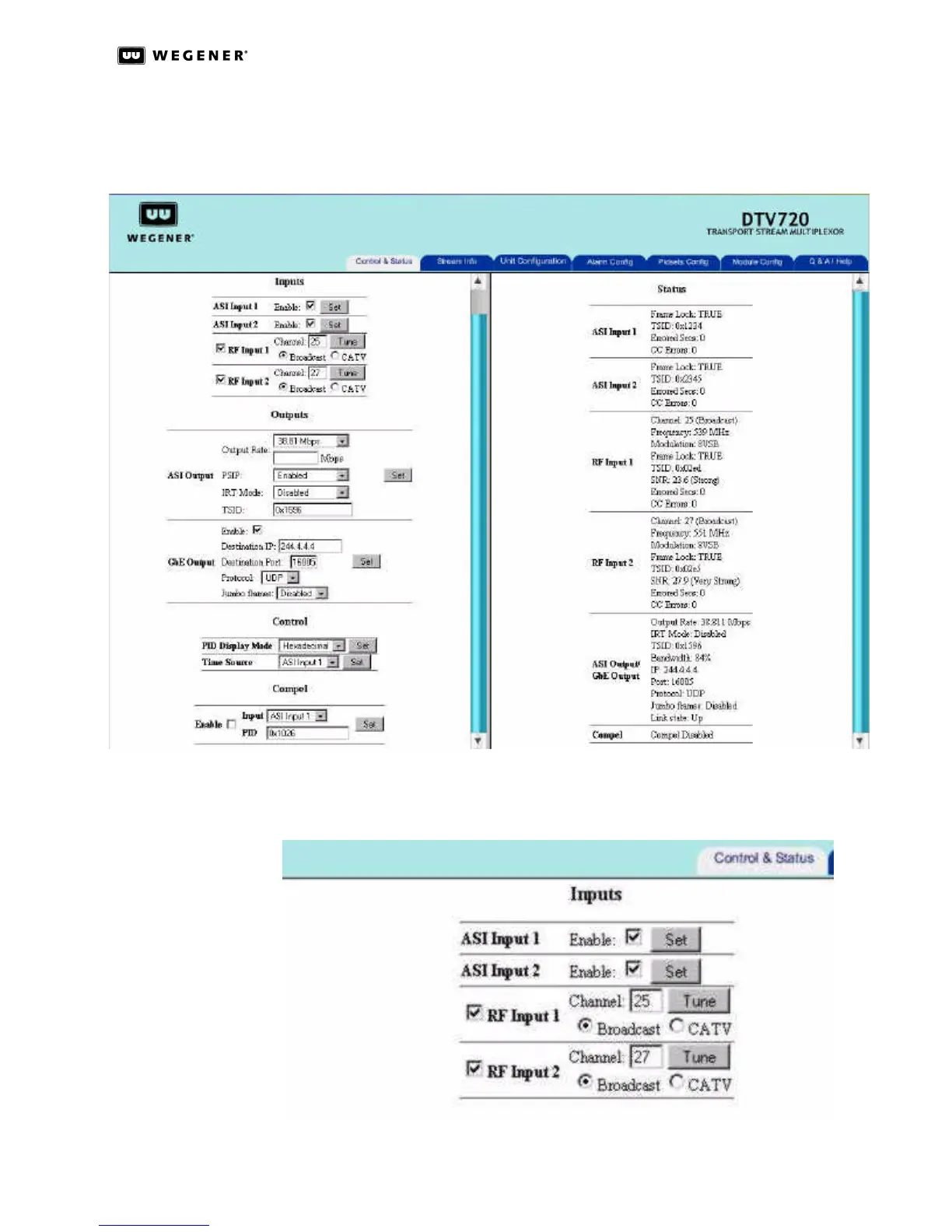
The left side of this page is used for control selections and the right side gives input and
output status. The serial number of the DTV 720 unit and the version number of the appli-
cation software installed in the unit are shown at the top of the left side.
Figure 3.1: DTV 720 Control and Status Page
Inputs
Figure 3.2: DTV 720 Control & Status Inputs Section



 To Next Page