DTV 720 USER’S MANUAL
800043-01 Rev. C 34 www.wegener.com
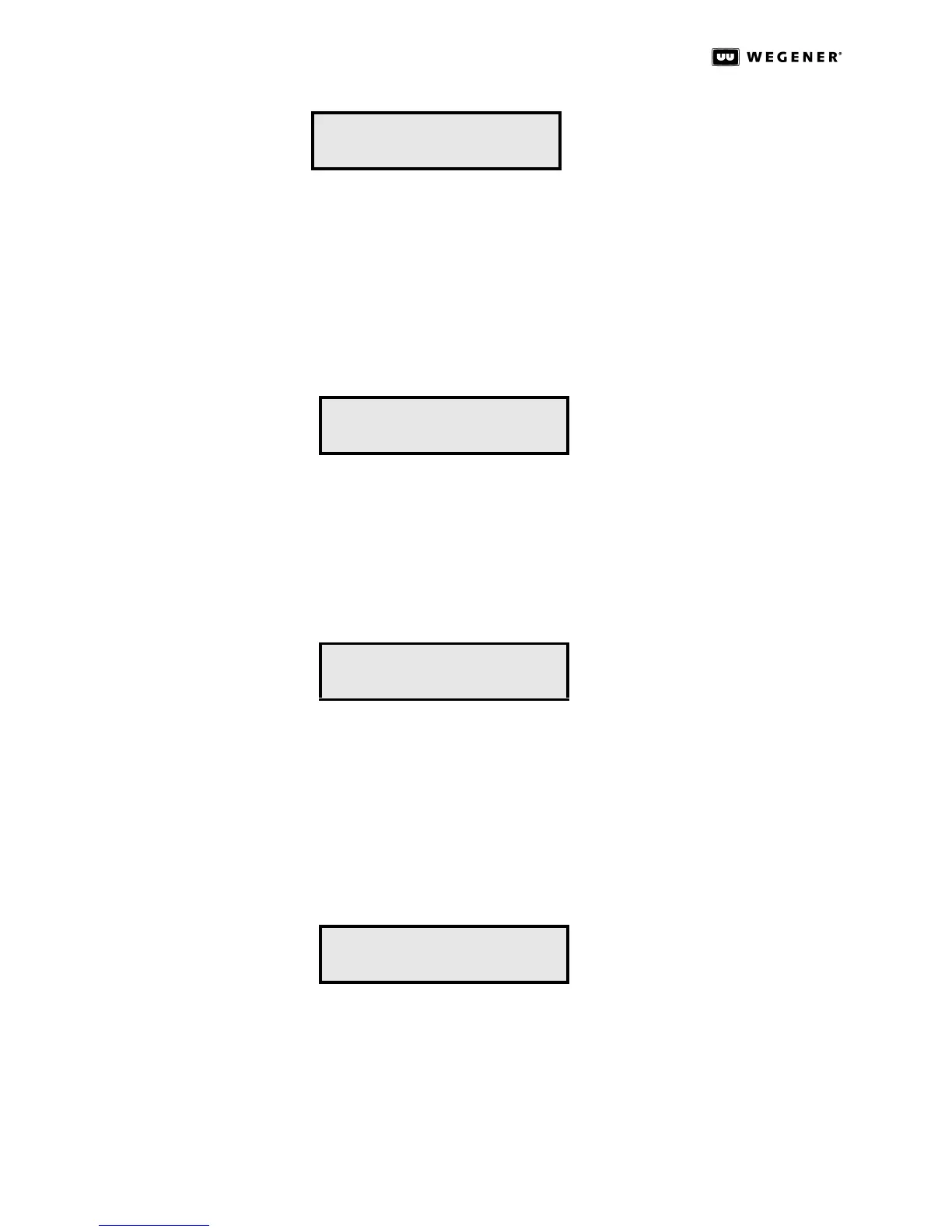
IP Setup
Screen
Press the ENT key to go to the second-level IP Address Selection screen.
Press the ww key to go to the Reset Unit screen.
Press the vv key to go back to the Front Panel Timeout screen.
Press the ESC key to go to the Home screen.
Second-Level IP Setup Screens
IP Address Selection Screen
Press the ENT key and then press the arrow keys to change the IP address. Press the ENT
key to confirm the selection.
Press the ww key to go to the Netmask Selection screen.
Press the ESC key to go to IP Setup.
Netmask Selection Screen
Press the ENT key and then press the arrow keys to change the Netmask. Press the ENT
key to confirm the selection.
Press the ww key to go to the Gateway Selection screen.
Press the vv key to go back to the IP Address Selection screen.
Press the ESC key to return to the IP Setup screen.
Gateway Selection Screen
Press the ENT key and then press the arrow keys to change the Gateway address. Press
the ENT key to confirm the selection.
Press the vv key to go back to the Netmask Selection screen.
Press the ESC key to return to the IP Setup screen.
IP Setup...
IP Address:
000.000.000.000
Netmask:
255.255.0.0
Gateway:
0.0.0.0



 To Next Page