DTV 720 USER’S MANUAL
www.wegener.com 45 800043-01 Rev. C
4.5 Trouble with Browser Interface
If the unit appears to be functioning normally with no alarm or warning conditions, but you
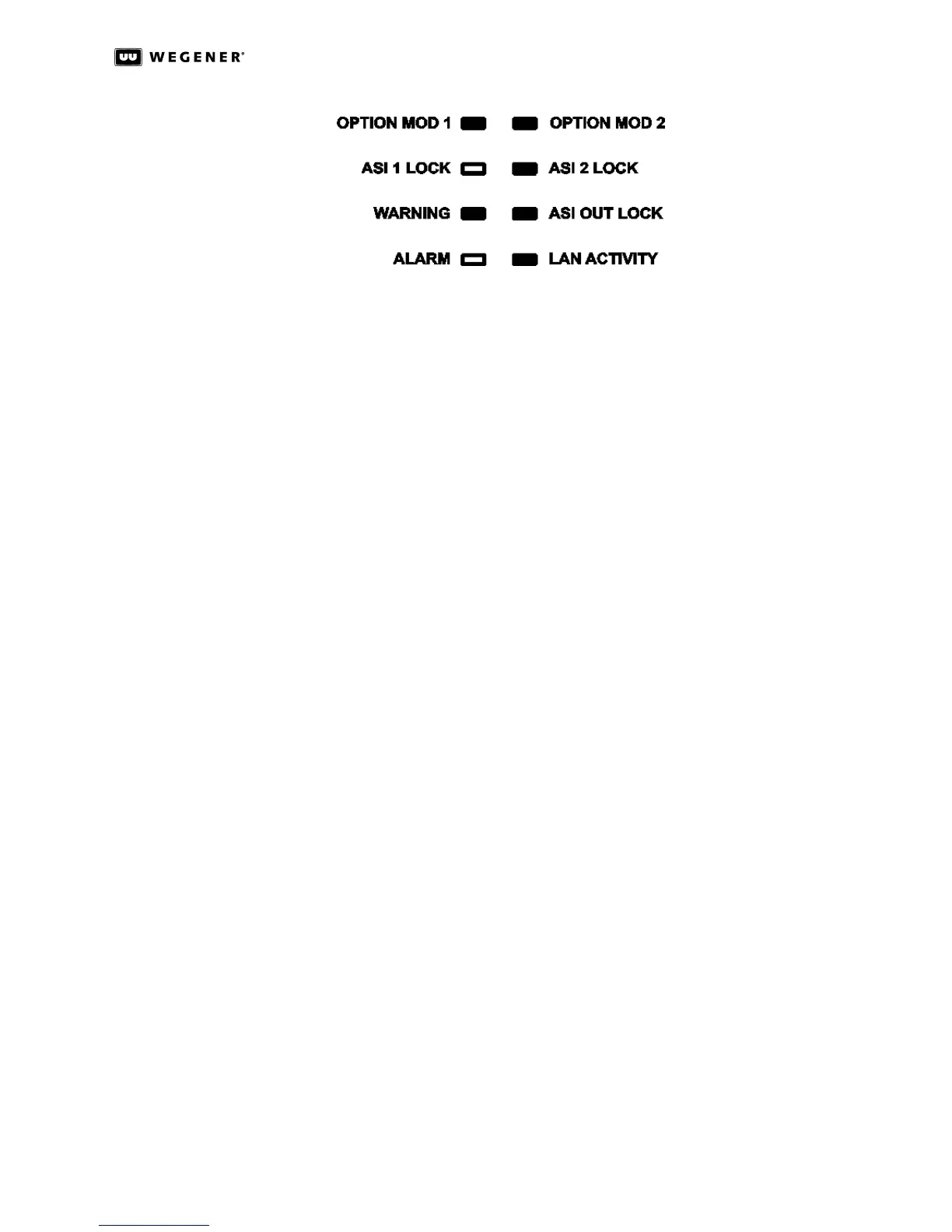
cannot use the web browser interface, first check the LED on the rear panel next to the
Ethernet connector. It will illuminate and blink as LAN data are detected. If this LED is off
check the cabling to the LAN. If the LED remains off after verifying the LAN connection,
contact Customer Service. If the Ethernet LED is illuminated, check that you are using the
correct IP address. (See “Ethernet/Web Browser Control” on page17.)
If the address is correct, but the interface still does not function, check your computer’s IP
settings and consult your network administrator for additional help.



 To Next Page