DTV 720 USER’S MANUAL
800043-01 Rev. C 24 www.wegener.com
For example, if a program assigned for output has PIDs that fall in the 0x0030 range, i.e.,
PMT 0x0030, video 0x0031, and this program is assigned to Pidset 1, then the new PIDs
for the program will be reassigned and fall in the new range of 0x0020 for the PMT, and
the video will be at 0x0021. If the same proram was assigned to Pidset 4, the PMT would
be reassigned to 0x0050 and the video would be at 0x0051. This reassignment is shown
on the Stream Info page.
In the example shown, Pidsets 1 and 2 have been activated by selecting the input sources
in their input boxes. The Search Type allows the DTV 720 to search for an input program by
its program number, or by its number, as shown in the example. The user then enters the
appropriate setting in the program number/name box, based on the Search type. (Note
that an input program can only be assigned to a single pidset.) The left side of the page
lists all input programs for easy reference.
Next, each enabled pidset must be assigned a unique output program number. The Major
Channel, Minor Channel, and Name boxes may be used to assign new values to the
selected programs. Leaving these boxes empty allows the original values to be used in
the output. Finally, the Audio selection boxes allow MPEG audio, AC-3 audio, All or None
to be selected for output with each program. You should ensure that the selected audio
format is available on the input program. If you select MPEG only and the input has AC-3
only, you will receive video but no audio for that program. If in doubt, select All. When all
selections have been made, click the Submit button at the bottom of the left side of the
page to activate the selections.
If you wish to store these selections, return to the Unit Configuration screen and save the
configuration under the desired name.
Module
Config page
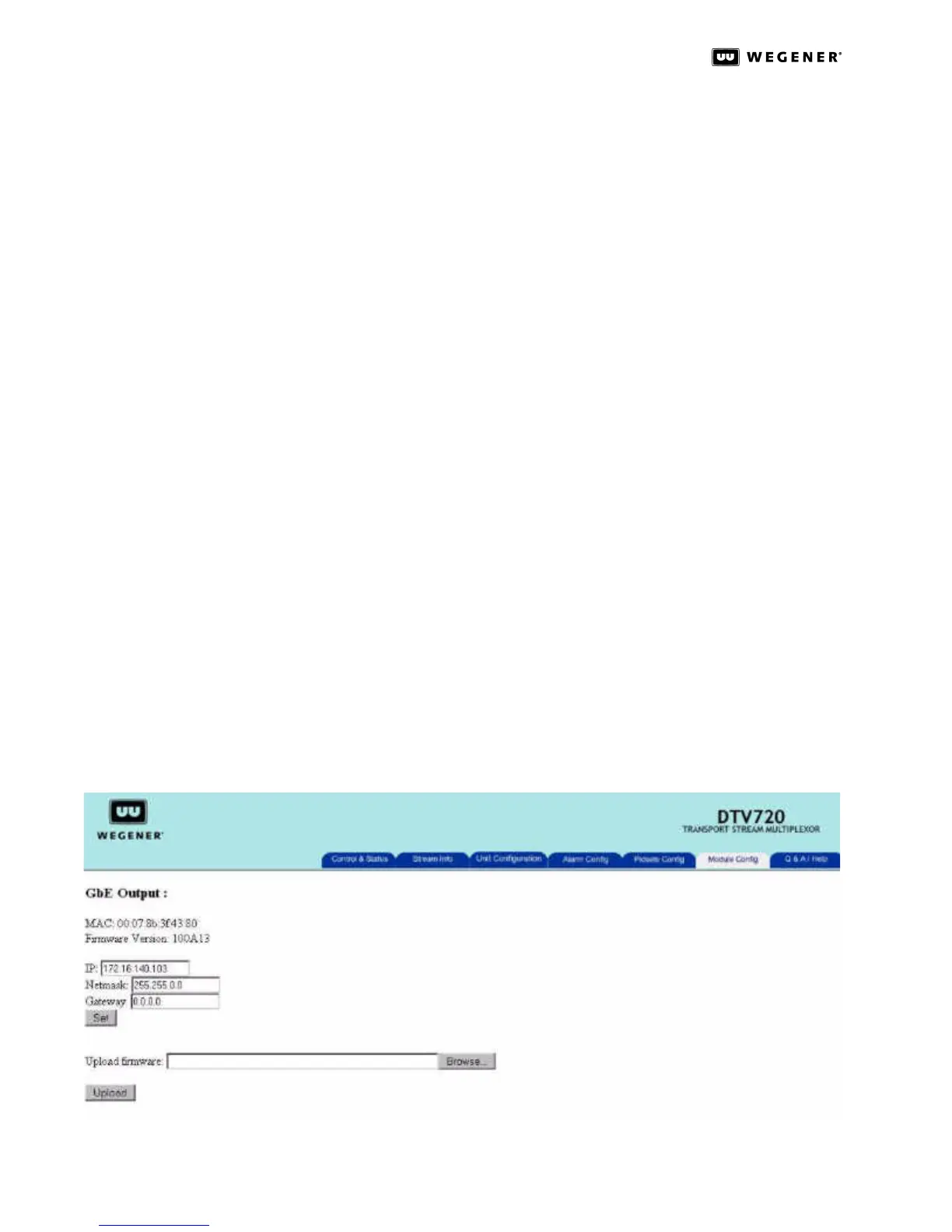
The Module Configuration page allows the user to use the Web Interface to configure any-
modules detected by the DTV 720 unit that can be configured. If the unit does not have
any modules that can be configured, only the following text will be displayed. No config-
urable option modules detected.
At the current time, only one module supports this mode, and that is the GbE output mod-
ule.The Module Configuration page showing configuration of a GbE Output Module is
shown in Figure3.15.
Figure 3.15: DTV 720 Module Configuration Page for GbE Output



 To Next Page