DTV 720 USER’S MANUAL
800043-01 Rev. C 26 www.wegener.com
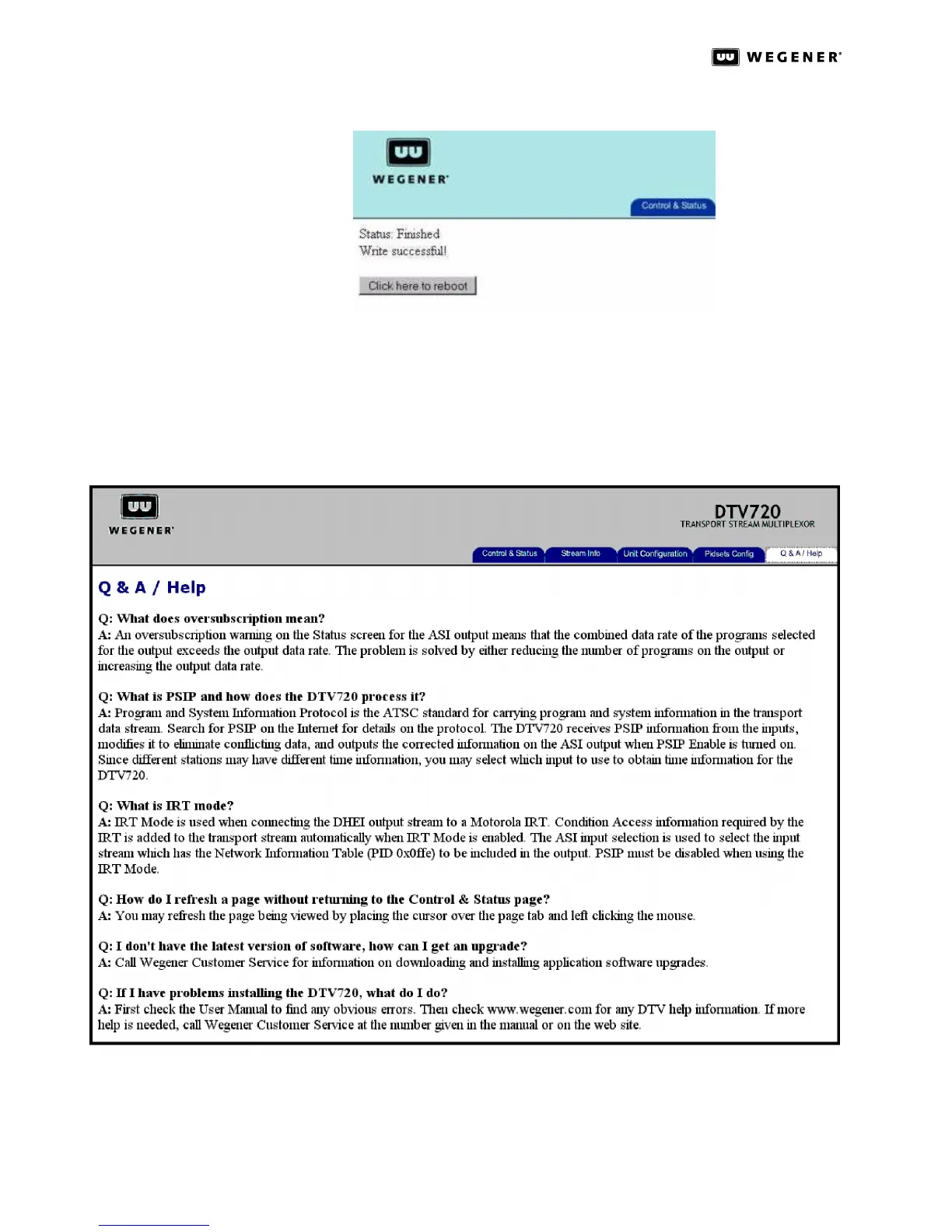
Figure 3.18: DTV 720 Module Config Page Firmware Upload Done
NOTE: This will reboot the unit, so it will interrupt the services that the unit is providing.
The upload process from start to end will take approximating 5 minutes to
complete.
Q&A/Help
Page
A list of questions and answers about operating your DTV 720 is available on the Q&A/Help
page. Click the Q&A/Help tab to display this page.
Figure 3.19: DTV 720 Web Browser Q&A/Help Page



 To Next Page