DTV 720 USER’S MANUAL
www.wegener.com 25 800043-01 Rev. C
For the GbE module, the following items are configurable:
• The IP address of the output GbE interface (Required).
• The GbE module's Netmask (Required).
• The GbE module's Gateway address (Optional).
Make or verify the necessary entries, and click the Set button. These settings ensure that
the receiving device will see the DTV 720 output transport stream. Above the settings
fields, this page shows the GbE output MAC address and the current Firmware Version of
the code used in the GbE module.
Below the settings fields, the Upload Firmware field provides the user with a method for
upgrading the firmware used on the GbE output module. To upgrade the GbE firmware:
1. Download and save the GbE firmware upgrade file from http://www.wegener.com/cust-
servdownload.html to your local PC's hard drive.
2. Use the Browse button to find the file, then click the Upload button to start the upgrade.
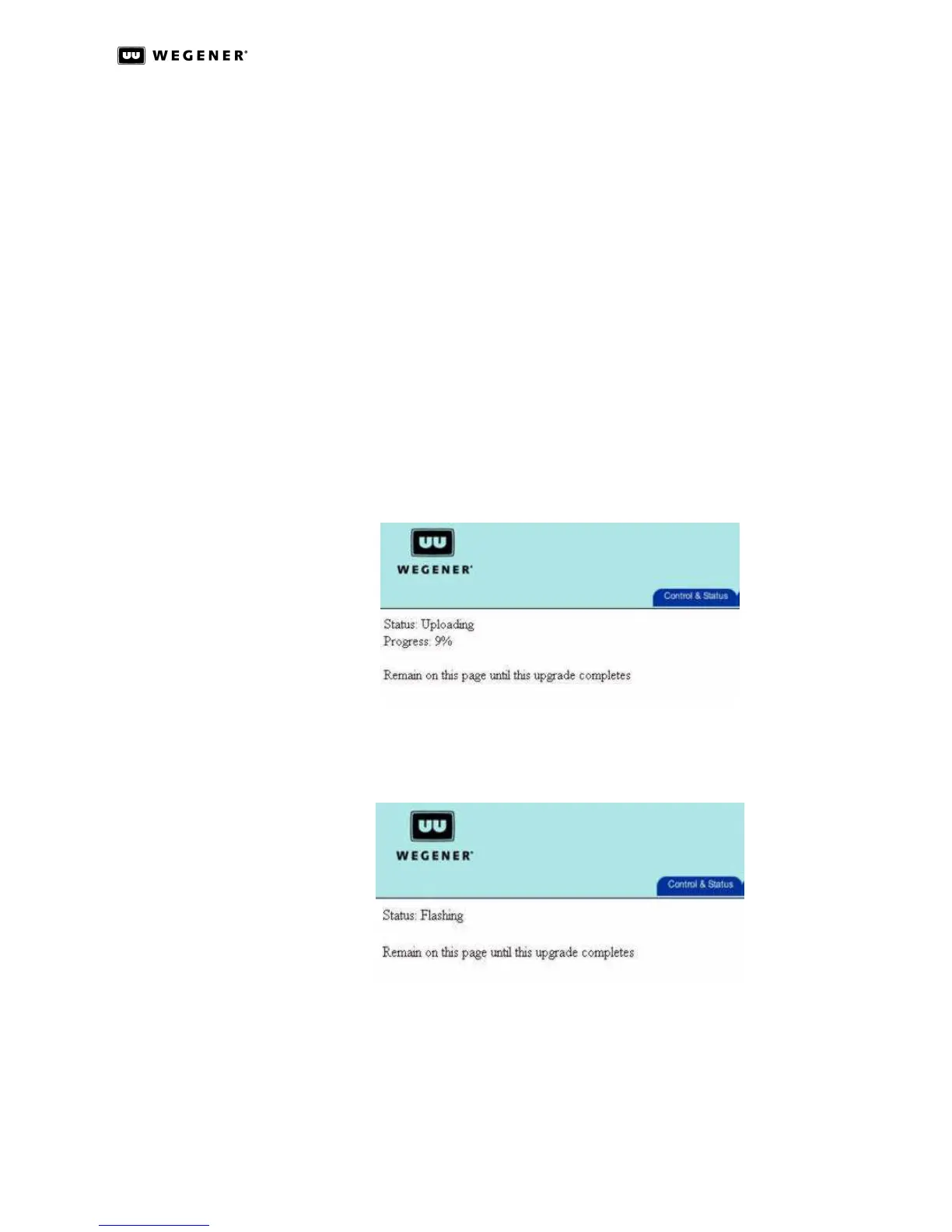
3. A progress status indication should display the percentage of the code upgrade.
Remain on this page until you are prompted to reboot the unit.
Figure 3.16: DTV 720 Module Config Page Firmware Upload Status
4. The status will go to 100%, then show that the status is Flashing, which means that
the code is being updated on the module.
Figure 3.17: DTV 720 Module Config Page Firmware Flashing Status
5. Once this is complete, the Status: message will be Finished and Write successful.
Clicking the Click here to reboot button now displayed below the Status: message will
restart the unit using the new firmware upgrade.



 To Next Page