WEILER E1650 REMIXING TRANSFER VEHICLE
2-27
Machine Controls
2
Machine Controls
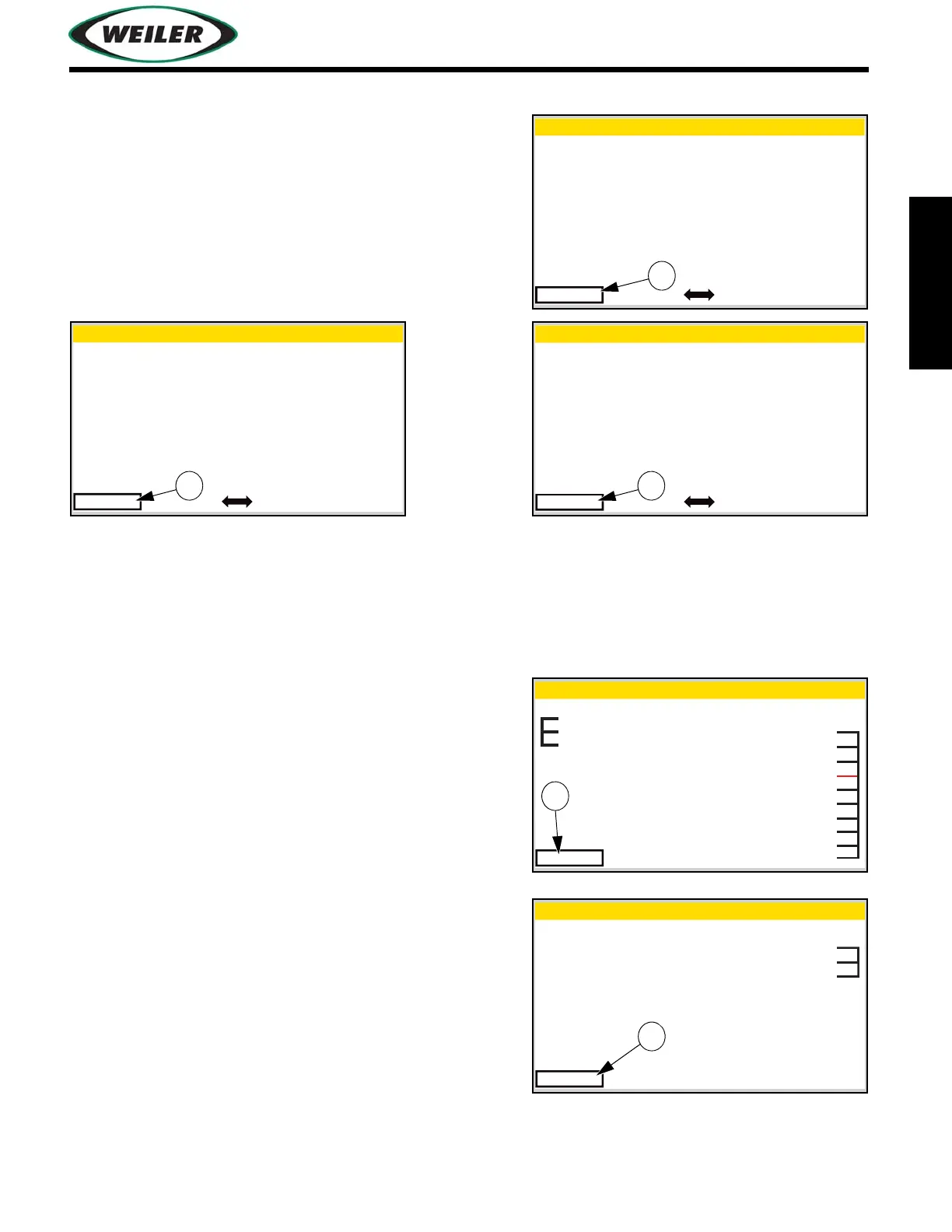
View Sensor Diagnostics Screens
Use center control button to scroll between sensor
diagnostics screens.
(1) EXIT Button
Press EXIT button to exit to previous screen.
View CAN Screen
(1) EXIT Button
Black lines represent a good connection with the
CAN-bus to the corresponding component.
Red lines represent loss of communication with the
CAN-bus to the corresponding component.
Press EXIT button to exit to previous screen.
View Sensor Diagnostics
Exit Page 1 of 3
Sonic Sensor
Sonic Distance
Hopper Insert Sonic Settings
10 mV
10.0 Inches
5.0 Inches
View Sensor Diagnostics
Exit Page 2 of 3
Radar Distance
Radar Voltage
Distance Control Active
Distance Control Switch
Set Distance
5.0 Feet
100 mV
Off
Off
1.0 Feet
Distance Control
Distance Control Light Off
View Sensor Diagonostic
Exit Page 3 of 3
Sonic Sensor
Sonic Distance
Storage Hopper (SHMS)
10 mV
10.0 Inches
127 mm
View CAN Diagnostics
Rear Keypad
Exit
Elevator Right Keypad
Elevator Left Keypad
Dash Right Keypad
Dash Center Keypad
Output Module 2 - 11.0 VDC
Output Module 1 - 11.0 VDC
Display - 12.0 VDC
Controller - 11.0 VDC
Engine - 11.0 VDC
CAN-A CAN-B
Page 1 of 2
View CAN Diagnostics
Exit
Storage/Discharge Knob
Propel Knob
CAN-A CAN-B
Page 2 of 2
Propel Lever


 To Next Page