WEILER E1650 REMIXING TRANSFER VEHICLE
3-25
Operating Instructions
3
Paving
15. When distance control system is active and machine
movement automatically stops, distance control
system is in a “Time Out” state. The following screen
appears when distance control system is in a “Time
Out” state.
•To re-engage distance control system, press and hold
Distance-From-Paver Button (7) until machine
movement occurs.
•To maintain engagement of distance control system
while system is in a “Time Out” state, hold Distance-
From-Paver Button (7) until machine movement
occurs. Once transfer vehicle movement occurs the
distance control system is engaged and existing
“Set Distance” will be maintained.
•To disengage distance control system while system is
in a “Time Out” state, squeeze trigger and move
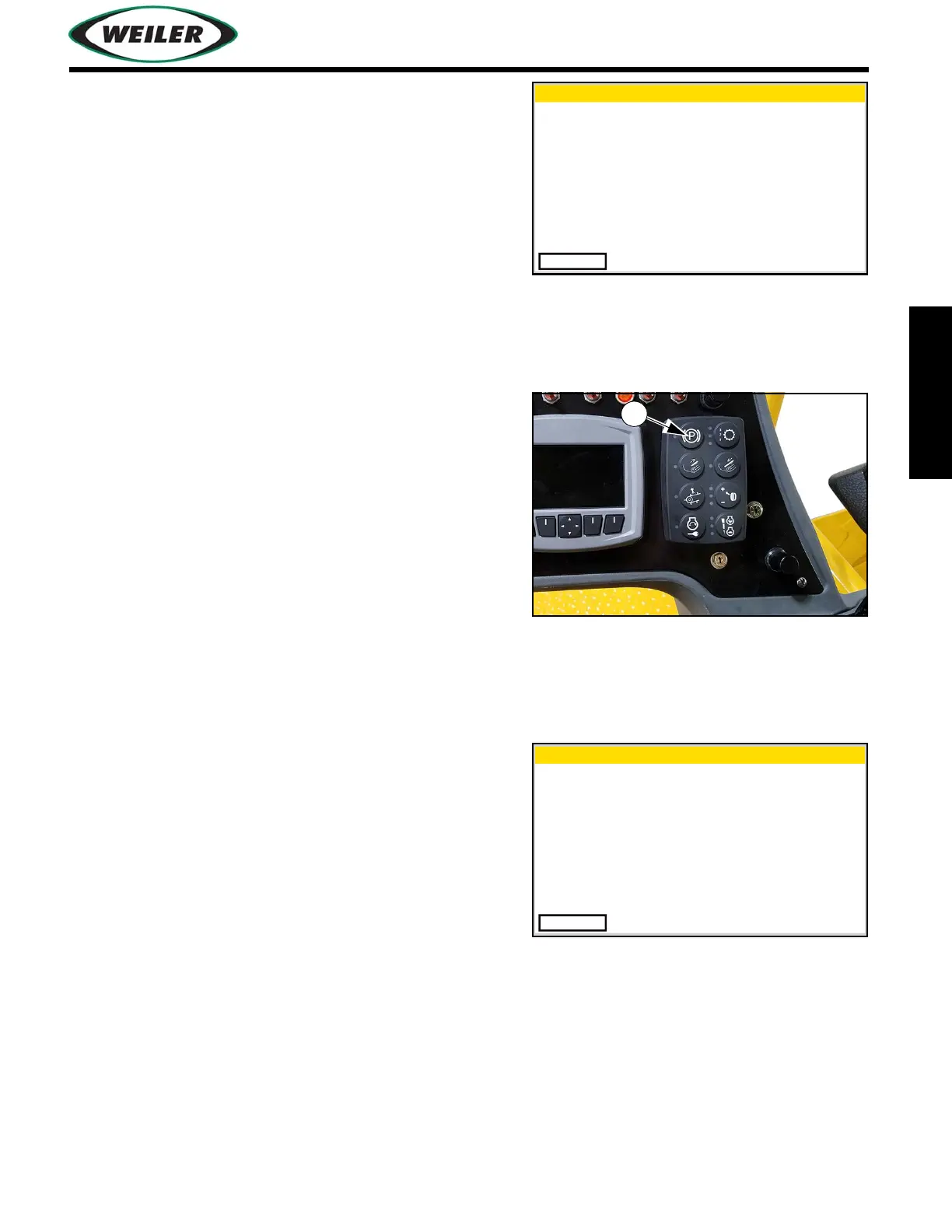
Propel Lever to center/neutral or turn Park Brake
(5) on.
•To adjust the “Set Distance” parameter while
distance control system is activated, squeeze trigger
and adjust Propel Lever or Propel Speed Dial.
To increase “Set Distance”, squeeze trigger and move
Propel Lever forward or turn Propel Speed Dial CW.
To decrease “Set Distance”, squeeze trigger and
move Propel Lever rearward or turn Propel Speed
Dial CCW.
Adjustments to the “Set Distance” parameter can be
viewed in the gauge data screen.
16. To engage distance control system while transfer
vehicle is in motion, press and release Distance-
From-Paver Button (7) once transfer vehicle and
paver are within desired range. The following screen
appears.
Distance Control Setup
Exit
! Distance Control Time
Out ! Hold Enable Button
to Resume
Distance Control Setup
Exit
! Distance Control Now
Active !


 To Next Page