6-6
Critical errors are indicated as part of the
scrolling ‘out of order’ message.
NOTE: Errors d5, d13, and d16 will not stop
the ongoing cycle, although they will not
allow another cycle to begin until the error is
addressed or is self-corrected.
DIAGNOSTIC TEST
The washer has two different modes of
diagnostics:
The Manual Key Functions in Diagnostic
Sub-Modes allows running diagnostic cycles,
providing a more thorough analysis of washer
operation. Run a Quick Drain and Spin,
credit free cycles to the user, or run a Washer
Cleanout Cycle.
The Help Mode allows verication of the
help codes that are currently present on the
washer, and checking the software revision
of the CCU and UIC. Also gives feedback of
the current state of the valves, sensors, and
general state of the washer.
MANUAL KEY FUNCTIONS IN DIAGNOSTIC
SUB-MODES
The washer is capable of assuming three sub
modes:
1. Code Display
2. Flashing Mode
3. Special Cycle Mode
CODE DISPLAY
a) Accessing the Code Display Mode:
This mode will be displayed when the washer
is in error state.
n Out of Order will be scrolling
n The current F code or d code will be
scrolling after Out of Order.
n The error displayed in this mode is the
current error present in the washer.
WASHER
DISPLAY EXPLANATION AND RECOMMENDED PROCEDURE
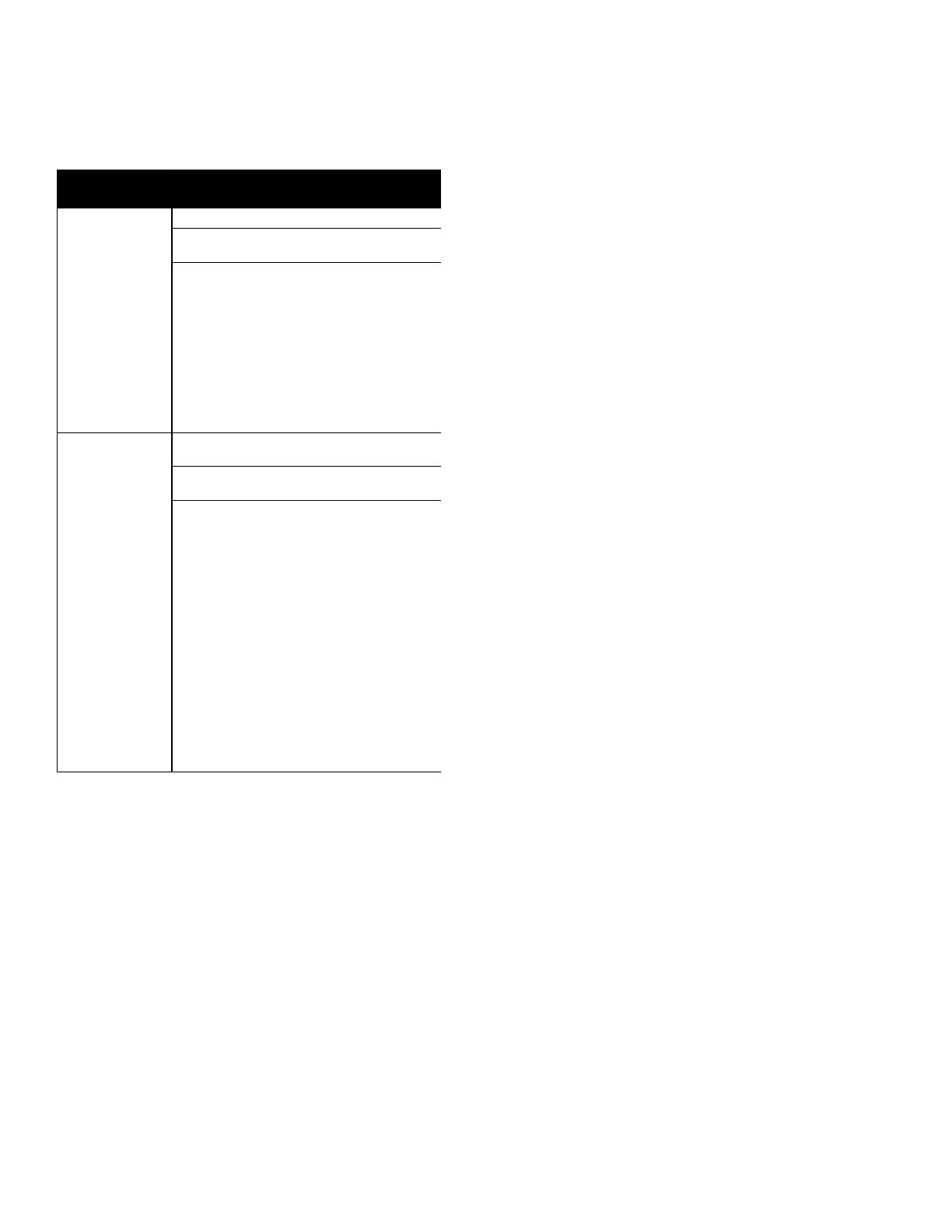
COIN 2 ERROR
The Coin 2 sensor is detected as blocked
for 8 seconds.
Possible Causes
– Coin vault full of money.
– Blocked or dirty sensor.
Procedure
1. Clear error code.
2. Unplug the washer or disconnect power.
3. Clean the coin sensor.
4. Check for blocked coin sensor switch on coin drop.
d13 only occurs with a coin 2 sensor installed. If the above
procedures do not solve the problem, replace the UI.
GENERATION 2 DEBIT CARD
READER ERROR
No communication from installed debit card reader
in Generation 2 debit mode for 5 minutes.
Possible Causes
– Card reader Gen 2 not installed, when washer
is in Ed (Enhanced Debit) mode.
– Poor contact or communication cable not
connected between UI (AA3) and the card reader.
– Card reader failure.
Procedure
1. Clear error code.
2. Unplug the washer or disconnect power.
3. Check the wire harness connections between User
Interface (AA3) and the debit card reader Gen2. Do
continuity test on cable.
4. Ensure payment device is a Gen2 card reader.
5. Reconnect power and wait for 5 minutes.
If the above procedures do not solve the problem,
replace the UI.
d
1 3
d
1 6
FOR SERVICE TECHNICIAN ONLY - DO NOT REMOVE OR DESTROY
PAGE 9
Critical errors are indicated as part of the scrolling ‘out of order’
message. NOTE: Errors d5, d13, and d16 will not stop the ongoing
cycle, although they will not allow another cycle to begin until the
error is addressed or is self-corrected.
DIAGNOSTIC TEST
The washer has two different modes of diagnostics:
The Manual Key Functions in Diagnostic Sub-Modes that allow
you to run diagnostic cycles, providing a more thorough analysis
of washer operation, run a Quick Drain and Spin, run or credit free
cycles to the user, or run a Washer Cleanout Cycle.
The Help Mode that allows you to verify the help codes that are
currently present on the washer, and to check the software revision
of the
C
CU and UIC. Also gives feedback of the current state of
the valves, sensors, and general state of the washer.
MANUAL KEY FUNCTIONS IN DIAGNOSTIC SUB-MODES
The washer is capable of assuming three sub-modes:
1. Code Display
2. Flashing Mode
3. Special Cycle Mode
Code Display
a) Accessing the Code Display Mode:
This mode will be displayed when the washer is in error state.
■
Out of Order will be scrolling
■
The current F code or d code will be scrolling after Out of Order.
The error displayed in this mode is the current error present in the
washer.
b) Functions of the Code Display Mode:
■
To erase the current error code and access Flashing Mode, press
and hold the COLD button until all display segments are flashing.
Flashing Mode
This mode is used to start a special diagnostic cycle, run a
Quick Drain and Spin, run or credit free cycles, and run a
Washer Cleanout Cycle.
a) Accessing the Flashing Mode:
■
Open the service door.
■
If the washer is operating with manual communications, press
and hold the COLD button, while the display shows hundreds
of cycles, ones of cycles, hundreds of dollars, ones of dollars,
hundredths of dollars (cents), or regular cycle price.
■
If the DA communications-controlled set-up has been established,
press and hold the COLD button until all segments are flashing,
the display shows dAS or a current failure code.
When flashing mode is accessed, the display will be blinking ,
turning all the segments on and off. Any cycle in process is
cancelled, any money in customer escrow is cleared, and existing
diagnostic codes are cleared.
b) Functions of the Flashing Mode:
■
To access the Quick Overview Test, press the WARM button (for a
definition of this cycle, consult the ‘Special Cycle Mode’ section).
■
To access the Manual Overview Test, press the COTTON/
WH
H
ITES button (for a definition of this cycle, consult the ‘Special
■
To run a Quick Drain and Spin, press the PERM PRESS button.
■
To access the Washer Cleanout Cycle, press the COLORS/
DELICATES button.
■
To Credit a Free Cycle for customer, press the HOT Button.
H
the COLD button.
Special Cycle Mode
This mode describes the following diagnostic cycles that can be
accessed through the Flashing Mode:
a) The Quick Overview Test:
This cycle provides a quick verification that the door lock, cold
and hot water valves, pump, and motor are working.
b) The Manual Overview Test:
This cycle provides more typical full length fills, tumbles, drains, and
allows for a more thorough analysis
of washer operation, including
door locking mechanism and
p
ressure switch behavior.
while
C
y
cle Mode’ section).
■
To Exit the Flashing Mode and return to Set-up Mode, press




 To Next Page