WWaallll OOvveennss
Electronic Control System
3-8
Self-Clean Mode
In Self-Clean Mode, the oven is heated in graduated stages to a preset high temperature. In Stage One, the bake
element cycles for 0 - 36 seconds and the broil element cycles for 18 - 60 seconds. The cycling of the bake and
broil elements in Stage One last for the first twelve minutes. In Stage Two, the bake element cycles for 0 - 12 sec-
onds and the broil element cycles for 12 - 60 seconds. The cycling of the elements in Stage Two continues until the
high preset temperature of 850°F is obtained. During this process, food soil is burned off leaving some white ash
residue.
Once the Self-Clean Mode has been initiated the oven door locks, unless the Self-Clean Mode is used with the
Delayed Start Mode. The oven door will remain locked until the oven temperature drops below 300°F.
NOTE: If the Self-Clean Mode is stopped once it has been started, the door will remain locked until the temperature
inside has cooled below 300°F.
NOTE: The average time for the Self-Clean Mode is three hours plus one hour to cool down.
NOTE: Only one oven can be self-clean at a time, if using a double oven.
NOTE: If self-cleaning one oven of a double oven, other oven is non-fuctional until self-clean is finished.
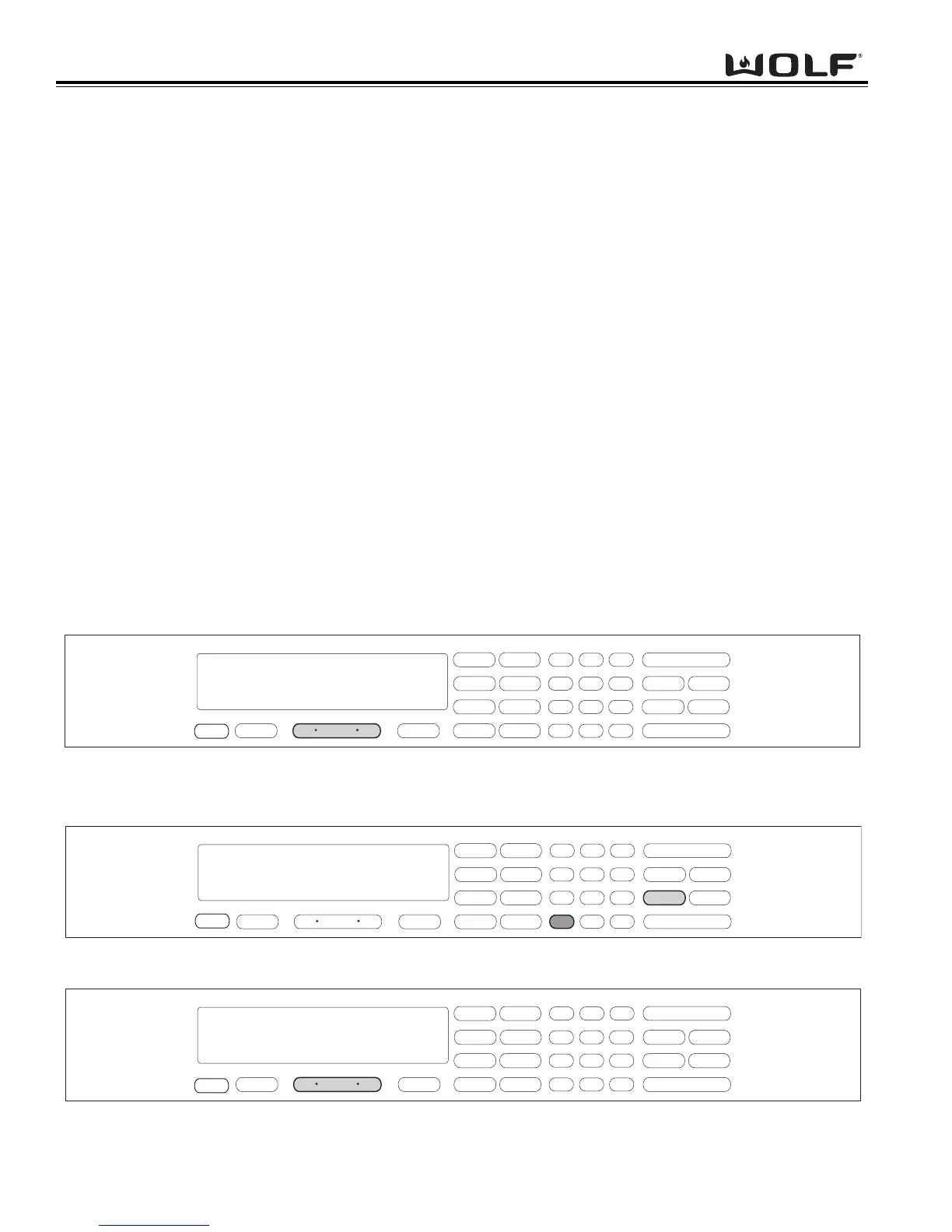
To initiate Self-Clean Mode, first the oven must be OFF. Press the Oven ON key. (See Figure 3-20). For Double
Ovens, press the Upper Oven ON key or Lower Oven ON key. Next, press the SELF-CLEAN key. Then, press the
ENTER key. (See Figure 3-21). To exit the Self-Clean Mode, press the Oven OFF key. (See Figure 3-22). For
Double Oven press the Upper Oven OFF key or the Lower Oven OFF key.
NOTE: To use Self-Clean Mode with Delayed Start Mode, follow the instruction for Delayed Start Mode.
To change the Self-Clean time for 2 to 4 hours. Press the Oven ON key. Next, press the SELF-CLEAN key. Then,
press the COOKTIME key. Now, using the number keys enter the desired self-cleaning time. (Example: 3 hours 15
minutes). As long as the self-clean time is between 2 to 4 hours, the time can be entered. Then, press ENTER.
.
.
.
.
.
.



 To Next Page