.
.
1.07
.
.
1.07
.
.
1.07
INITIATING DIAGNOSTIC MODE
UPPER OVEN
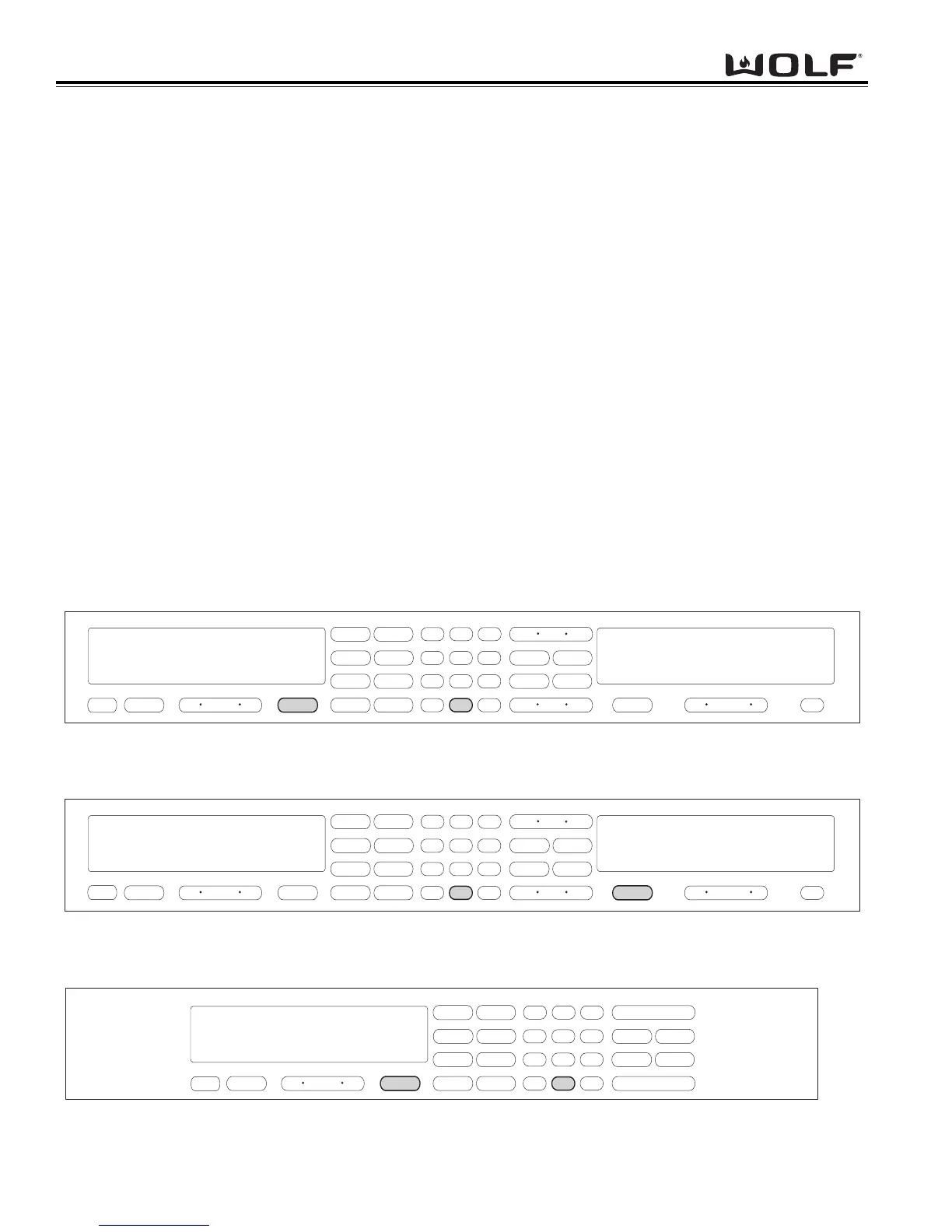
To initiate Diagnostic Mode for the Upper Oven, the oven must be OFF. Then press and hold the TEMPERATURE
key and the 0 “ZERO” key for 3 seconds, then release both keys. (See Figure 3-57).
NOTE: Diagnostic Mode will end 2 minutes after last key stroke or when the CLEAR key is pressed.
LOWER OVEN
To initiate Diagnostic Mode for the Lower Oven, the oven must be OFF. Then press and hold the TEMPERATURE
key and the 0 “ZERO” key for 3 seconds, then release both keys. (See Figure 3-58).
NOTE: Diagnostic Mode will end 2 minutes after last key stroke or when the CLEAR key is pressed.
SINGLE OVEN
To initiate Diagnostic Mode for the Single Oven, the oven must be OFF. Then press and hold the TEMPERATURE
key and the 0 “ZERO” key for 3 seconds, then release both keys. (See Figure 3-59).
NOTE: Diagnostic Mode will end 2 minutes after last key stroke or when the CLEAR key is pressed.
To clear any error codes, the oven must be in diagnostic mode. Pressing the COOK TIME and STOP TIME key, at the
same time will clear the error codes recorded. This must be performed after the unit is serviced.
To toggle from one error code to another, the ENTER key must be pressed. The ENTER key will need to be pressed
seven times to make sure there are no other codes.
Figure 3-59. Initiate Diagnostic Mode Single Oven - Press and hold the TEMPERATURE key and the “0” key.



 To Next Page