Dissolved oxygen (D. O.)
136
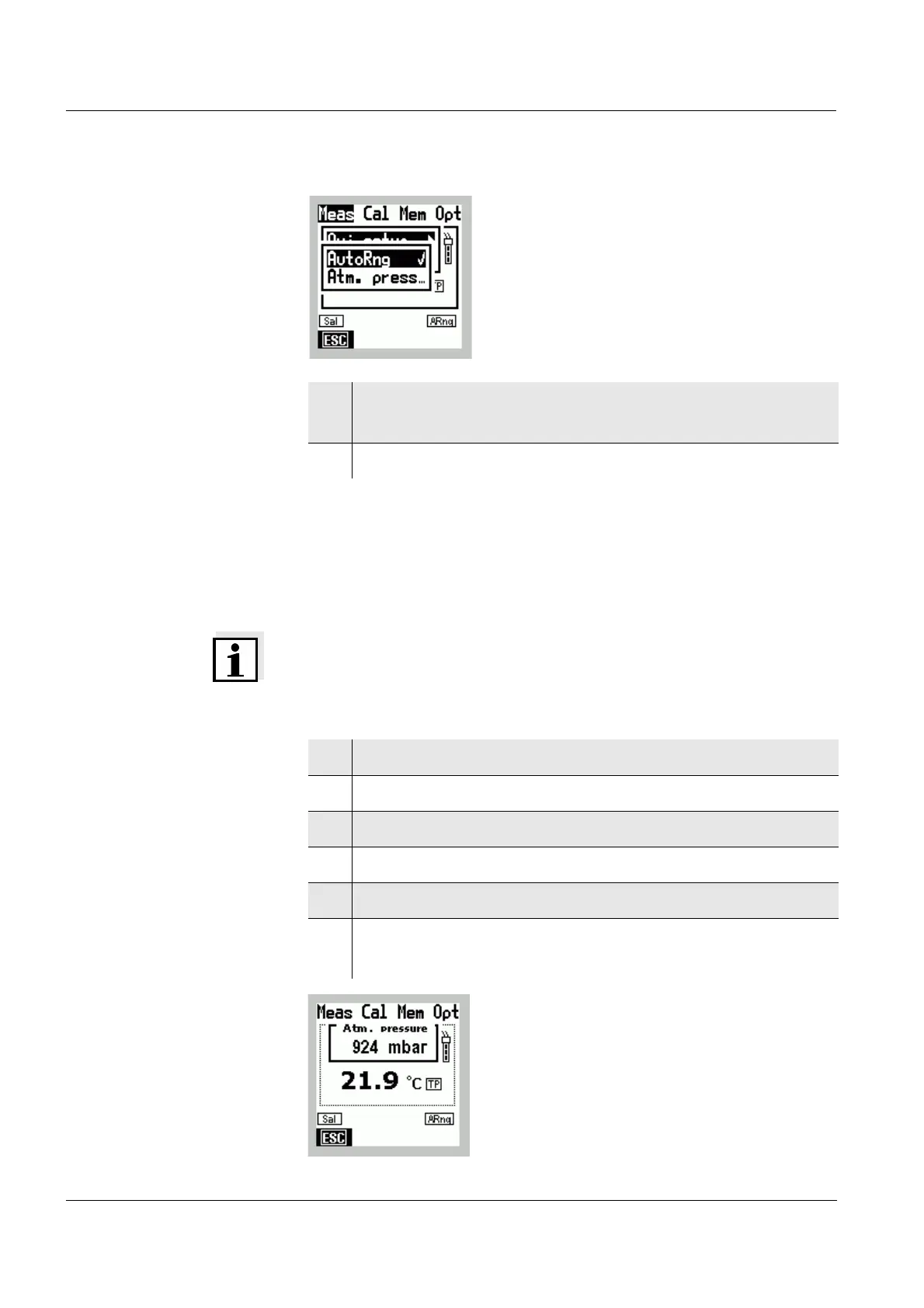
8.1.2 Displaying the air pressure
You can display the current air pressure in mbar.
Note
The value always shows the absolute air pressure. It does
not refer to altitude above sea level.
6 Confirm the AutoRng menu item with g.
The
i display indicator appears on the display.
7 Terminate the Menu mode with
m.
1 Switch to the Menu mode.
2 Use
46 to select the main Meas menu.
3 Select the Oxi setup menu item with 82.
4 Confirm the Oxi setup menu item with
g.
5 Using 82 select the menu item Atm. press.
6 Using
g confirm the menu item Atm. press.
The atmospheric pressure is displayed.



 To Next Page