System settings
56
5.5 Temperature
The temperature is very important for the reproducibility of
measured values. You can select the unit of the temperature
display. The temperature is determined automatically via an
external temperature probe or a temperature probe
integrated in the probe. It is also possible to enter measured
temperature values manually.
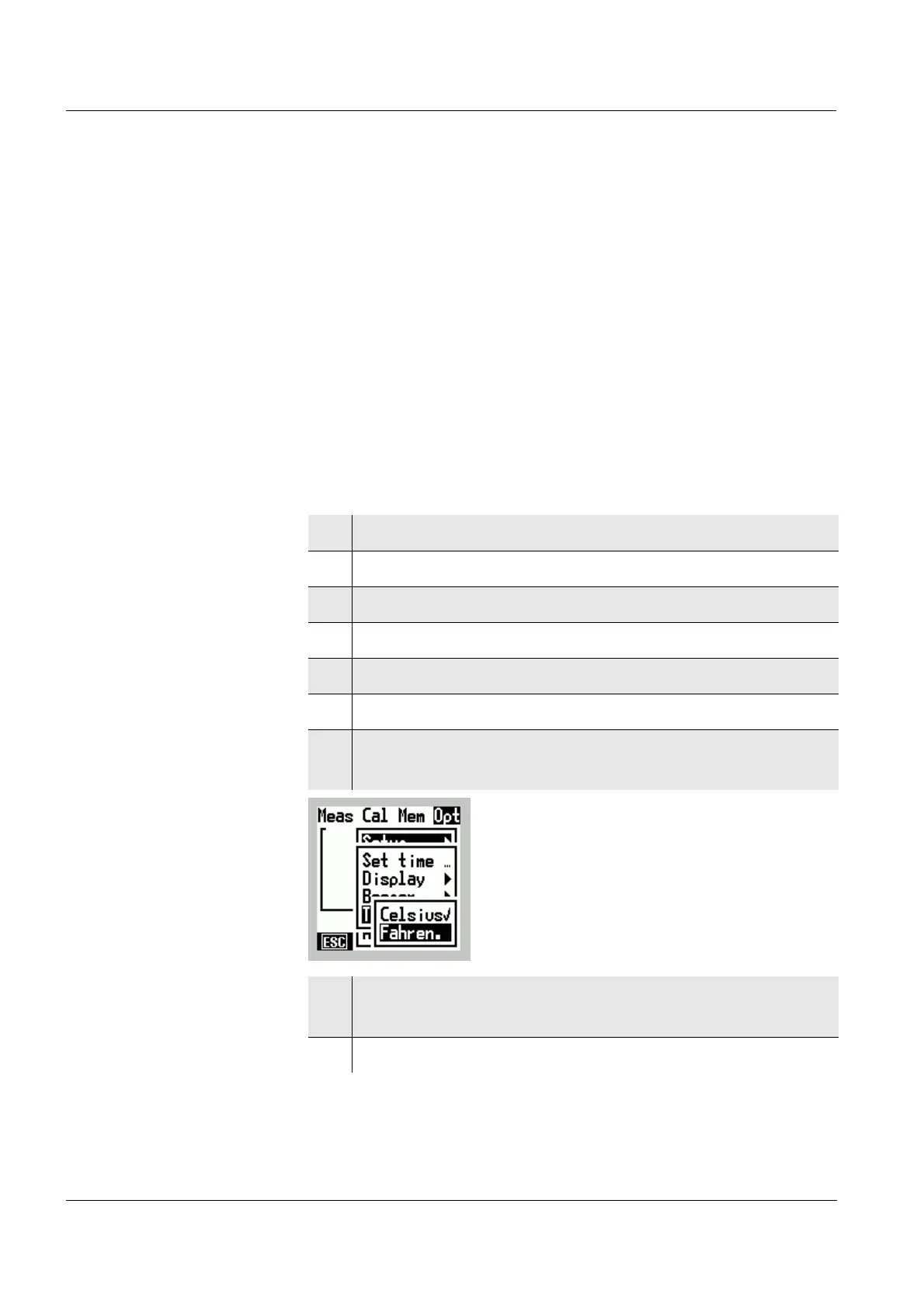
5.5.1 Temperature unit
You can display temperature values in °C (degrees Celsius)
or °F (degrees Fahrenheit).
1 Switch to the Menu mode.
2 Select the main Opt menu with
46.
3 Select the Setup menu item with 82.
4 Confirm the Setup menu item with
g.
5 Select the Temp Unit menu item with 82.
6 Confirm the Temp Unit menu item with
g.
7 Use 82 to select the required temperature unit
Celsius or Fahren. menu item with
82.
8 Confirm the selected menu item with g.
The selected temperature unit is active (✔).
9 Terminate the Menu mode with
m.



 To Next Page