pH
74
6.1.4 Measured value resolution of pH display
You can select the resolution for the pH value:
l If the high resolution (pH high resol. ✔) is switched on,
measurement is carried out over the entire pH range with
the smallest possible resolution of 0.001.
l If the high resolution (pH high resol.) is switched off,
measurement is carried out over the entire pH range with
a resolution of 0.01.
Measured value
resolution, pH
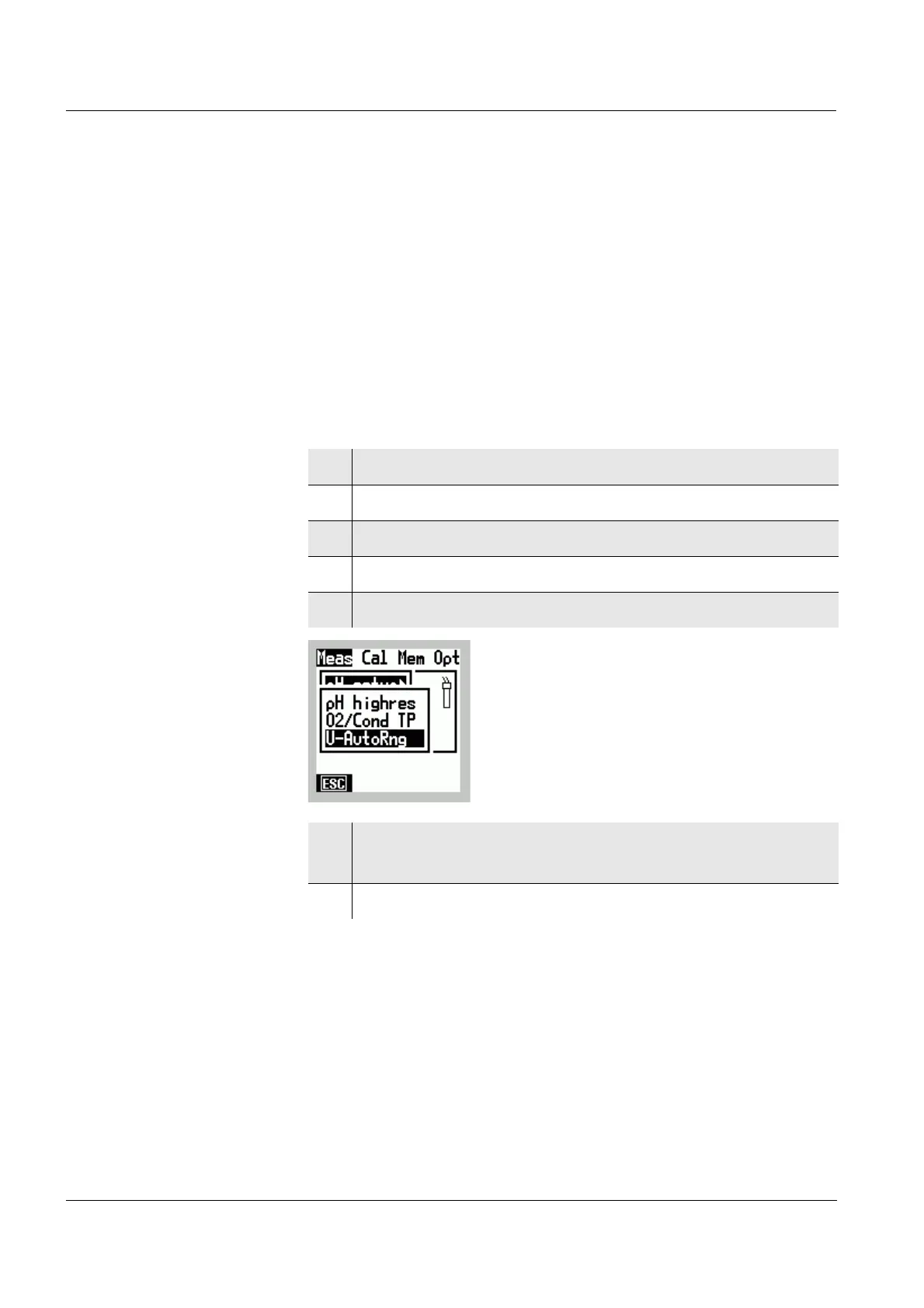
1 Switch to the Menu mode.
2 Use
4 6 to select the main Meas menu.
3 Select the pH setup menu item with 82.
4 Confirm the pH setup menu item with
g.
5 Select the pH high resol. menu item with 82.
6 Confirm the pH high resol. menu item with ❇.
The 0.001 resolution is active (✔).
7 Terminate the Menu mode with
m.



 To Next Page