System settings
55
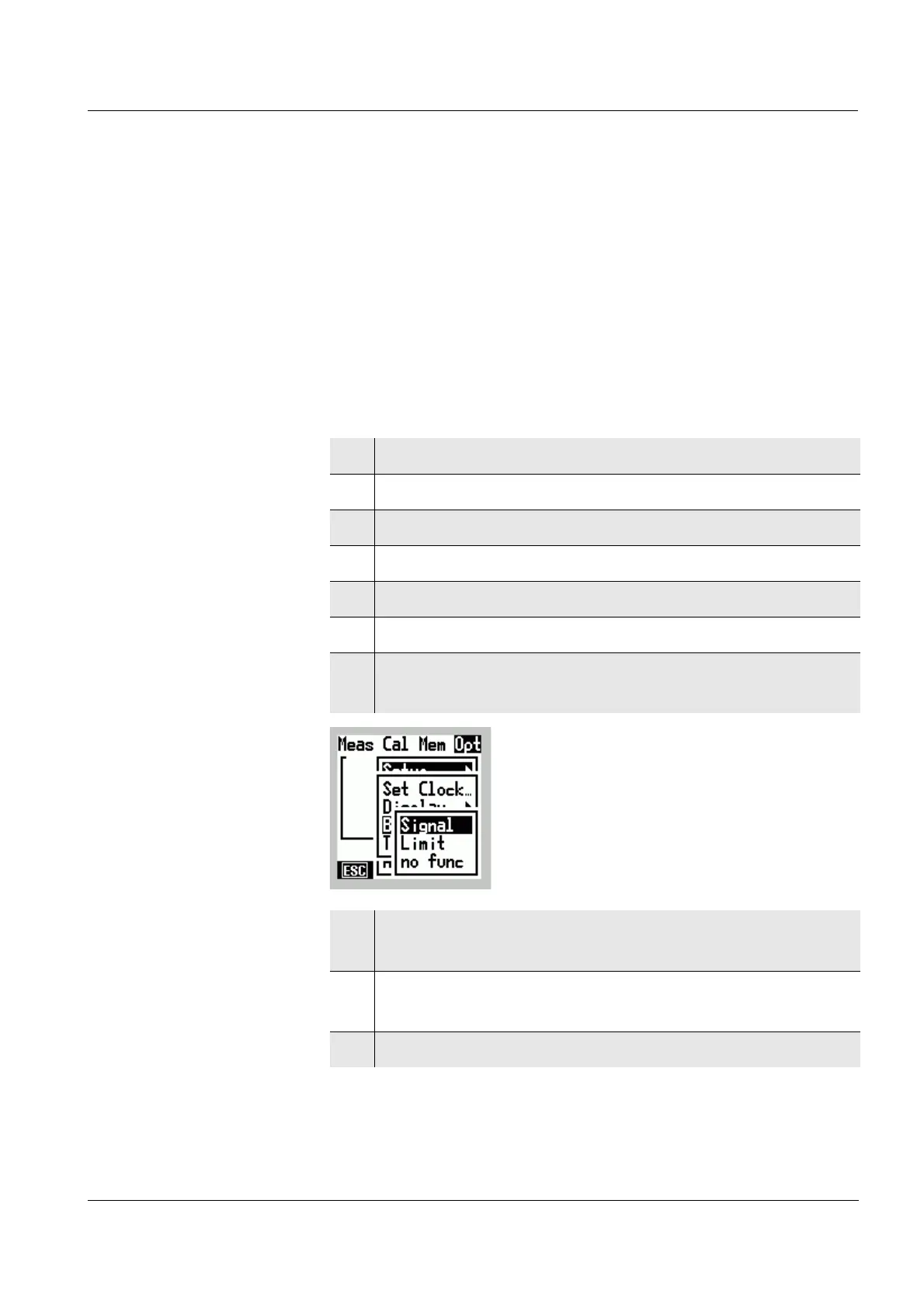
5.4 Acoustic signals
You can select which events are to trigger an acoustic
signal:
l Warning messages (Signal)
l When measuring range limits are exceeded (Limit)
l Each time a key with no function is pressed (no func)
You can select several options at the same time.
Selecting acoustic
signals
1 Switch to the Menu mode.
2 Select the main Opt menu with
46.
3 Select the Setup menu item with 82.
4 Confirm the Setup menu item with
g.
5 Select the Signal menu item with 82.
6 Confirm the Signal menu item with
g.
7 Select the Signal, Limit or no func menu item with
82.
8 Confirm the selected menu item with g.
The selected acoustic signal is active (✔).
9 Option:
Activate further acoustic signals (✔).
10 Leave the Menu mode with [ESC].



 To Next Page