Ion concentration
95
7.2 Advanced settings for ISE
For the inoLab Level 3 pH/ION measuring module.
7.2.1 Units of the ISE display
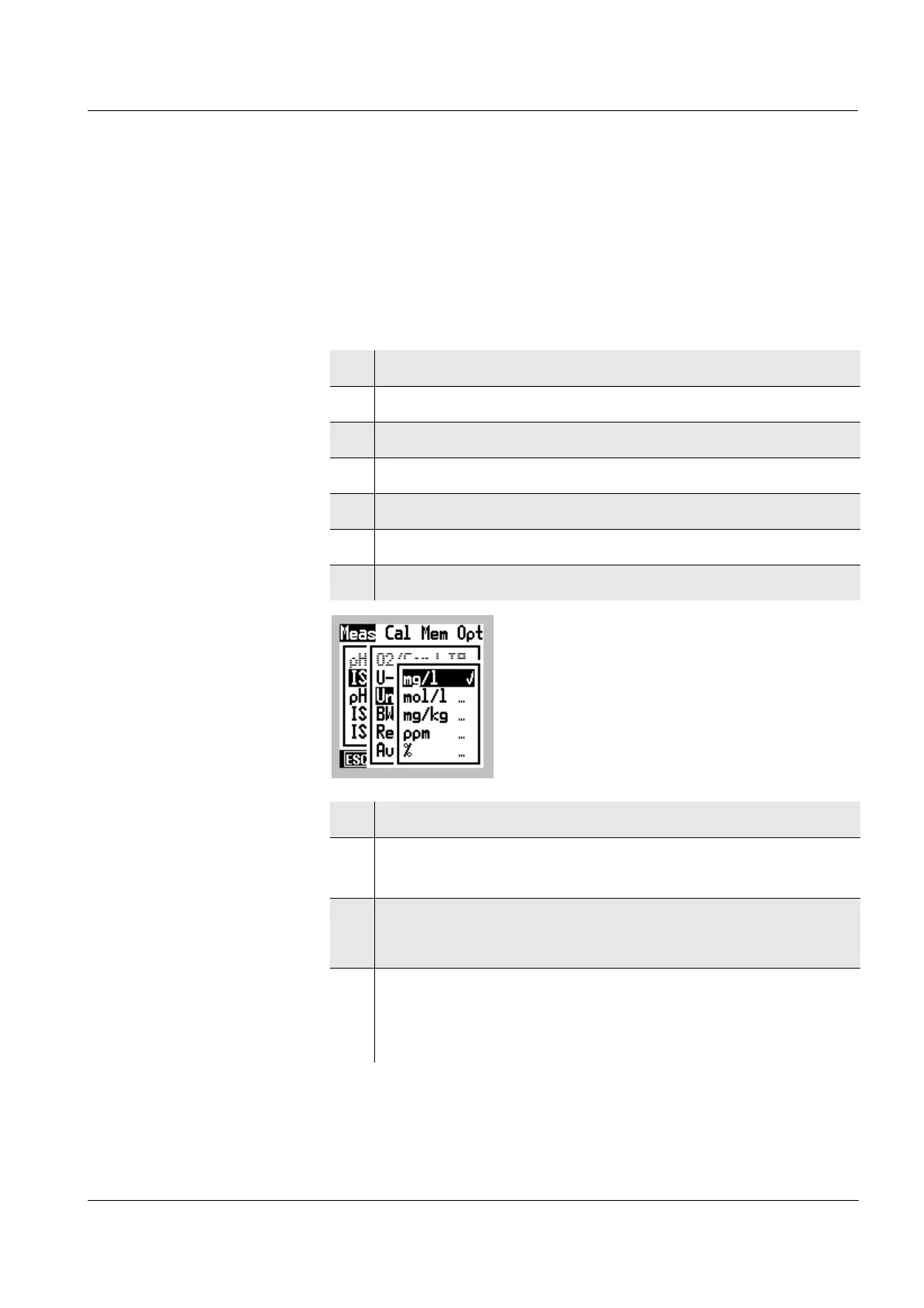
You can select the units of the measured value:
1 Switch to the Menu mode.
2 Use
46 to select the main Meas menu.
3 Select the ISE menu item with 82.
4 Select the ISE setup menu item with
82.
5 Confirm the ISE setup menu item with g.
6 Select the Unit menu item with
82.
7 Confirm the Unit menu item with g.
8 Select a Unit with 82.
9 Confirm the Unit with
g.
The selected Unit is active (✔).
10 If mg/l was selected:
Continue with step 14.
11 If mol/l was selected:
Select a Ion type with
82.
Continue with step 13.



 To Next Page