System settings
67
5.7.2 Assigning a password
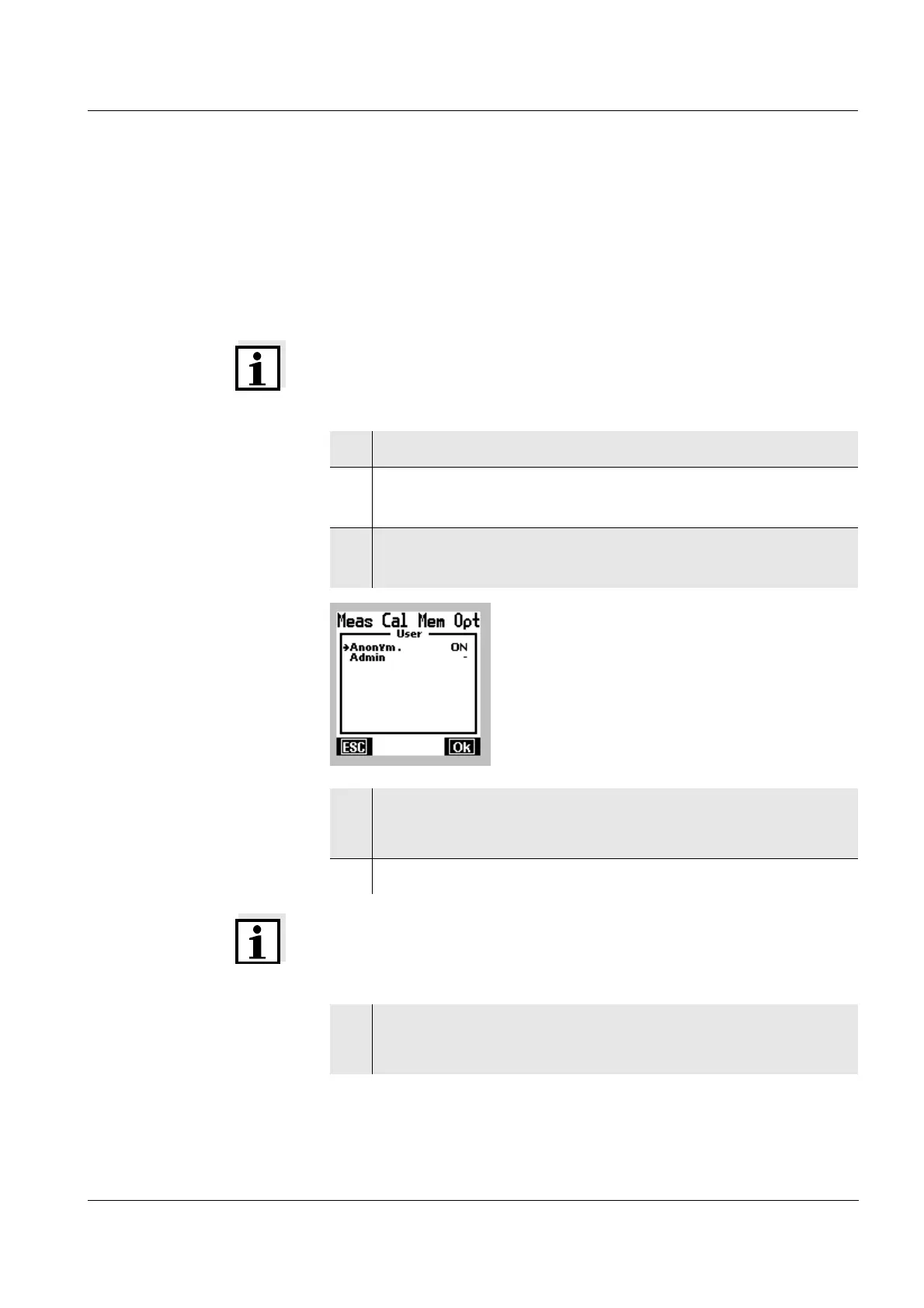
As long as no login has yet been made with a new user
name, this user name is displayed in brackets in the list of
user names. The user specifies the password when he first
logs in with the new user name.
Note
No access to this user profile is possible without this
password.
Note
The password has 4 numerical digits. The password "0000"
is not allowed.
1 Swap to standby mode.
2 Swap to the selection of the user name with [Online]
or [Offline].
3 Select the new user name (name in brackets) with
82.
4 Confirm the selection of the user name with [OK].
The dialog for the password input opens.
5 Input a four-digit password with
82 and 46.
6 Confirm the password with g.
The display swaps to the online or offline display.



 To Next Page