Commissioning
26
3.3 Switching on the measuring system
After the plug-in power supply unit is connected and the
initializing period is over, the measuring system switches to
standby mode (Standby and the date and time are
displayed).
When you want to measure, switch the system on.
1 Place the terminal and measuring module on a flat
surface and protect them from intense light and heat.
2 Press the
e key or [Online] on the terminal.
The measuring module and probe are initialized.
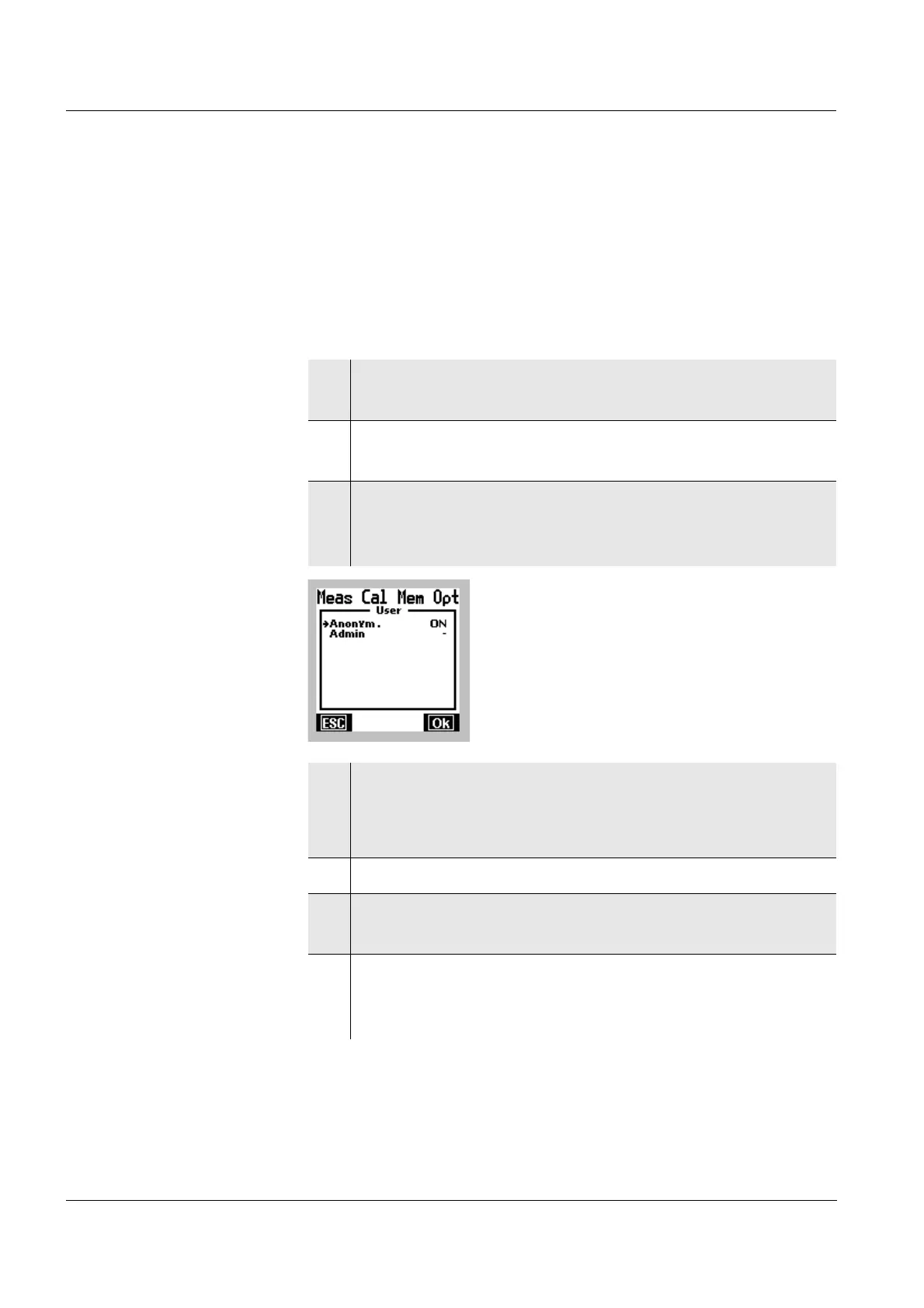
3 As soon as the measuring module and probe have
been initialized, a selection of user names is
displayed.
4 Select a user name with 82.
l Anonymous Login without password
l Admin Login with password
5 Confirm the user profile with OK.
6 If necessary, enter the password with 82 and 46
and start the login with [OK].
7 As soon as the measuring module and probe are
initialized, a measured value appears on the display,
e.g. the pH value.



 To Next Page