pH
75
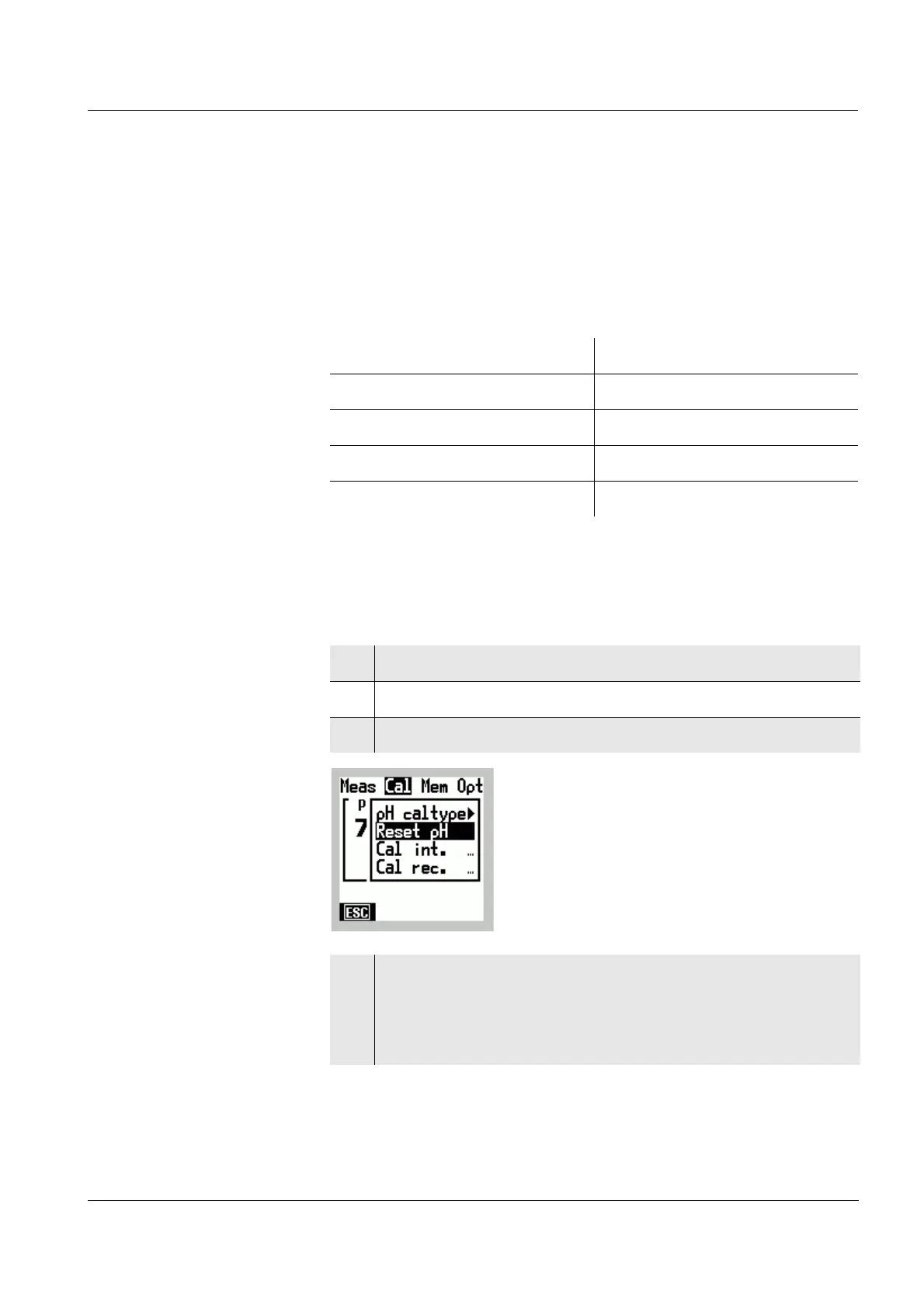
6.1.5 Resetting to default settings
You can reset (initialize) the settings for the pH
measurement to the default settings.
In a reset, the following functions for the pH measurement
are reset to the default settings:
pH reset With the reset pH function, all the settings for pH
measurements are reset to the default values.
Measuring mode pH
Asymmetry U
Asy
in mV 0 mV
Slope S (k) in mV -59.16 mV
Calibration procedures AutoCal TEC
Temperature, manual 25 °C
1 Switch to the Menu mode.
2 Use
46 to select the main Cal menu.
3 Select the Reset pH menu item with 82.
4 Confirm the selected menu item with g.
The default settings for pH measurements have been
restored.
The Menu mode is terminated.



 To Next Page