pH
72
6.1.2 Setting the pH display
pH electrodes are connected to the same connector on the
measuring module.
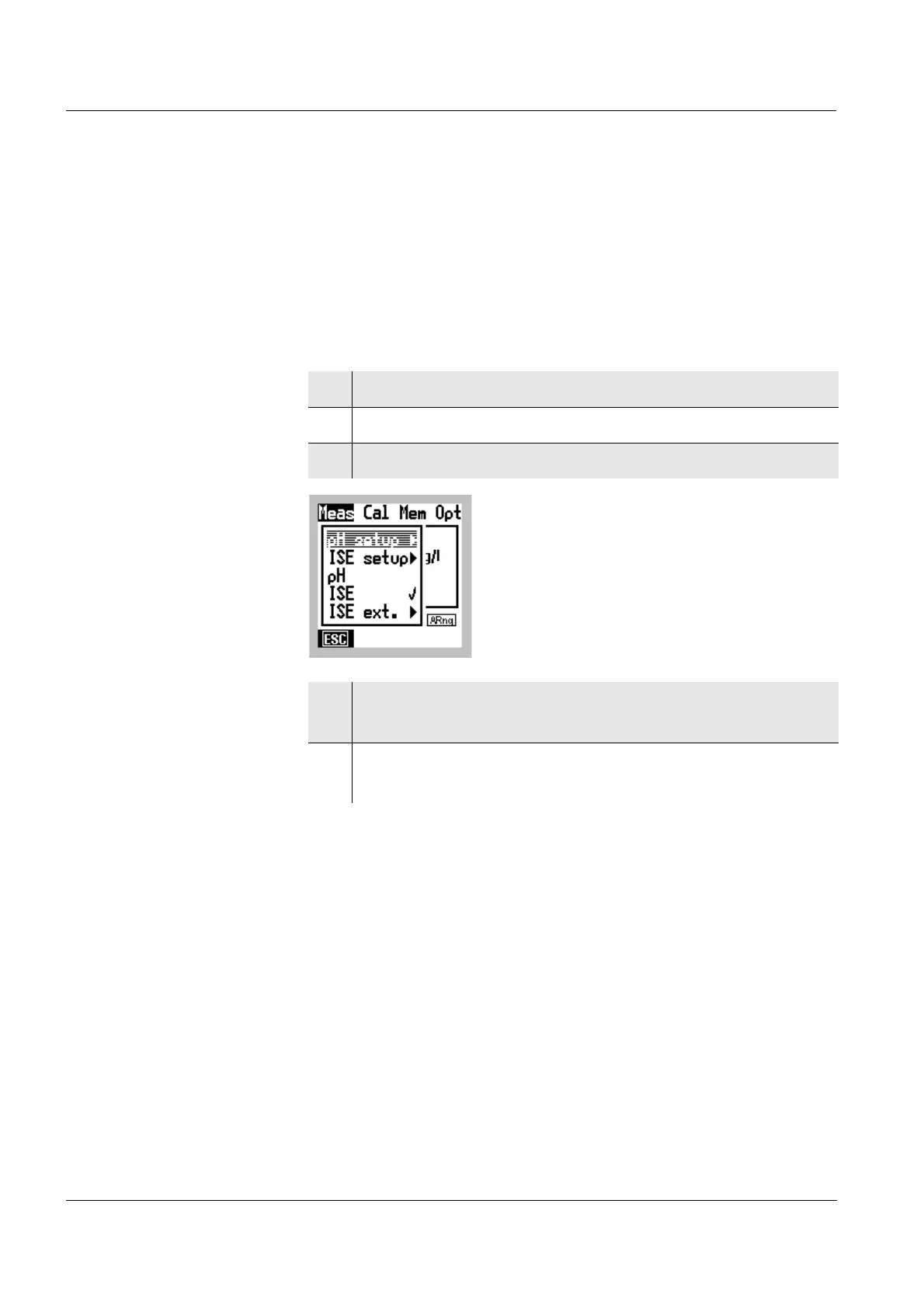
The selection of the measured variable ISE or pH is made in
the main Meas menu. The active pH or ISE setting is marked
with ✔.
Measured variable,
pH
1 Switch to the Menu mode.
2 Use
46 to select the main Meas menu.
3 Select the pH menu item with 82.
4 Confirm the pH menu item with g.
The pH display is active (✔).
5 Terminate the Menu mode with
m.
The pH value appears on the display.



 To Next Page