System settings
52
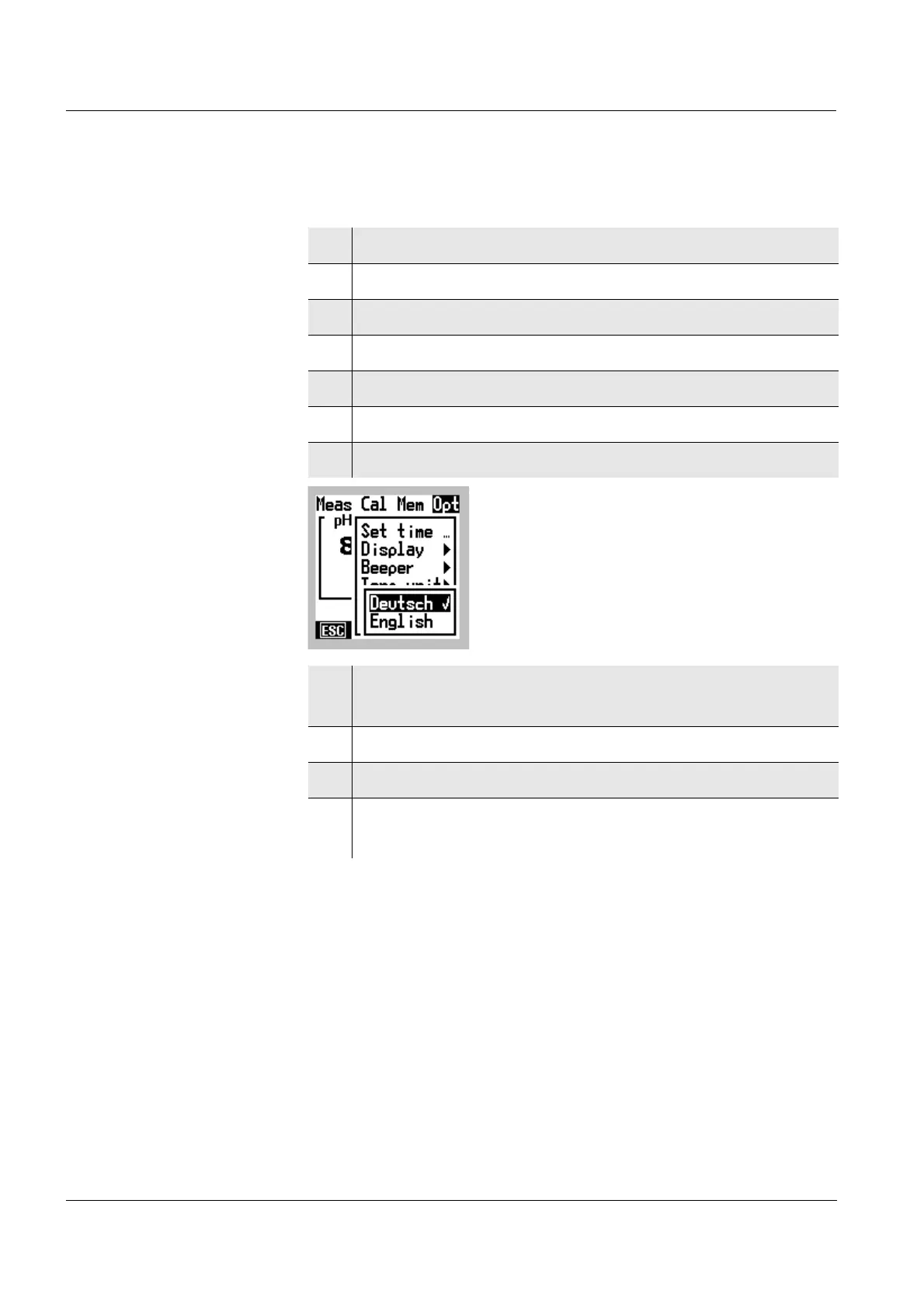
5.2 Changing the language
1 Switch to the Menu mode.
2 Select the main Opt menu with
46.
3 Select the Setup menu item with 82.
4 Confirm the Setup menu item with
g.
5 Select the Language menu item with 82.
6 Confirm the Language menu item with
g.
7 Select the English or German language with 82.
8 Confirm the language selection with g.
The language is activated (✔).
9 Terminate the Menu mode with
m.
10 Switch off the terminal with o.
11 Switch on the terminal again with
o.
Display texts appear in the selected language.



 To Next Page