Conductivity
192
10.3.3 Drift control (AutoRead)
The drift control function (AutoRead) checks the stability of
the measured value. The stability has a considerable effect
on the reproducibility of the measured value.
Note
In order to accept the current measured value without
waiting for the end of the AutoRead function, simply press
g. You can only change to another measured variable
after completion of AutoRead.
1 Select the required measuring mode with 46.
2 Immerse the conductivity measuring cell in the test
sample.
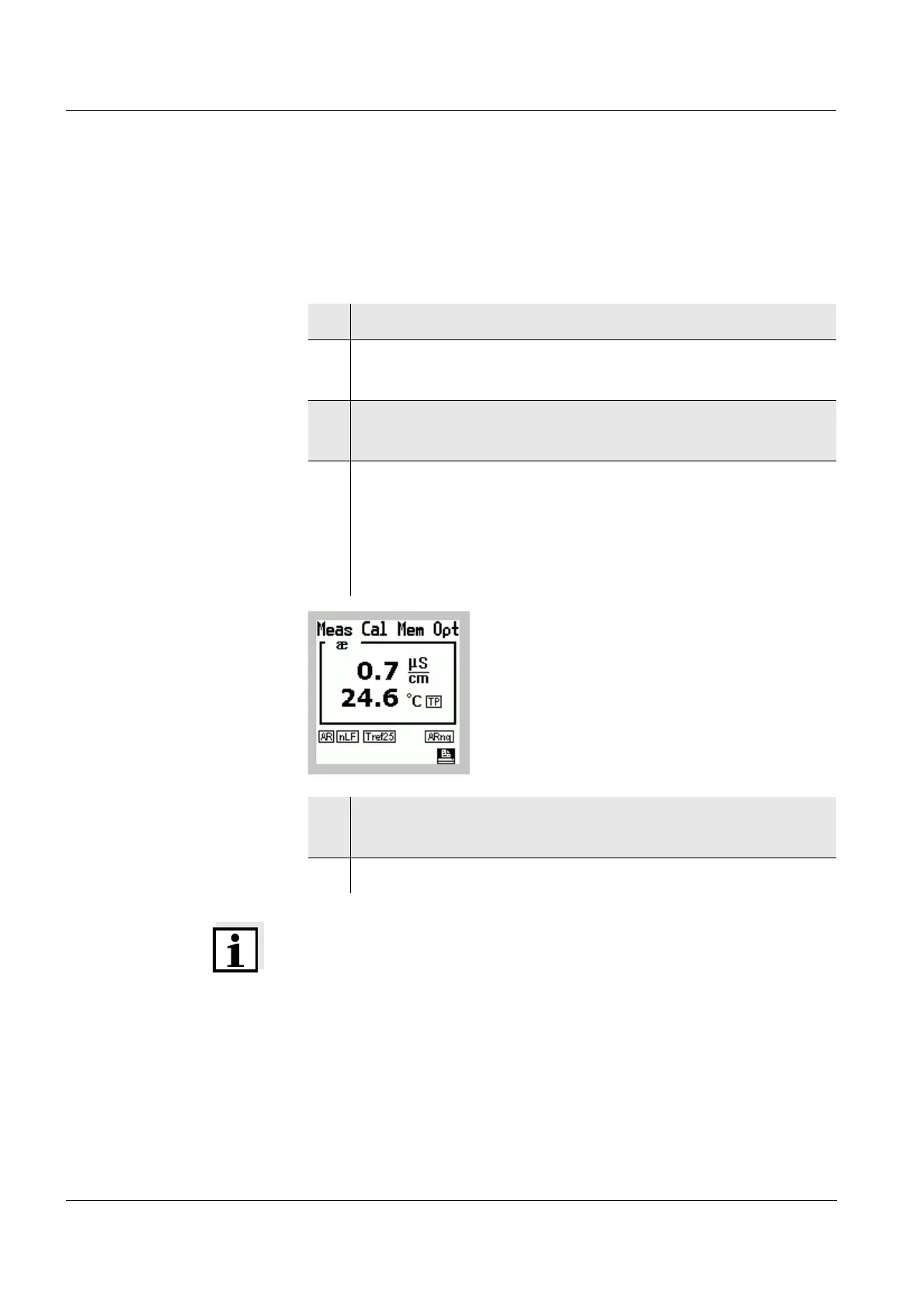
3 Activate the AutoRead function with a.
The measured value is frozen (hold function).
4 Start the measurement with AutoRead by pressing
g.
The
h AR display indicator flashes. When a stable
signal is reached, an acoustic signal is heard and
h
stops flashing.
5 If necessary, start the next measurement with
AutoRead by pressing
g.
6 To terminate AutoRead: Press the
a key.



 To Next Page