Data output
228
12.3.4 Setting the print interval
The print interval sets the time period between the
transmission of measured values to the interface.
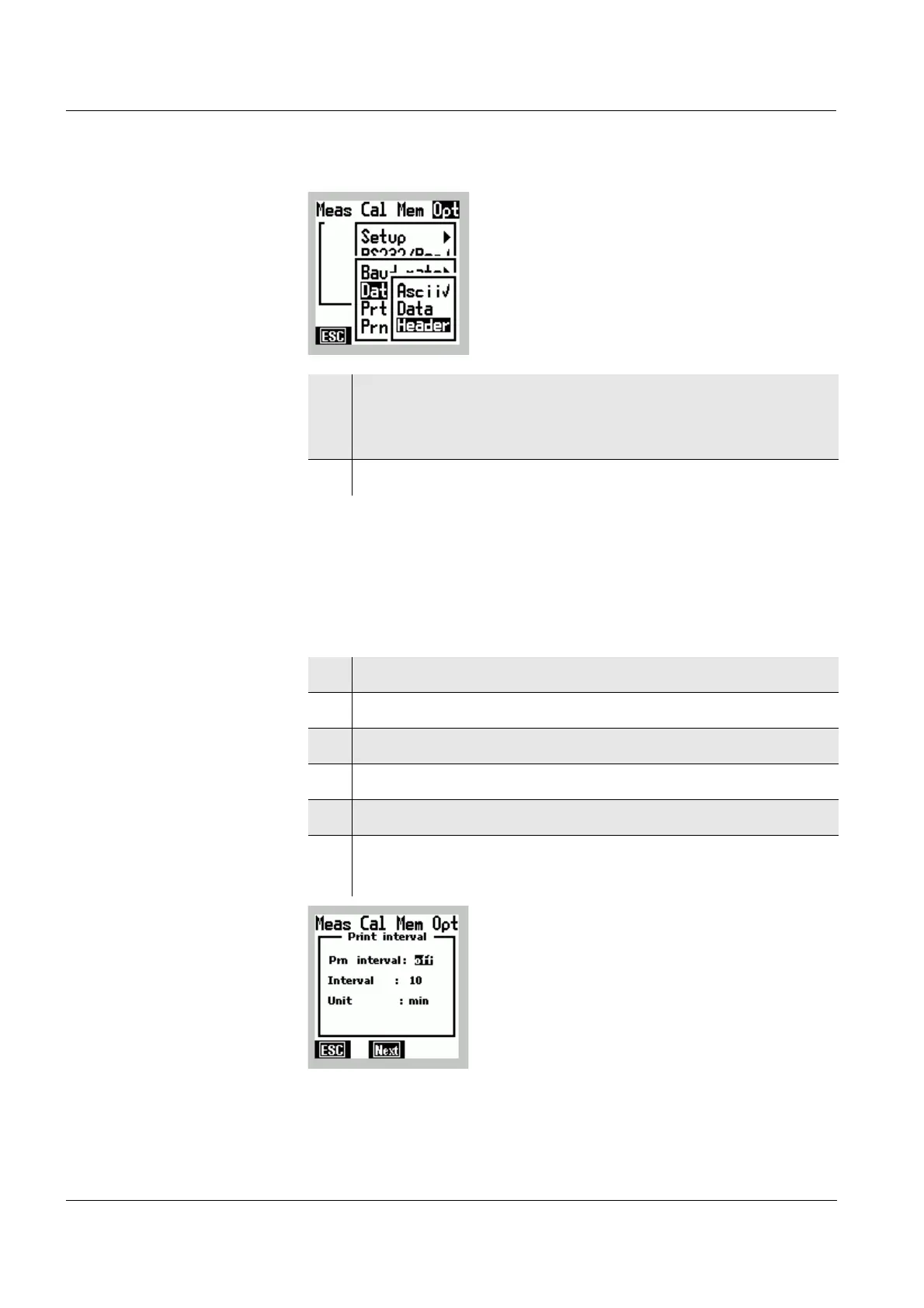
8 Confirm the Header menu item with g.
The labeling of the data in the data format Data is
output (e.g. on a printer or the PC).
9 Terminate the Menu mode with
m.
1 Switch to the Menu mode.
2 Use
46 to select the main Opt menu.
3 Select the RS232/Prt menu item with 82.
4 Confirm the RS232/Prt menu item with
g.
5 Use 82 to select the Prt Int. ... menu item.
6 Use
g to confirm the Prt Int. ... menu item.
The Print interval window appears on the display.



 To Next Page