System settings
53
5.3 Display settings
To adjust the quality of the display to the ambient light, you
can adjust the contrast of the display in 10 steps and switch
on a background display illumination if necessary.
5.3.1 Display contrast
Setting the display
contrast
1 Switch to the Menu mode.
2 Select the main Opt menu with
46.
3 Select the Setup menu item with 82.
4 Confirm the Setup menu item with
g.
5 Select the Display menu item with 82.
6 Confirm the Display menu item with
g.
7 Select the Contrast... menu item with 82.
8 Confirm the Contrast... menu item with
g.
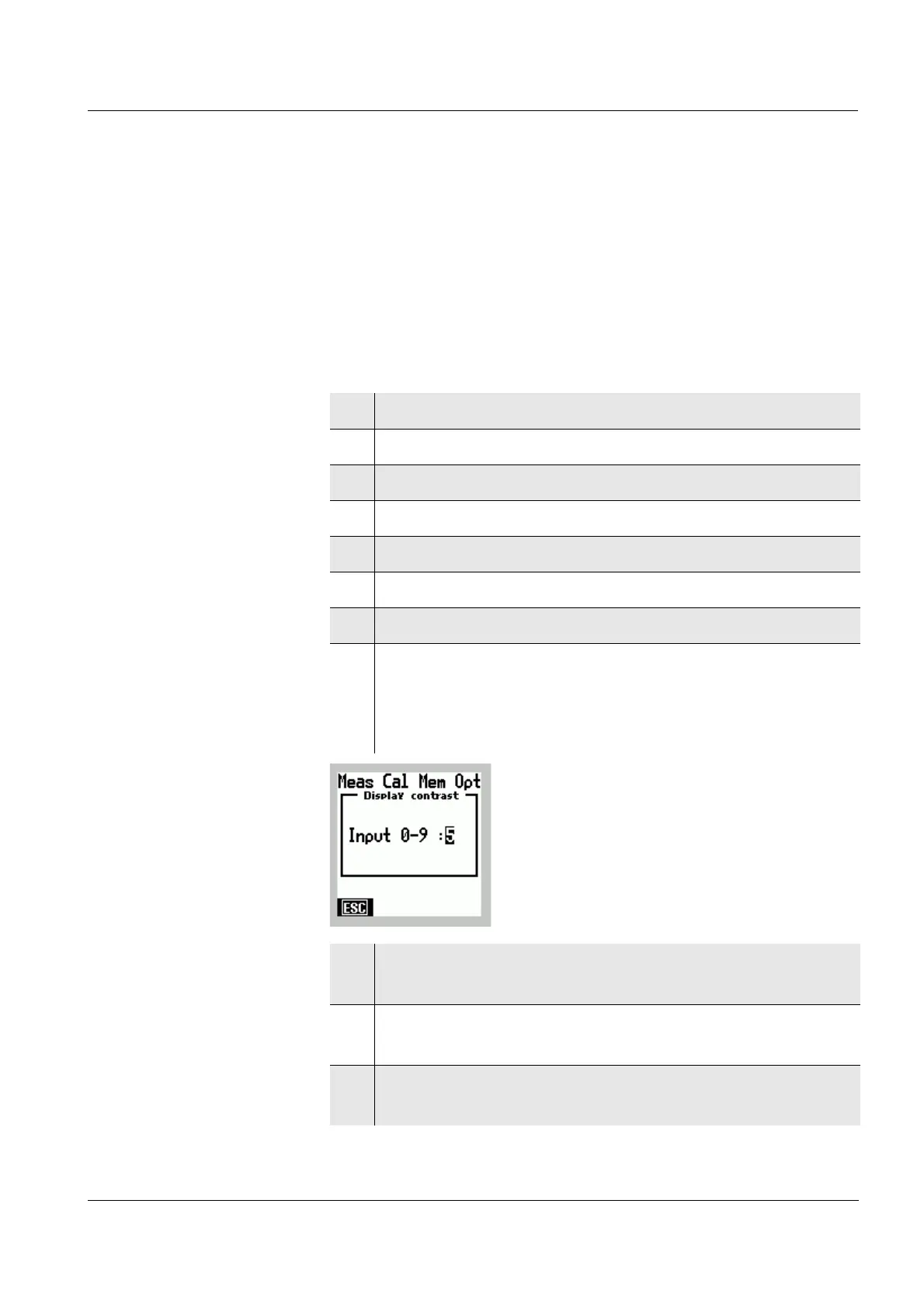
The Display Contrast input window appears on the
display.
The input field Input: 0-9 is selected.
9 Increase or decrease the number to the required
contrast with
82.
10 Confirm the input with
g.
The display contrast has been set up.
11 Terminate the input with [ESC].
The Menu mode is terminated.



 To Next Page