Basic principles of operation
44
4.2.4 Barcode reader
The entry of letters, e.g. for assignment of names as
identification (ID) is also possible with a barcode reader.
To connect a barcode reader to the terminal, you require the
adapter cable AK T-K PS2.
4.3 Menu
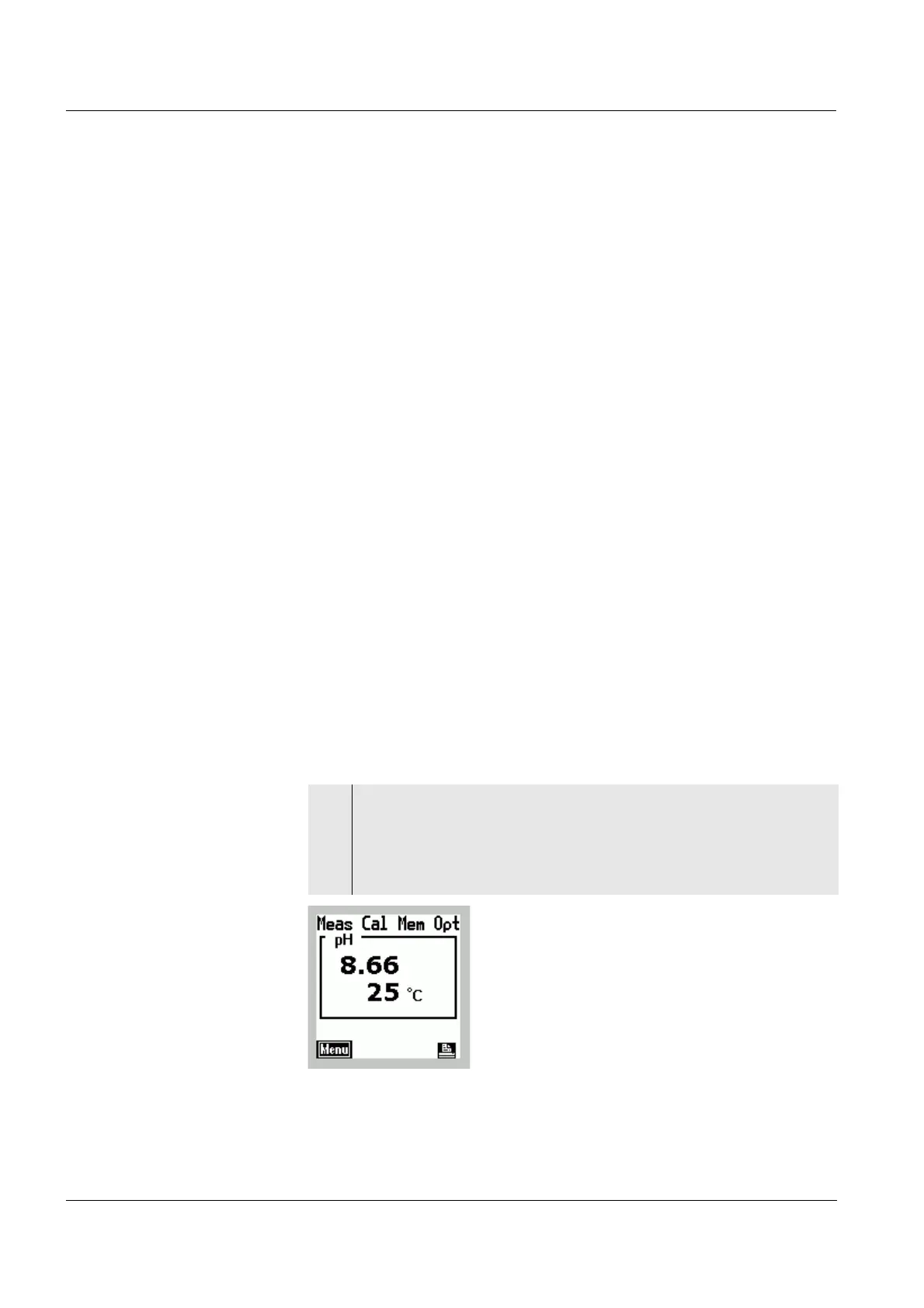
The main menu line of the display contains four main
menus.
l The main Meas. menu contains the settings for
measuring with the connected measuring module and
sensor.
l The main Cal menu contains the settings for calibrating
the connected measuring module and probe.
l The main Mem menu contains functions to store and
display measured values and system configurations.
l The main Opt menu contains general settings, e.g. for the
temperature unit or time, and configurations of the
terminal, e.g. of the display.
Calling up the menu
1 Switch on the terminal using e.
The display mode is active.
The display shows a measured value (e.g. pH value).
The [Menu] and
p softkeys are available.



 To Next Page