Basic principles of operation
45
Using a menu
Quitting a menu
How to operate the menu is explained in detail in the
following example.
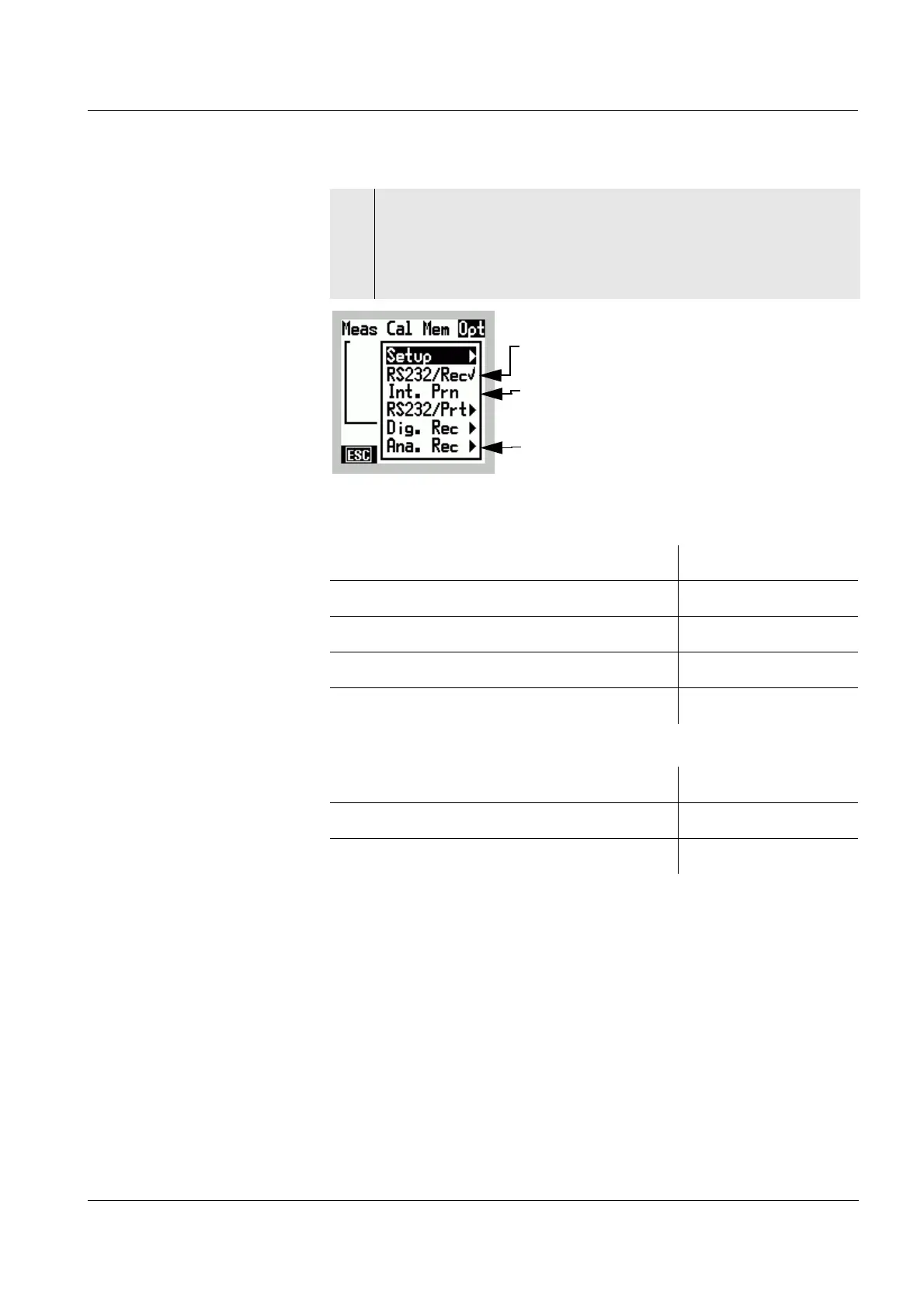
2 Change to the Menu mode with [Menu] .
The last main menu used, e.g. Opt, is opened and the
last menu item used, e.g. Setup, is selected. The
[ESC] softkey is available.
A submenu with further settings is
available
Selectable function
Active (✔) function
Action Key
Switch to the next higher menu Press [ESC]
Select a different main menu Press
46
Confirm the selected menu item Press g
Select another menu item Press 82
Action Key
Switch to the next higher menu Press [ESC]
Switch to the Display mode Press
m



 To Next Page