Dissolved oxygen (D. O.)
145
8.3.1 Selecting the measured value display
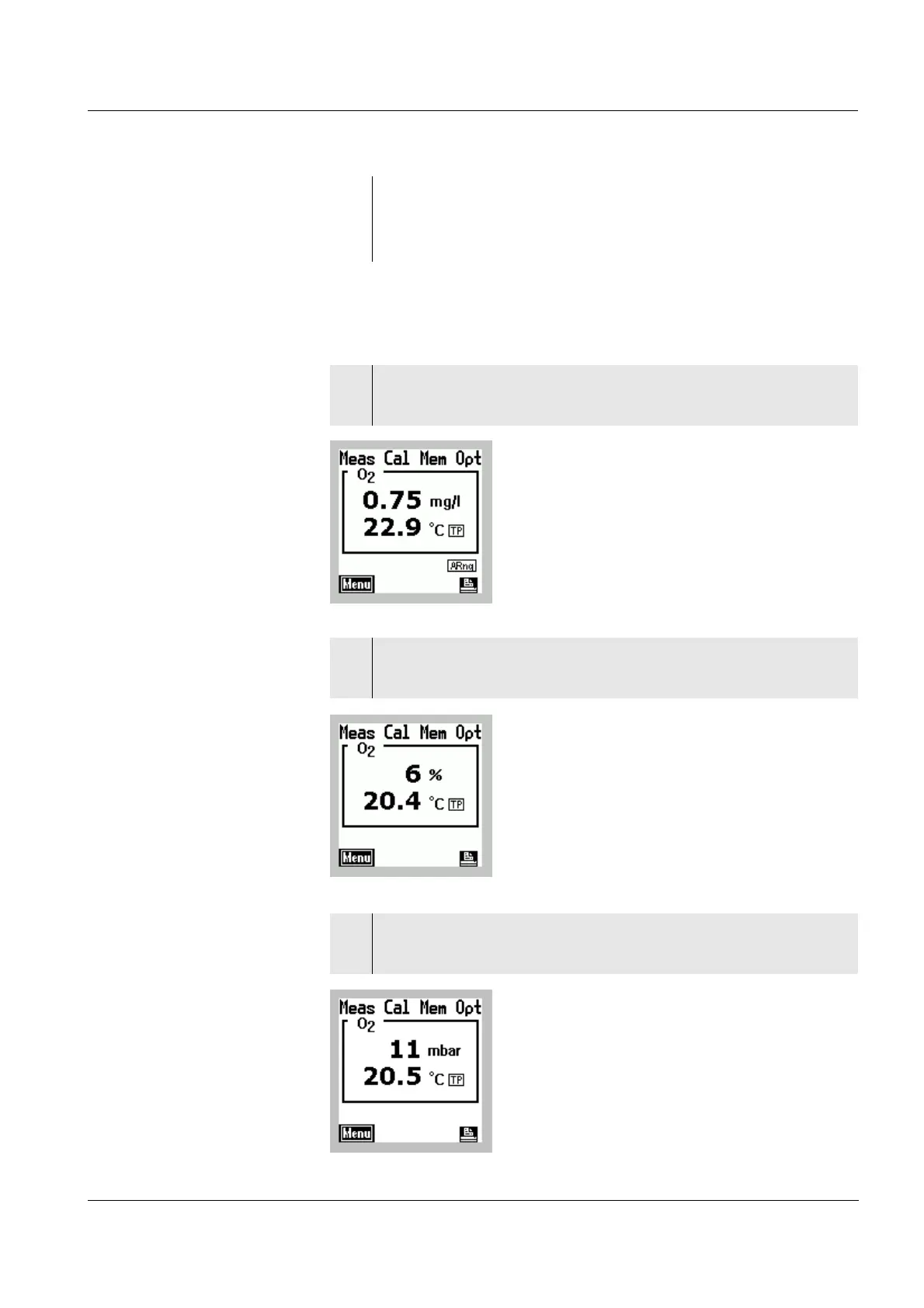
D. O. concentration
D. O. saturation
D. O. partial
pressure
2 Immerse the D. O. probe in the test sample.
The measured variable last selected appears on the
display.
1 Press the 46 key repeatedly until the oxygen
concentration appears on the display in mg/l.
2 Press the 46 key repeatedly until the saturation in
% appears on the display.
3 Press the 46 key repeatedly until the D. O. partial
pressure in mbar appears on the display.



 To Next Page