BOD
151
Note
If the scanner is set to automatic, always check all the data
shown on the display during a measurement first, and then
terminate the entries by reading in the name in the name
field. After reading in the barcode, the BOD measurement
starts automatically.
4 Confirm the BOD menu item with
g.
5 Select the BOD setup menu item with 82.
6 Confirm the BOD setup menu item with
g.
7 Select the Scanner menu item with 82.
8 Confirm the Scanner menu item with
g.
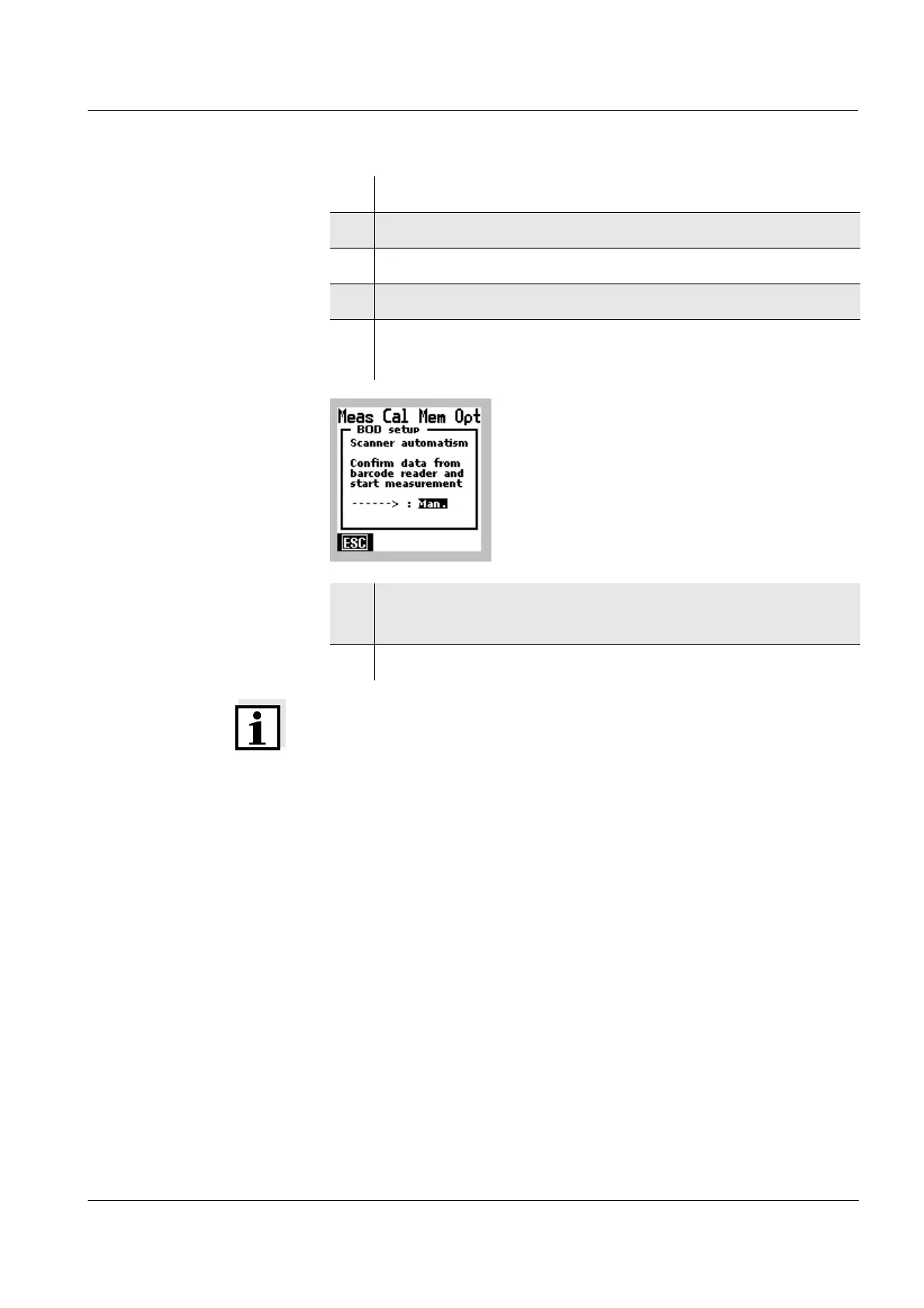
The selection field for the scanner setting appears.
9 Select the required use of the barcode reader
(automatic or manual) with
82.
10 Confirm the settings with [ESC].



 To Next Page