Commissioning
31
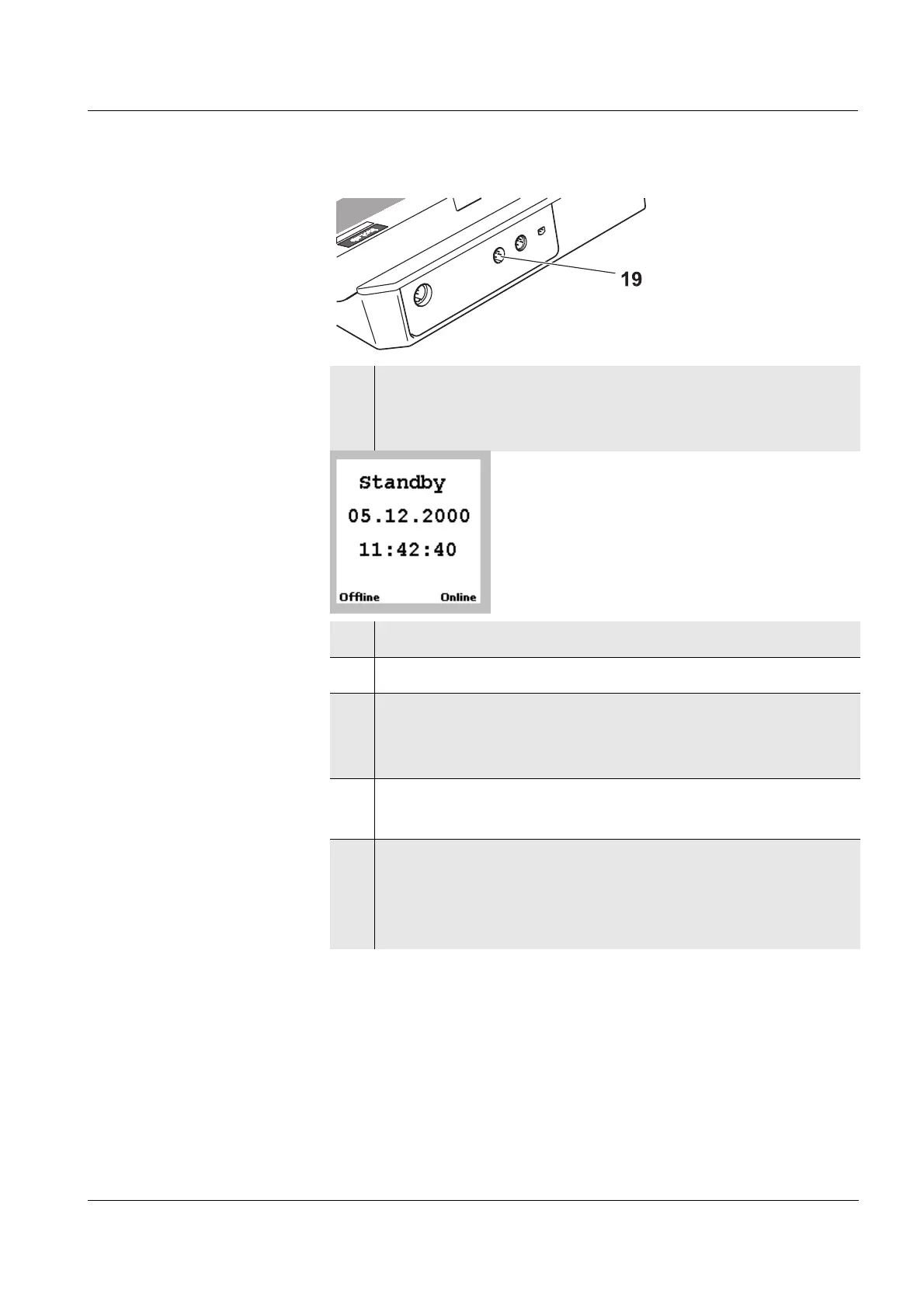
8 Plug the power supply into the inoLab Level 3
terminal again.
The Standby display appears.
9 Press g and hold it down.
10 Press [Offline].
11 Release both keys.
The Terminal Programming window shows the
current status of the update (in %).
12 Wait for display to reach 100%.
The firmware update has been carried out.
13 Briefly unplug the inoLab Level 3 terminal from the
supply voltage and plug it again.
The Standby display appears. The instrument is
ready for operation.


 To Next Page