System settings
70
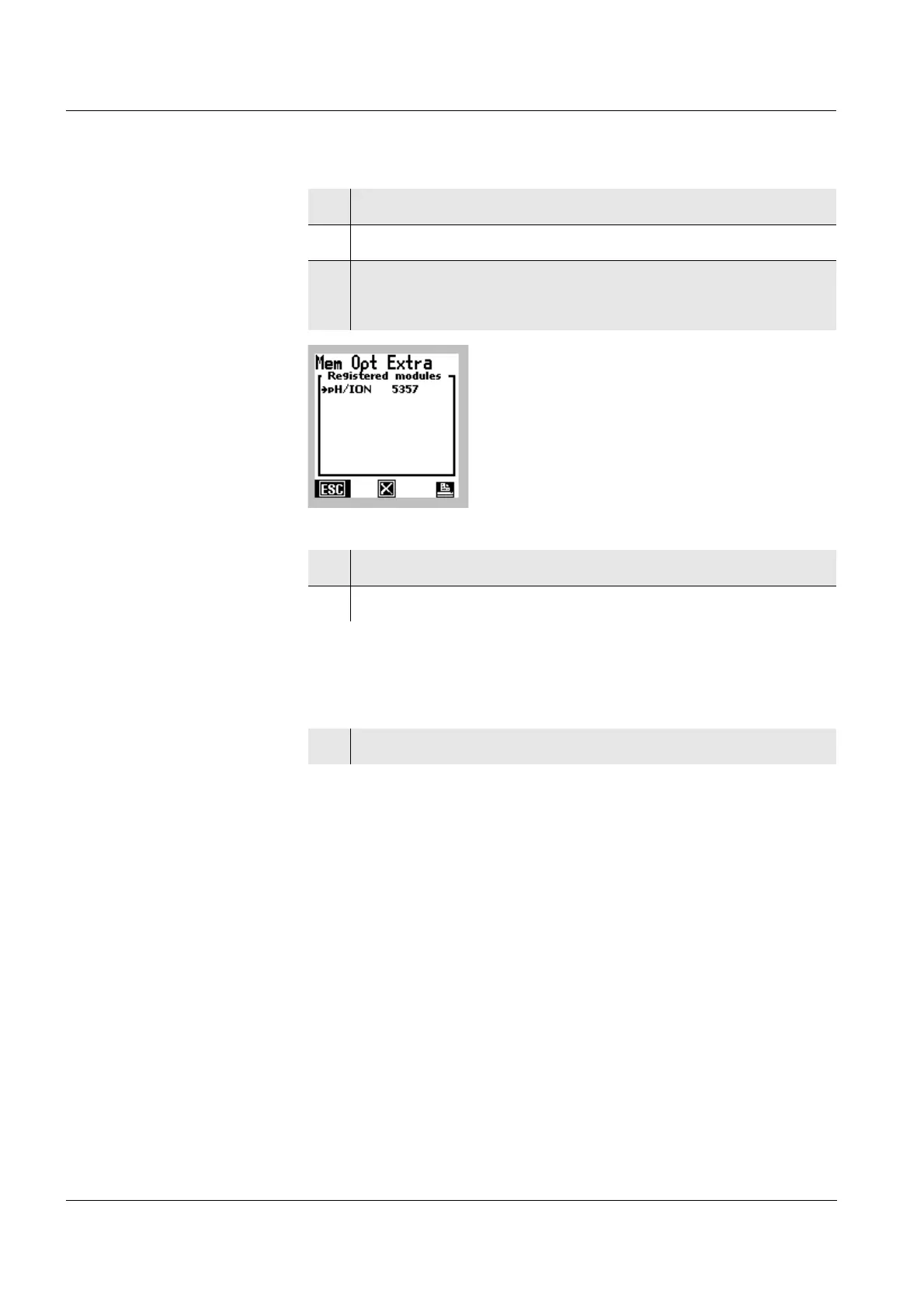
Deleting a module
or
Print out the list of
registered modules
1 Open the Administration menu (see section 5.6.1).
2 Select the Module menu item with
82.
3 Confirm the Module menu item with [OK].
The Module register window opens.
4 Select a Module menu item with 82.
5 Delete the selected Module with [X]
6 Print out the list of Modules with [PRINT].


 To Next Page
 Loading...



