pH
87
Two-point
calibration
10 Use
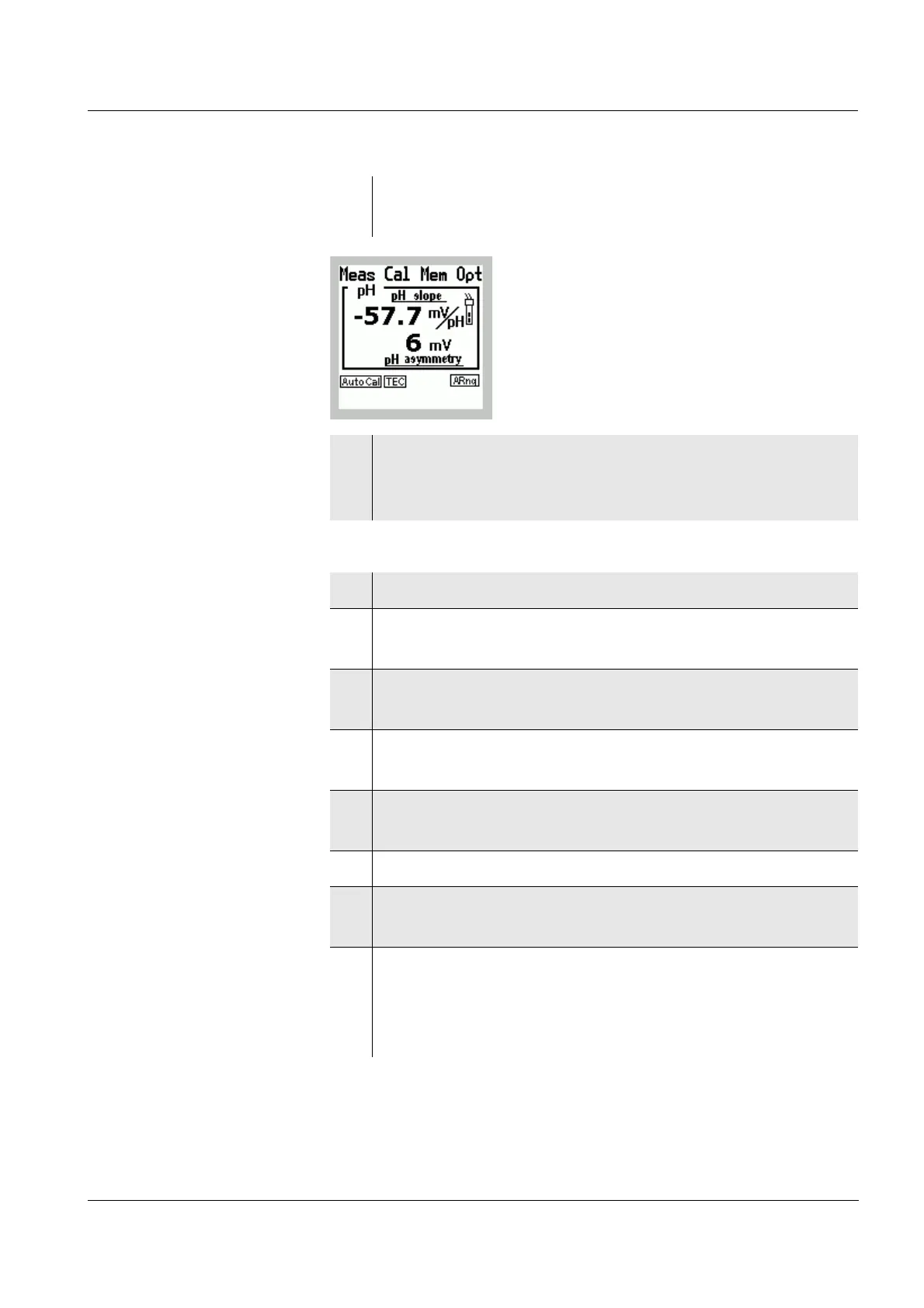
g to display the slope (mV/pH), the asymmetry
(mV), and the calibration evaluation (probe symbol).
11 Use g to go on to the two-point calibration
or terminate after the single-point calibration with
m
(the present calibration data remain stored).
12 Thoroughly rinse the electrode with deionized water.
13 Immerse the electrode and the temperature probe in
the second buffer solution.
14 If necessary, set the measured temperature value of
the second buffer solution with
82 .
15 Use [Adj. Asy.] to call up the input field for the nominal
pH value of the buffer solution.
16 Use 82 (and 46) to select the nominal pH value
of the buffer solution (at the current temperature).
17 Confirm the nominal pH value with
g.
18 Use [ESC] to leave the input field for the nominal pH
value.
19 Press the
g key.
The slope S (in mV/pH), asymmetry U
Asy
(in mV) and
calibration valuation (probe symbol) appear on the
display.



 To Next Page