XAG AUSTRALIA
116
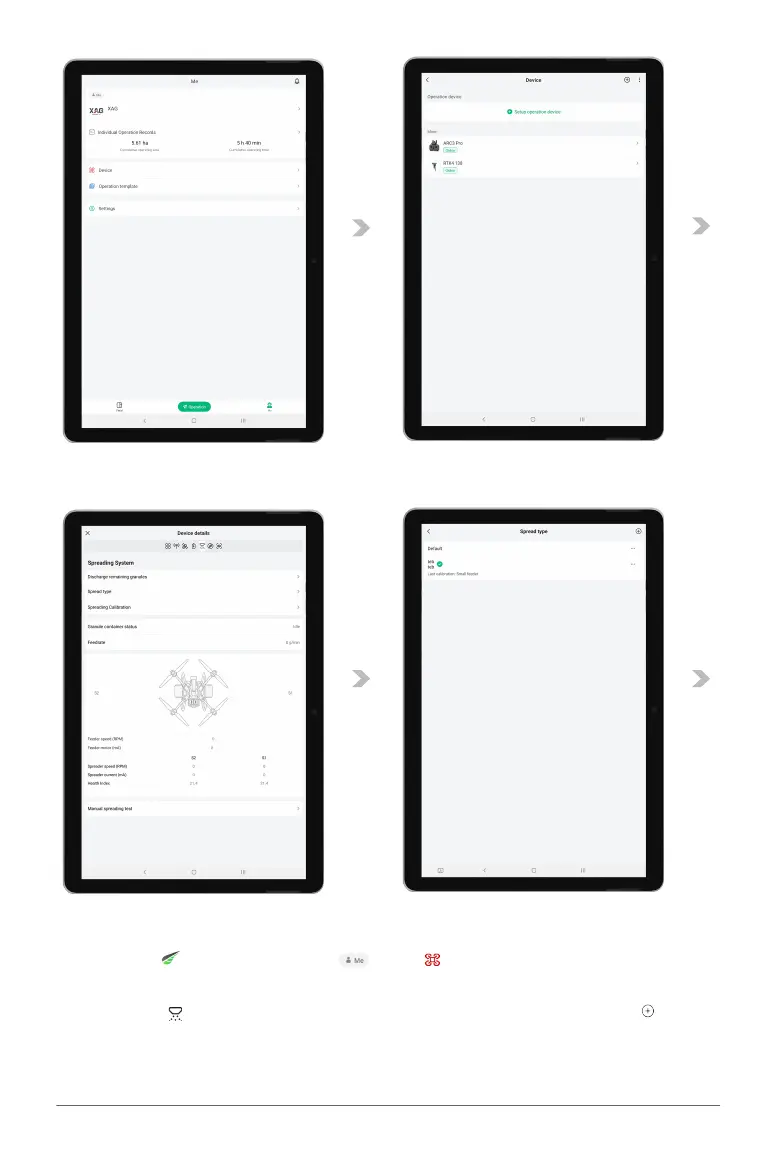
03. Open the XAG One app , tap on , then , then select and Tap on the aircraft to
enter the Device Details page.
04. Tap on the to enter the Spreading System page. Tap on "Spread Type", then the in
the upper right corner to create a new granule entry. Enter the name of the granules to be
calibrated, and tap on "Confirm”.



 To Next Page