XAG AUSTRALIA
142
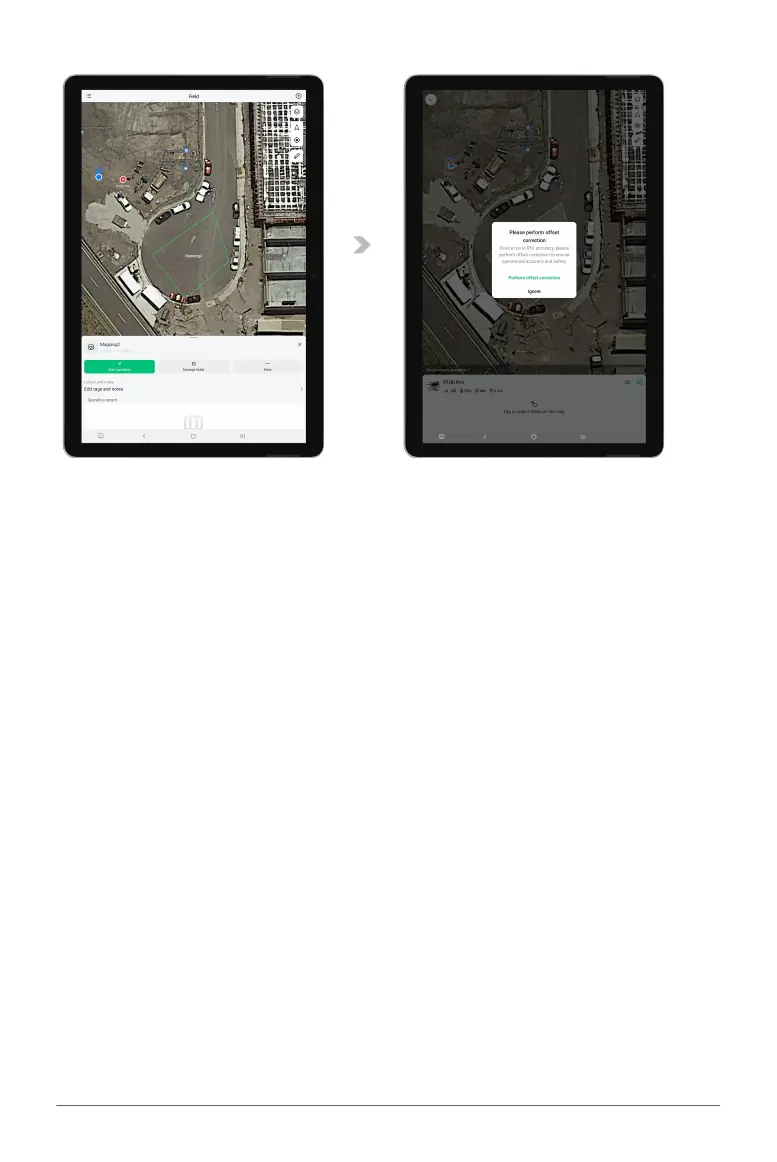
07. Tap “Start Operation” to initiate the process.
08. If fields are created using the VRTK Positioning service, an "Offset Correction" option may be
available, or a notification may advise that Offset Correction is recommended. To align the
aircraft's internal mapping system with the actual field layout, follow the instructions in the
Offset Correction section below.



 To Next Page