xiC - Technical Manual Version 1.16
3.8. xiC USB 3.1 Gen1 micro B Interface
Standard USB 3.1 Gen 1 Micro B
Female Connector
Standard USB 3.1 Gen1 Micro-B Connector with thumbscrews
Screw thread M2, thread distance 18.0mm
table 3-26, USB 3.1micro B mating connector description
The USB 3.1 Micro-B connector is used for data transmission, camera control and power.
3.8.1. USB 3.1 micro B Location
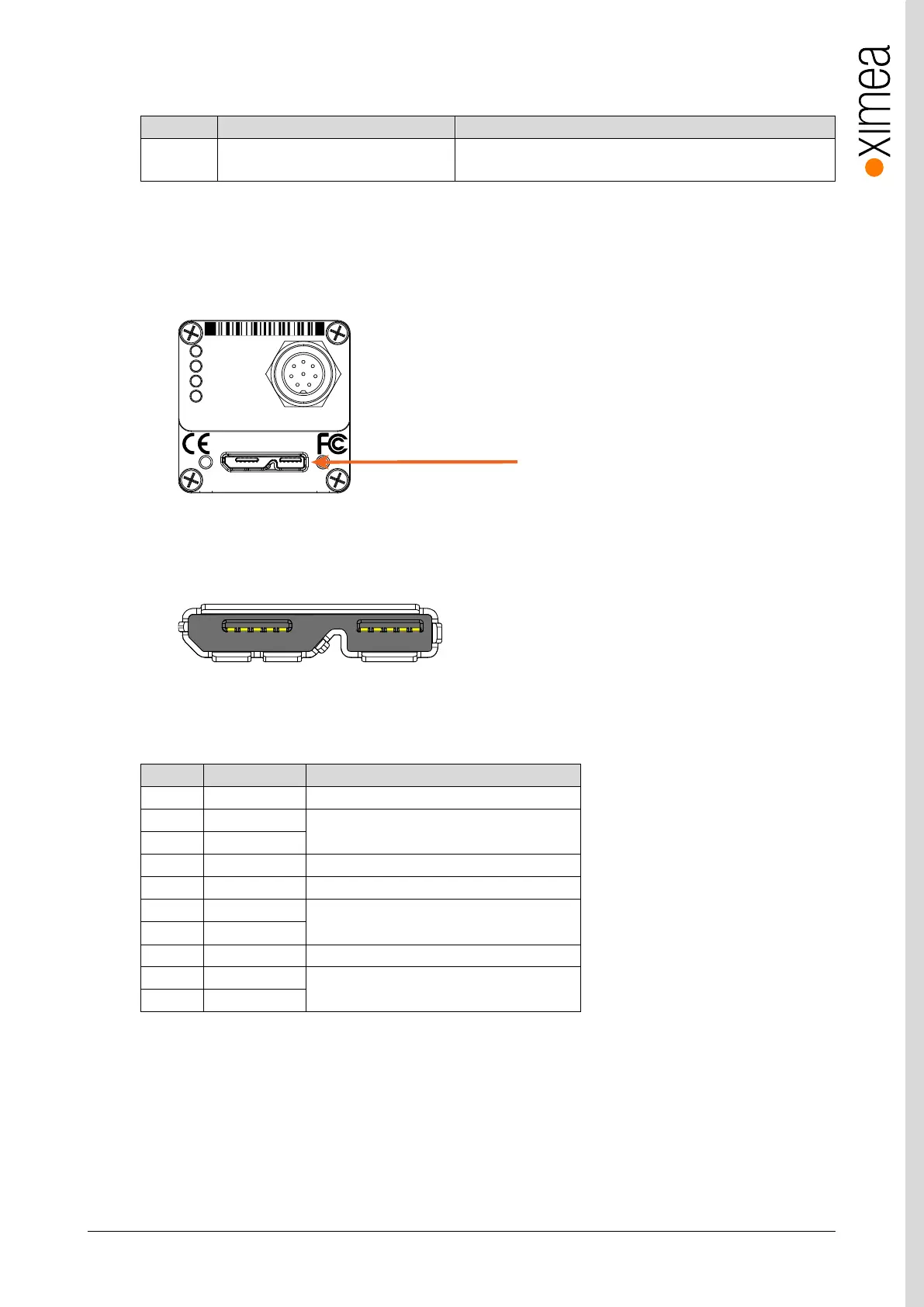
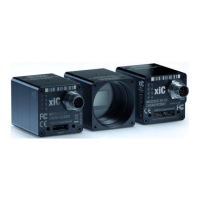
The micro B connector is located on the back side of the camera:
figure 3-34, position USB 3.1 Gen1 interface
3.8.2. Pinning
figure 3-35, pinning USB 3.1 / USB 3.0 connector
USB 3.1 Micro B connector (powered) Pin Assignment
USB 3.0 SuperSpeed transmitter signal pair
USB 3.0 SuperSpeed receiver signal pair
table 3-27, USB 3.0 connector, pin assignment
The USB 3.1 / USB 3.0 standard is backward compatible with the USB 2.0 interface.
micro B
xiC
1
2
3
4
MC023CG-SY-UB
CACAU1623001 Made in SK
IO
AUX
power
For use with XIMEA approved connection cables only.
USB 3.1 Gen 1


 To Next Page