xiC - Technical Manual Version 1.16
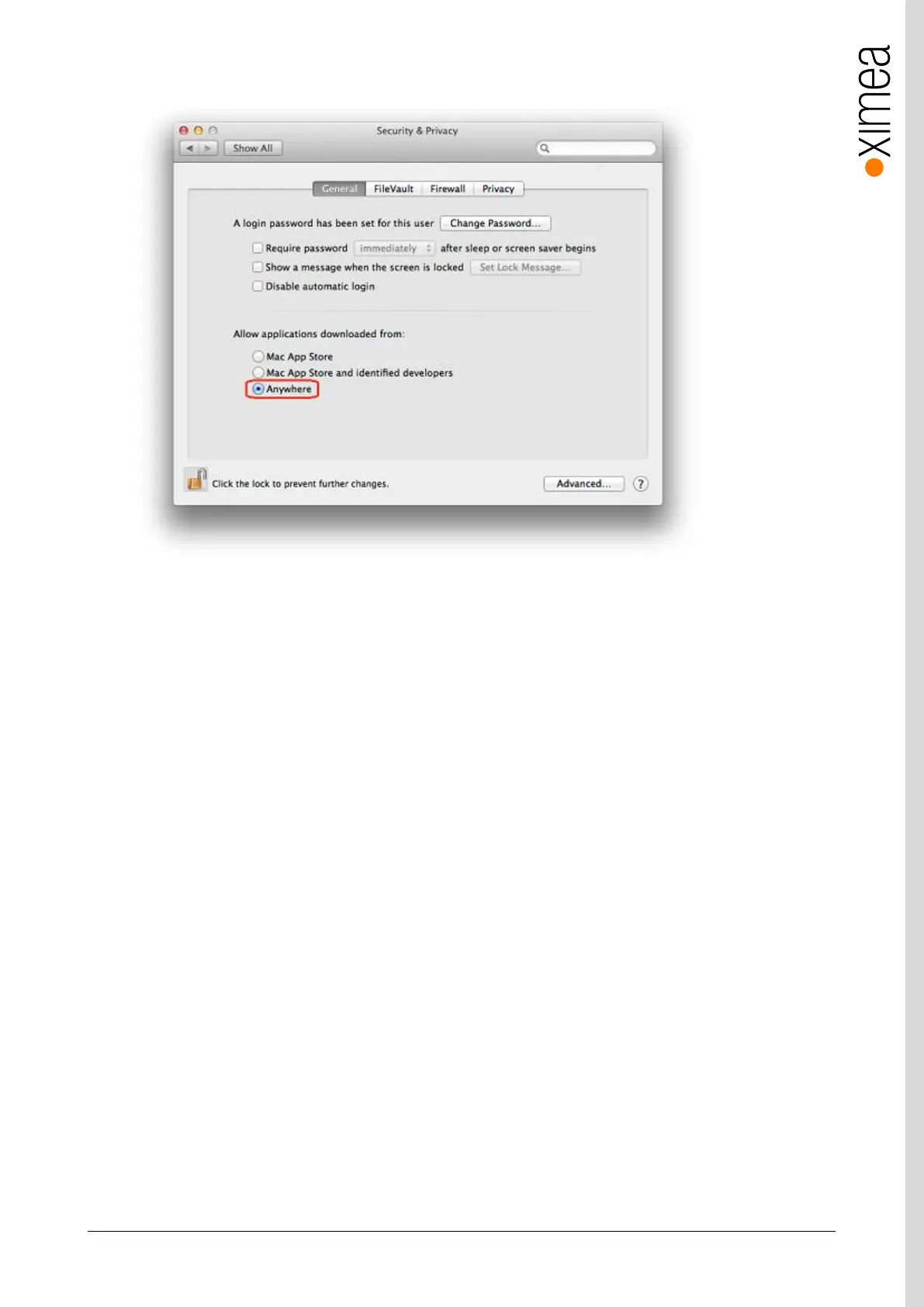
On the General Tab select the option Anywhere under Allow applications downloaded from:
figure 5-10, xiAPI installation, MacOS - 2
• Download XIMEA macOS Software. Package: http://www.ximea.com/downloads/recent/XIMEA_OSX_SP.dmg
• Mount it by double-clicking this file in Finder.
• Run the install script to install XiAPI on your macOS system
• A window with package contents will open.
5.6.3. Start XIMEA CamTool
• Connect camera
• Start Applications / XIMEA CamTool
• Start acquisition by clicking on orange triangle at upper left corner of CamTool


 To Next Page