xiC - Technical Manual Version 1.16
5.7.5.3. Acquire Images
This example shows how the acquisition is started on the device with the handle xiH, ten images are acquired in a row and the
acquisition is stopped.
xiStartAcquisition(xiH);
#define EXPECTED_IMAGES 10
for (int images=0;images < EXPECTED_IMAGES;images++)
{
// getting image from camera
xiGetImage(xiH, 5000, &image);
printf("Image %d (%dx%d) received from camera\n", images,
(int)image.width, (int)image.height);
}
xiStopAcquisition(xiH);
5.7.5.4. Control Digital Input / Output (GPIO)
Hardware Trigger and Exposure Active output
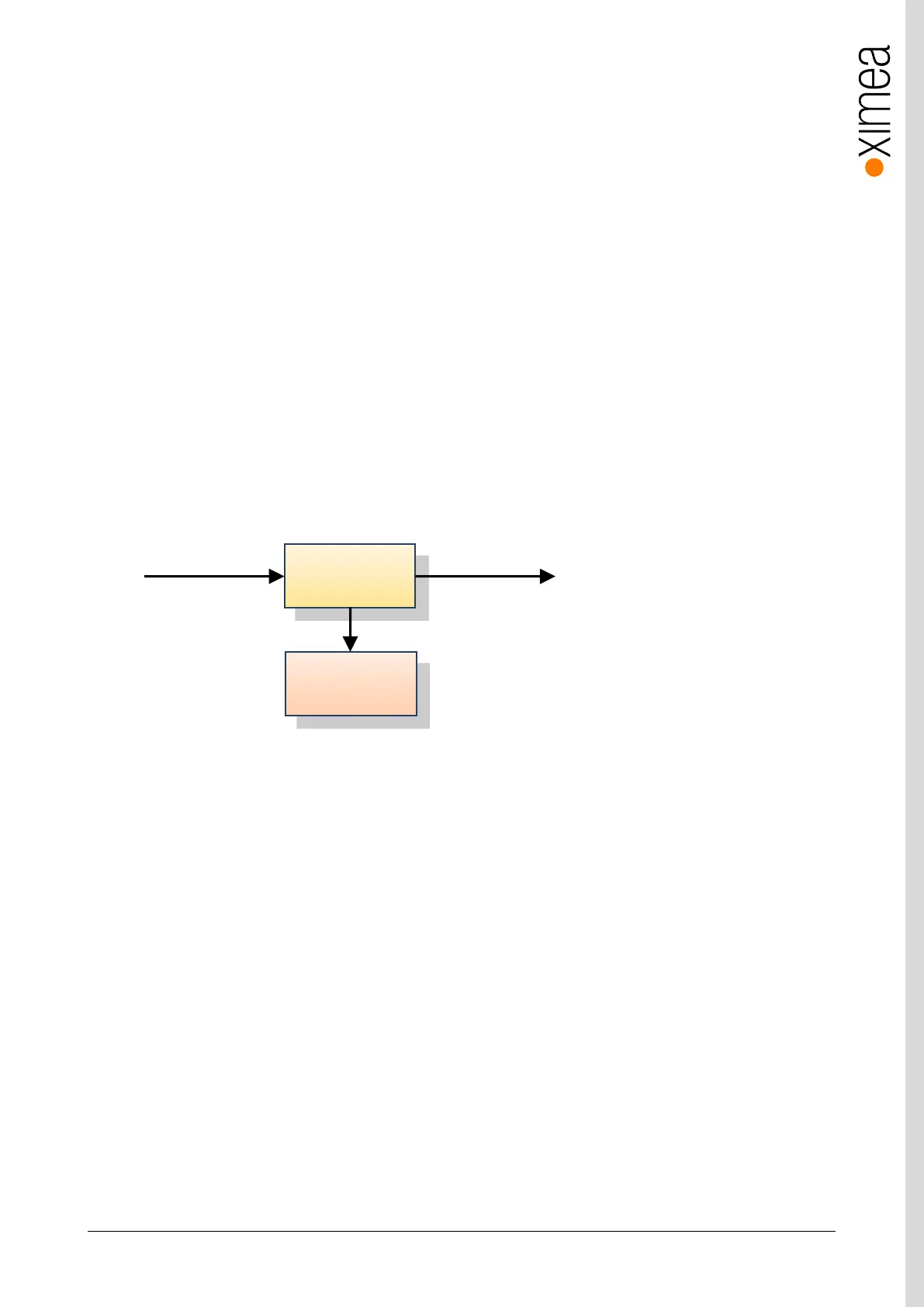
In this setup each image is triggered by a Digital Input Trigger. After the image is triggered, it can be transferred using
xiGetImage.
This setup ensures a low latency between the trigger signal and image Exposure start. This time should be less than 10µs.
figure 5-11, GPIO - schematic
HANDLE xiH;
xiOpenDevice(0, & xiH);
// select trigger source
xiSetParamInt(xiH, XI_PRM_TRG_SOURCE, XI_TRG_EDGE_RISING);
// select input pin 1 mode
xiSetParamInt(xiH, XI_PRM_GPI_SELECTOR, 1);
xiSetParamInt(xiH, XI_PRM_GPI_MODE, XI_GPI_TRIGGER)
// set digital output 1 mode
xiSetParamInt(xiH, XI_PRM_GPO_SELECTOR, 1);
xiSetParamInt(xiH, XI_PRM_GPO_MODE, XI_GPO_EXPOSURE_ACTIVE);
xiStartAcquisition(handle1);
// Trigger signal should start image exposure within timeout
#define TIMEOUT_IMAGE_WAITING_MS 10000
xiGetImage(handle, TIMEOUT_IMAGE_WAITING_MS, &image);
// process image here…
Digital Output
Exposure Active
Camera


 To Next Page