Configuring Pro Tools 223
DM2000 Version 2—Owner’s Manual
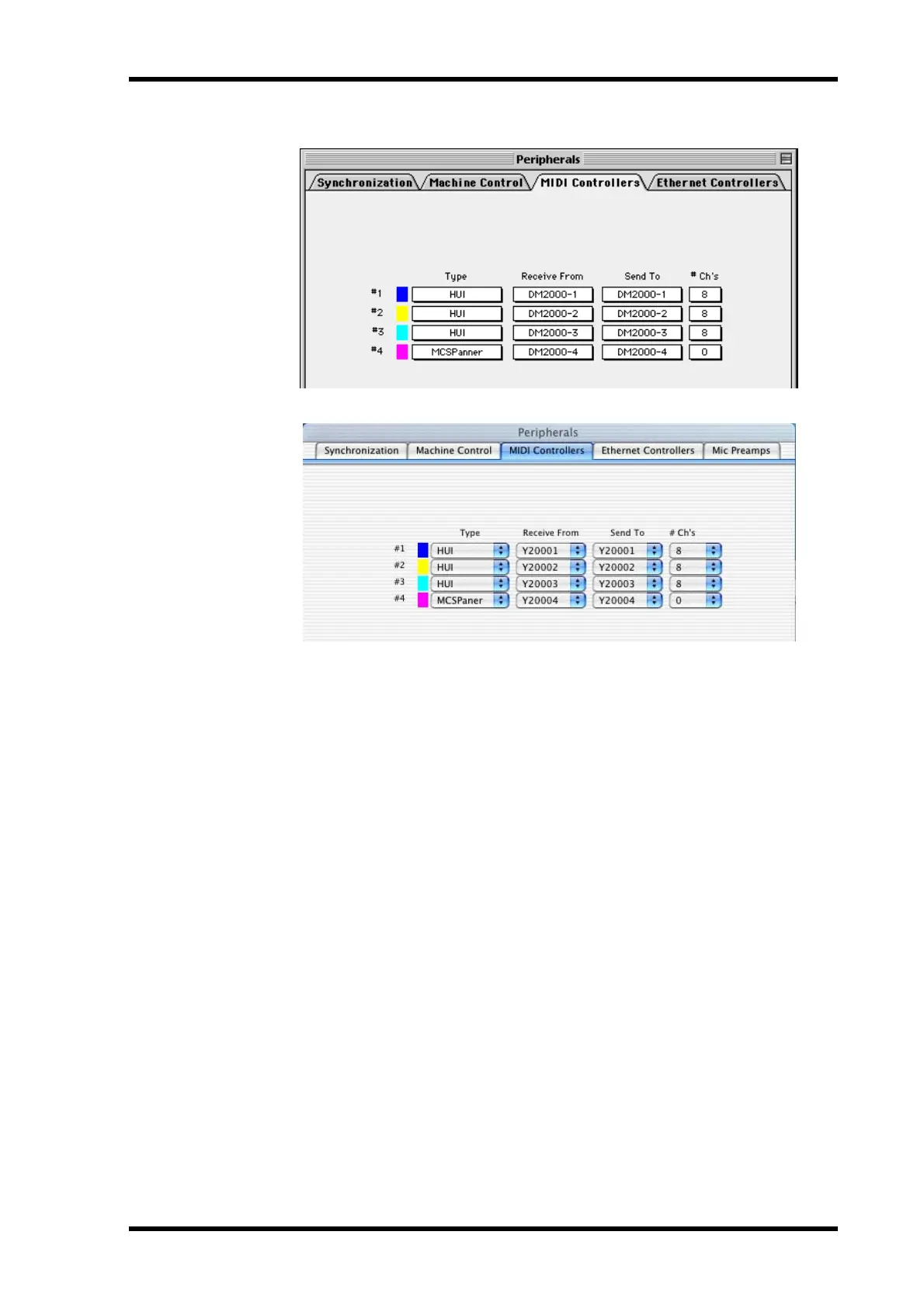
4 When the Peripherals window appears, click the MIDI Controllers button.
5 Select HUI as the Type of controller for #1–#3, and select MCS PANNER for
#4 to enable use of the Joystick.
6 Select the Receive From and Send To ports, and then click OK.
The DM2000 can emulate up to three typical 8-channel Pro Tools MIDI controllers. A sin-
gle MIDI port is required for every eight channels. So, you must configure MIDI Controller
#1 to use channels 1 through 8, MIDI Controller #2 to use channels 9 through 16, and MIDI
Controller #3 to use channels 17 through 24.



 To Next Page