Pre-Fader or Post-Fader Aux Sends 111
DM2000 Version 2—Owner’s Manual
Pre-Fader or Post-Fader Aux Sends
Aux Sends can be configured individually as either pre-fader or post-fader on the Aux Send
pages (see page 112) or the Aux View pages (see page 115). If Aux Sends are configured as
pre-fader, you can position the send points before or after the [ON] buttons.
Setting Aux Send Levels
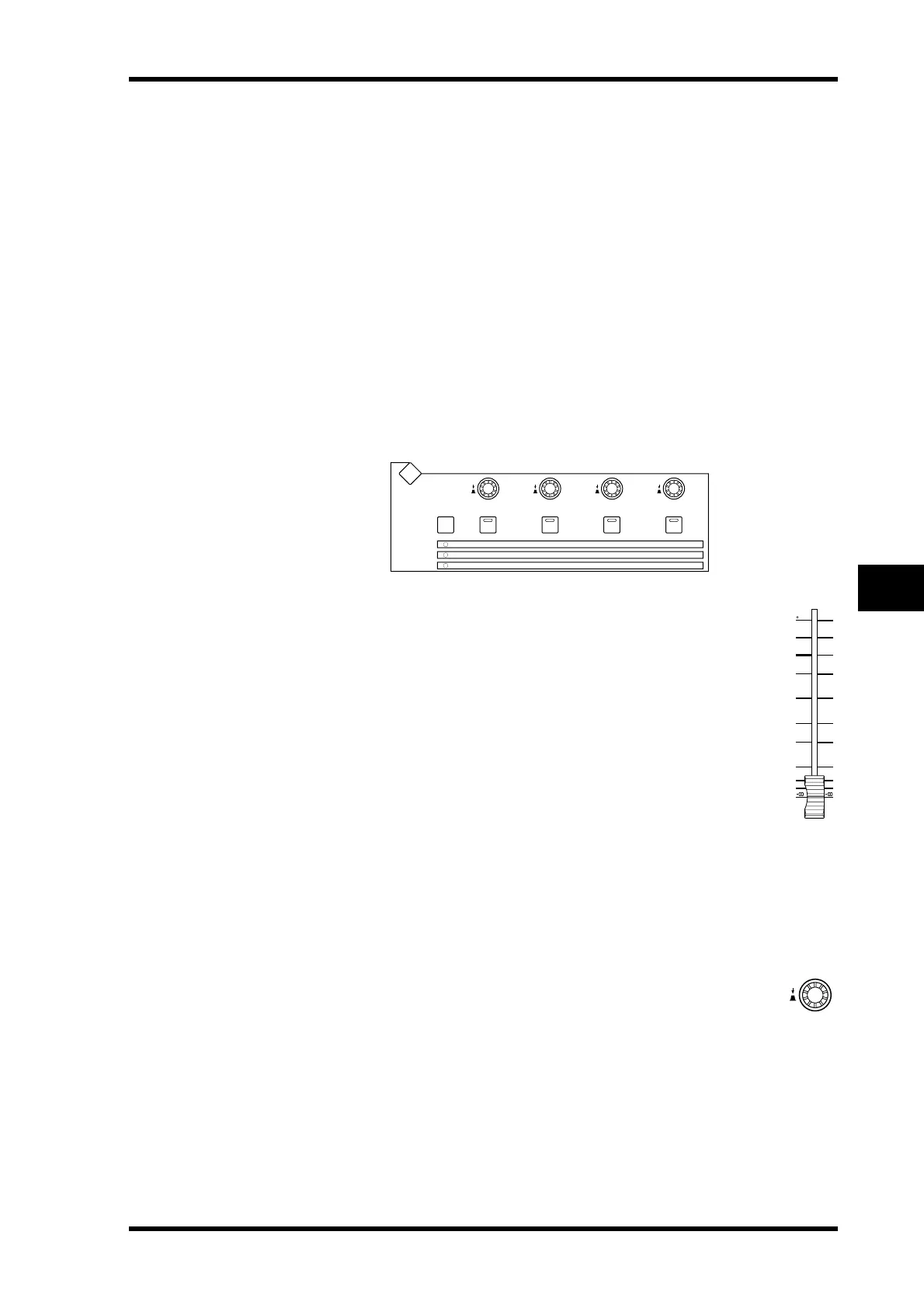
Aux Send levels can be set by using the SELECTED CHANNEL AUX/MATRIX SEND
LEVEL controls, the faders, or the Encoders.
Using the SELECTED CHANNEL AUX/MATRIX SEND LEVEL Controls
1 Use the LAYER buttons to select the Input Channel Layers, and use the [SEL]
buttons to select Input Channels.
2 Use the [BANK] button to select Aux 1–4, Aux 5–8, or Aux 9–12.
3 Use the LEVEL controls to set the Aux Send levels.
Using the Faders
1 Use the LAYER buttons to select the Input Channel Layers.
2 Press the FADER MODE [AUX/MTRX] button to select the Aux/Mtrx
Fader mode.
3 Use the AUX SELECT [AUX 1]–[AUX 12] buttons to select Aux Sends
1–12.
4 Use the faders to set the Aux Send levels.
Refer to the legend on the left side of the faders when setting Aux Send levels.
Using the Encoders
1 Use the LAYER buttons to select the Input Channel Layers.
2 Press the ENCODER MODE [AUX/MTRX] button to select the Aux/Mtrx
Encoder mode.
3 Use the AUX SELECT [AUX 1]–[AUX 12] buttons to select Aux Sends 1–12.
4 Use the Encoders to set the Aux Send levels.
AUX/MATRIX SEND
LEVEL
ON
LEVEL
ON
LEVEL
ON
LEVEL
ON
AUX 1 /MATRIX 1
AUX 5
AUX 9
AUX 2 /MATRIX 2
AUX 6
AUX 10
AUX 3 /MATRIX 3
AUX 7
AUX 11
AUX 4 /MATRIX 4
AUX 8
AUX 12
BANK
DISPLAY
50
40
30
20
15
10
10
5
0
5
70
60
50
40
30
20
15
10
5
0



 To Next Page