Attenuating Input Channels 87
DM2000 Version 2—Owner’s Manual
Attenuating Input Channels
Input Channels signals can be attenuated pre-EQ. See “Attenuating Signals” on page 130 for
more information.
EQ’ing Input Channels
Each Input Channel features 4-band parametric EQ. See “Using EQ” on page 131 for more
information.
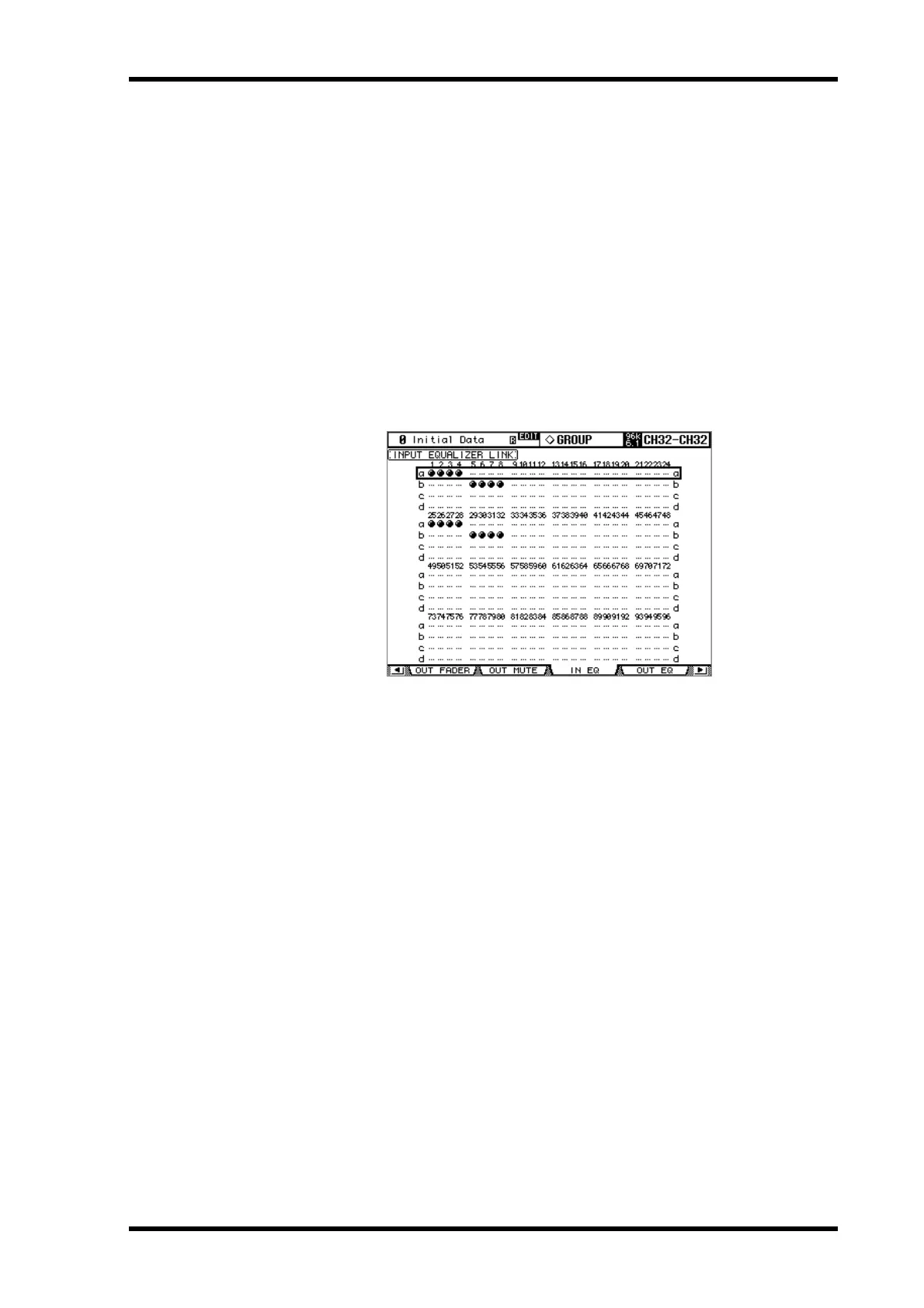
Grouping Input Channel EQs
Input Channel EQs can be grouped, allowing you to control the EQ of several Input Chan-
nels simultaneously. There are four Input Channel EQ groups: a, b, c, and d.
1 Use the DISPLAY ACCESS [GROUP] button to locate the Input Equalizer Link
page.
2 Use the LAYER buttons to select the Input Channel Layers.
The corresponding group row is selected as each Input Channel Layer is selected.
3 Use the Up/Down cursor buttons to select EQ groups a–d.
The selected group is highlighted by a flashing cursor box.
4 Use the [SEL] buttons to add and remove Input Channels to and from the
selected group.
The EQ settings of the first Input Channel added to the group are applied to all subse-
quently added Input Channels.
When an Input Channel is added to a group, its [SEL] button indicator lights up.
Input Channel Inserts
Internal effects processors and external signal processors can be patched into the Input
Channels by using the Inserts. See “Using Inserts” on page 135 for more information.
Compressing Input Channels
Each Input Channel features a Compressor. See “Compressing Channels” on page 137 for
more information.



 To Next Page