Gating Input Channels 85
DM2000 Version 2—Owner’s Manual
Gating Input Channels
Each Input Channel features a noise Gate for automatically shutting out unwanted noise.
Gate settings can be stored in the Gate library, which contains 4 preset memories and 124
user memories. See “Gate Library” on page 170 for more information.
Preset Gates & Types
The following table lists the preset Gates and types. See page 333 for detailed parameter
information.
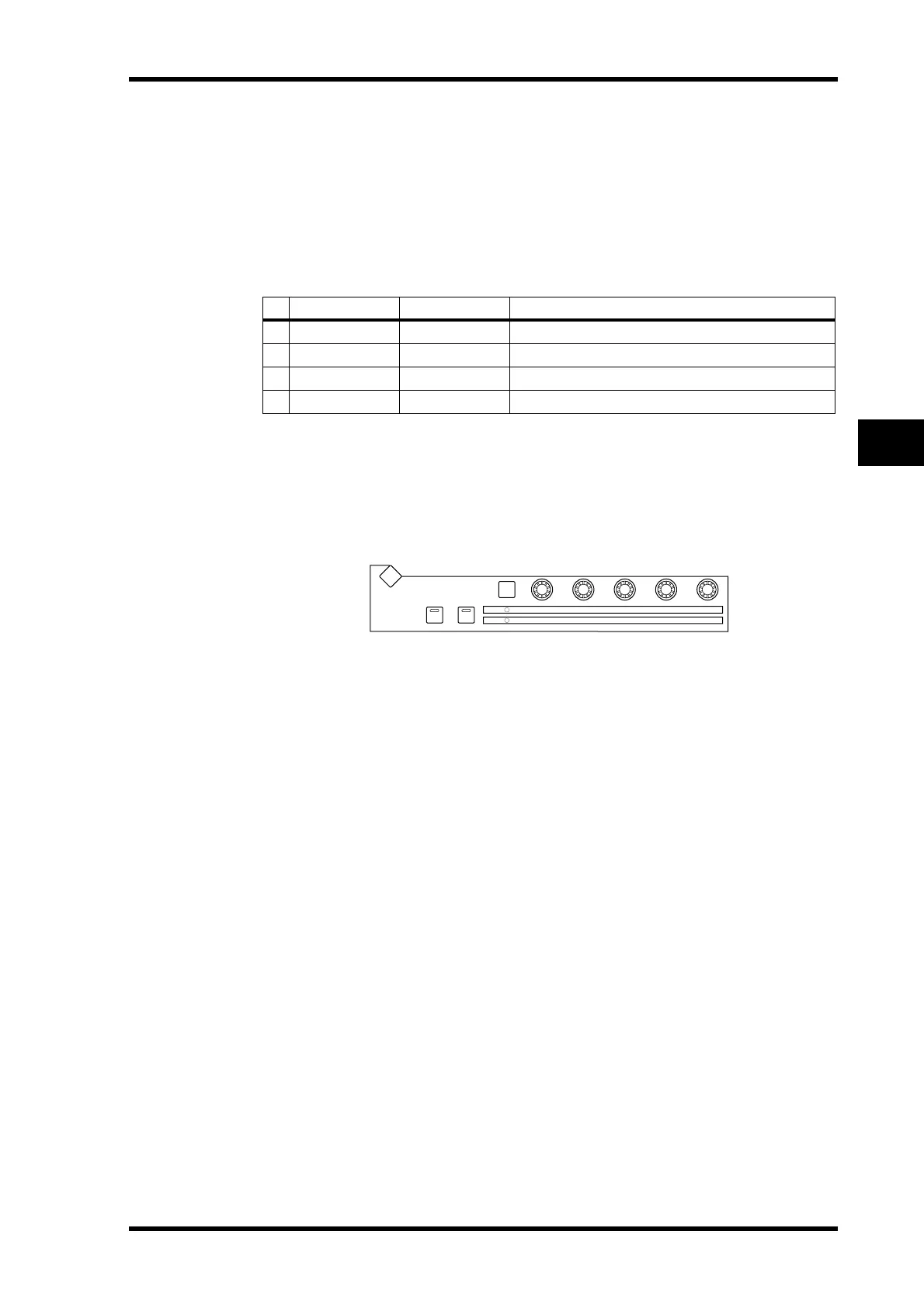
Using the SELECTED CHANNEL DYNAMICS Controls
1 Use the LAYER buttons to select Input Channel Layers, and use the [SEL] but-
tons to select Input Channels.
2 Use the [GATE ON] button to turn the currently selected Input Channel’s
Gate on or off.
3 Use the [GATE/COMP] button to set the DYNAMICS controls to GATE (GATE
indicator lit), and use the THRESHOLD, RANGE, ATTACK, DECAY, and HOLD
controls to set the Gate.
# Preset Name Type Description
1
Gate
GATE Gate template
2
Ducking
DUCKING Ducking template
3
A. Dr. BD
GATE Gate preset for use with acoustic bass drums
4
A. Dr. SN
GATE Gate preset for use with acoustic snare drums
GATE ON COMP ON
GATE
COMP
RANGE
RATIO
ATTA CK
ATTA CK
DECAY
RELEASETHRESHOLD
THRESHOLD HOLD
DYNAMICS
GATE / COMP
GAIN
DISPLAY



 To Next Page