Control Surface Operation with the Pro Tools Remote Layer 237
DM2000 Version 2—Owner’s Manual
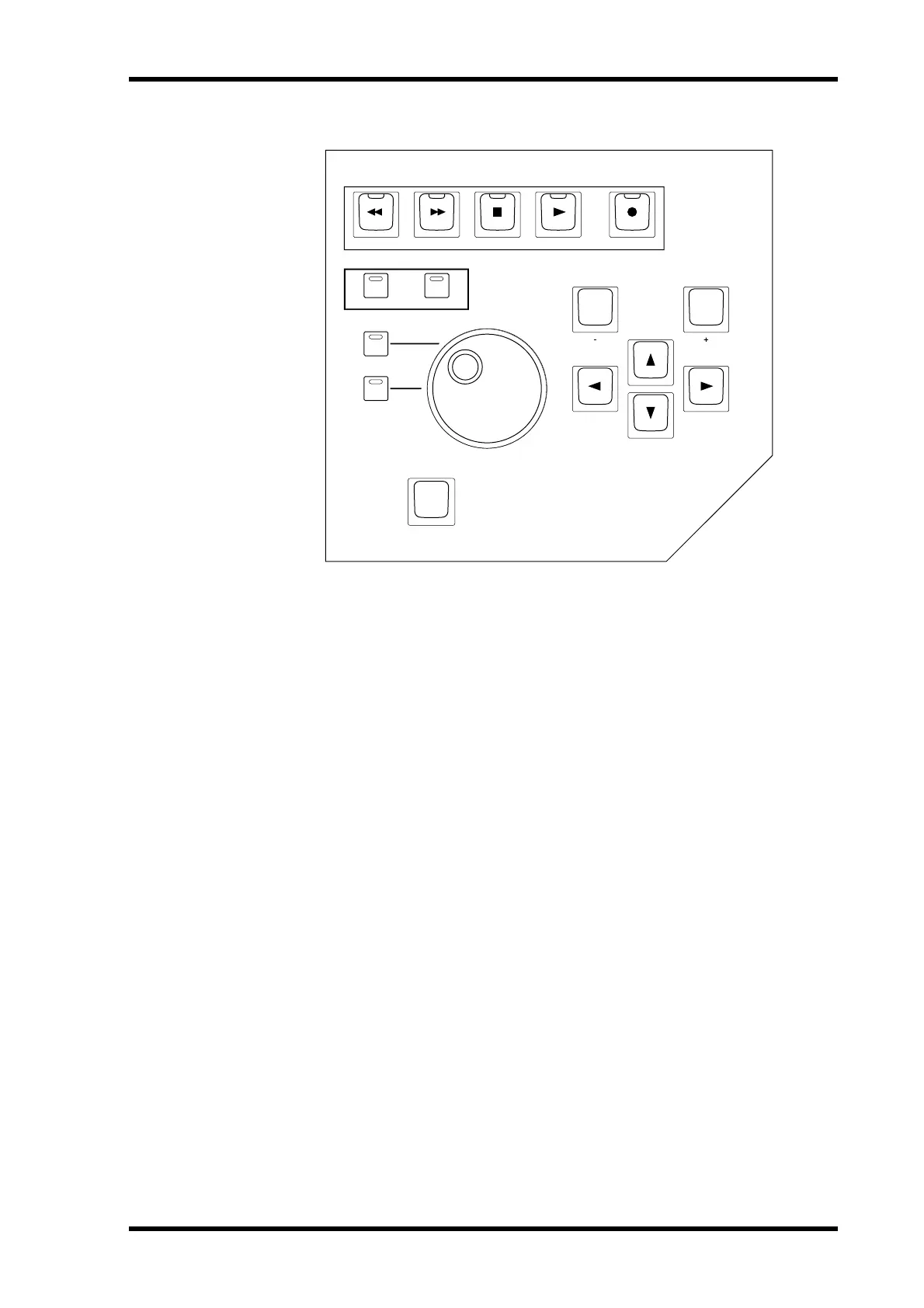
Data Entry & Transport Section
[REW] button
This button rewinds from the current cursor position (it’s non-latching).
[FF] button
This button fast forwards from the current cursor position (it’s non-latching).
[STOP] button
This button stops playback and recording.
[PLAY] button
This button starts playback from the current cursor position.
[REC] button
This button arms Pro Tools for recording ([REC] button indicator flashing), recording is
started by pressing the [PLAY] button ([REC] button indicator lit continuously).
[BACK] (EDIT MODE) button
This button is used to select the following edit modes: Shuffle, Slip, Spot, and Grid.
[FORWARD] (EDIT TOOLS) button
This button is used to select the following edit tools: Zoomer, Trimmer, Selector, Grabber,
SmartTool, Scrubber, and Pencil.
Parameter Wheel
The Parameter wheel is used for shuttling and scrubbing (see page 249). It’s also used for
making fine adjustments to the selected region (see page 248).
ENTER
INC
REC
REW
FF STOP PLAY
DEC
(CURSOR MODE)(ESC)
BACK FORWARD
(EDIT MODE) (EDIT TOOLS)
SHUTTLE
DISPLAY HISTORY
SCRUB



 To Next Page