98 Chapter 7—Input Channels
DM2000 Version 2—Owner’s Manual
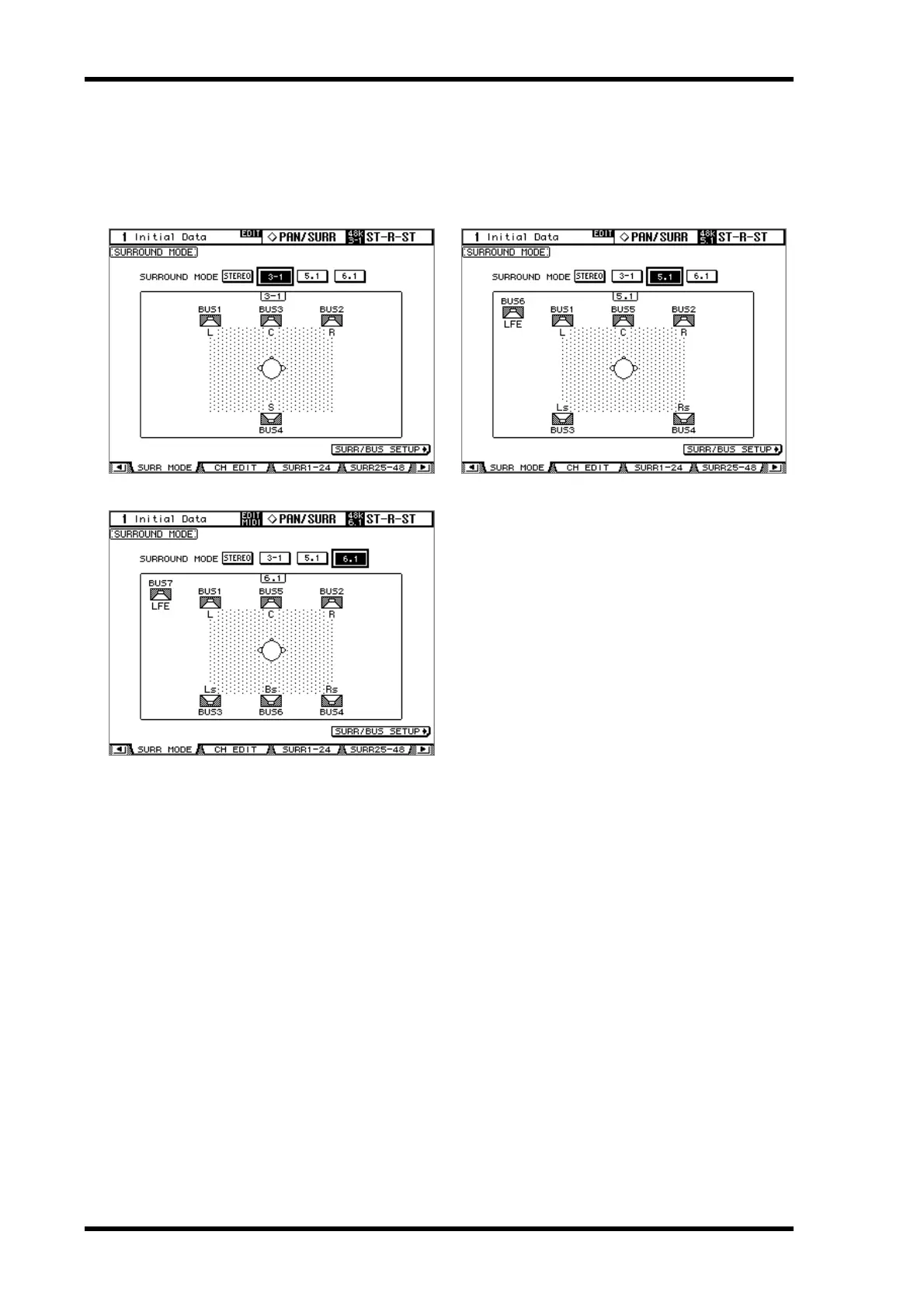
2 Use the cursor buttons to select the surround mode buttons, and press
[ENTER] to activate the selected mode.
The diagram on each page shows the typical sound image placement and the Surround
channel to Bus Out configuration.
Select the SURR/BUS SETUP button, then press the [ENTER] button to display the Sur-
round Bus Setup page, which enables you to change the Surround Channel to Bus Out
assignment. See “Assigning Surround Channels to Buses” on page 99 for more information
on the Surround Bus Setup page.
3-1 Surround 5.1 Surround
6.1 Surround



 To Next Page