User’s Manual 1PH HYD3000-HYD6000-ZSS
Rev. 1.1 16/03/2021
Identification: MD-AL-GI-00
Rev. 1.1 of 16/03/2021 - Application: GID
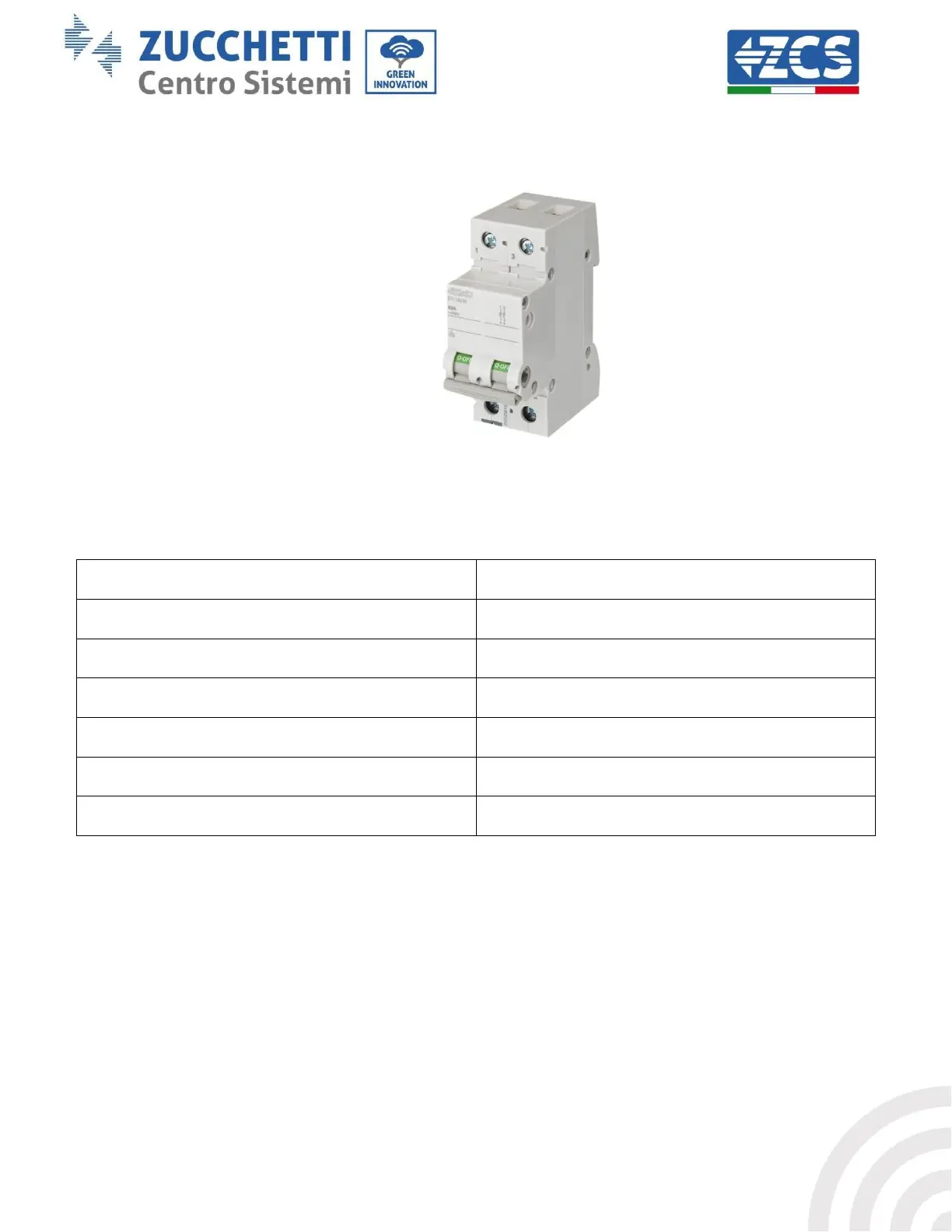
5. Supply AC power through the dedicated protection switch of the storage inverter. If there is more
than one switch protecting the inverter (e.g. a circuit breaker and differential switch), they must all
be set to ON to allow the inverter to be connected to the grid.
Figure 38 – Example of AC switch protecting the inverter
The following parameters must be configured before the 1PH HYD3000-HYD6000-ZSS inverter starts
working.
8)* Set the minimum discharge voltage
9)* Set the maximum discharge voltage
3) Select the type of battery
10)* Set the minimum voltage protection
4)* Set the battery capacity
11)* Set the depth of discharge
5)* Set the maximum charge voltage
12)* Set the no-load discharge voltage
6)* Set the maximum charge current
13)* Set the full charge voltage
7)* Set the maximum protection voltage
Note: Settings 4)* to 13)* do not have to be configured.
1) Setting of system time
The system time format is “Year-Month-Day-Hour-Minutes-Seconds”, press “Up” or “Down” to change the
first number, press “OK” to move to the next number, press “OK” to complete the setting. Once the time has
been set, the “Set Country” menu will pop up.









 To Next Page