User’s Manual 1PH HYD3000-HYD6000-ZSS
Rev. 1.1 16/03/2021
Identification: MD-AL-GI-00
Rev. 1.1 of 16/03/2021 - Application: GID
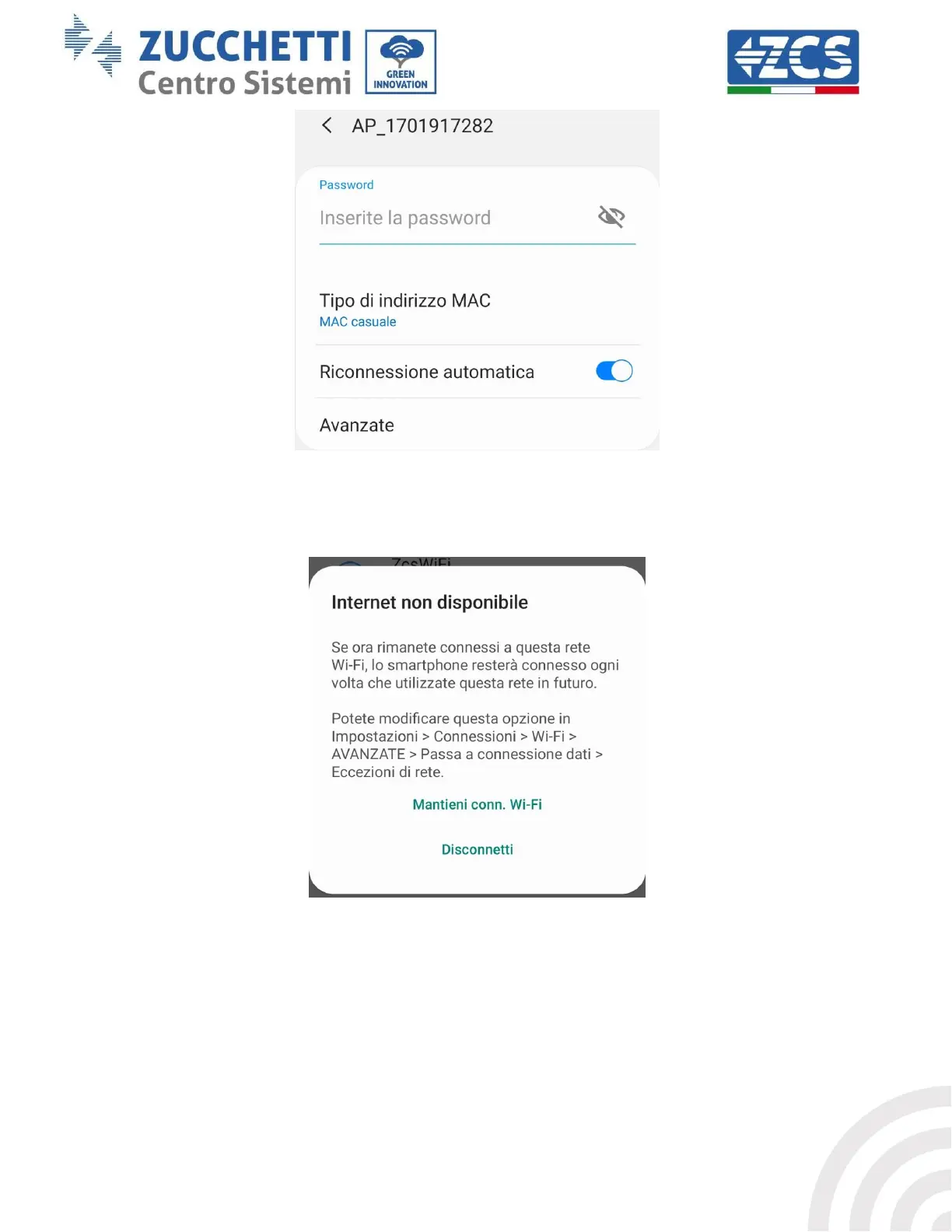
Figure 46 – Password entry prompt
Note: the Access Point is not able to provide internet access; confirm to maintain the Wi-Fi connection, even
if the internet is not available
Figure 47 – Screen indicating that the Internet cannot be accessed
4) Open a browser (Google Chrome, Safari, Firefox) and enter the IP address 10.10.100.254 in the
address bar at the top of the screen.
In the box that appears, enter “admin” as both the Username and Password.









 To Next Page