User’s Manual 1PH HYD3000-HYD6000-ZSS
Rev. 1.1 16/03/2021
Identification: MD-AL-GI-00
Rev. 1.1 of 16/03/2021 - Application: GID
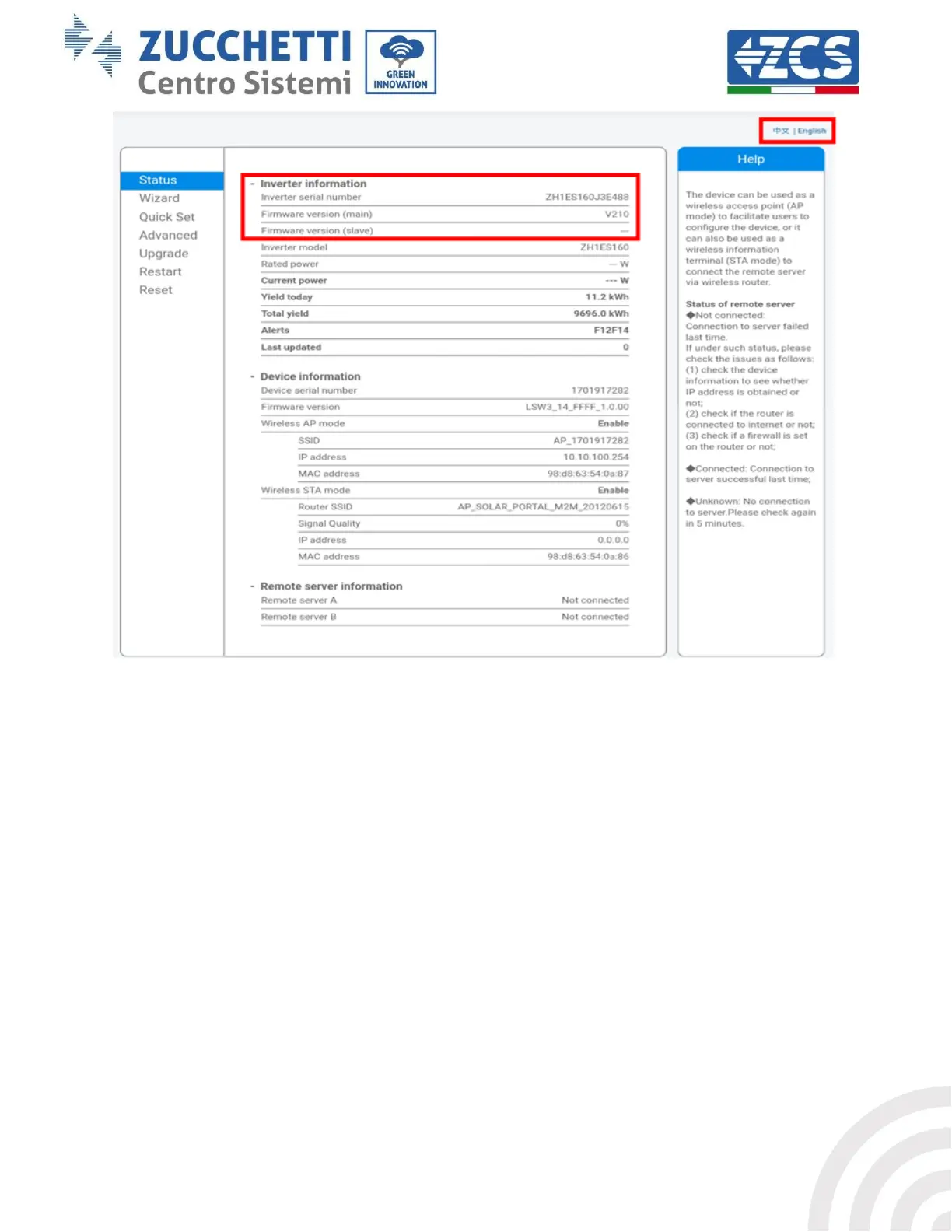
Figure 49 – Status screen
6) Click on the Wizard setup button in the left-hand column.
7) In the new screen that opens, select the Wi-Fi network to which you want to connect the Wi-Fi
adapter, making sure that the Received Signal Strength Indicator (RSSI) is greater than 30%. If the
network is not visible, press the Refresh button.
Note: check that the signal strength is greater than 30%, if not, bring the router closer or install a
repeater or signal amplifier.
Click Next.









 To Next Page